SLI (tooltip: Sidescan)
This is the Sonar Lateral Imaging mode (well-known as ‘side scan’)
which uses a port and a starboard STV multibeam swath.
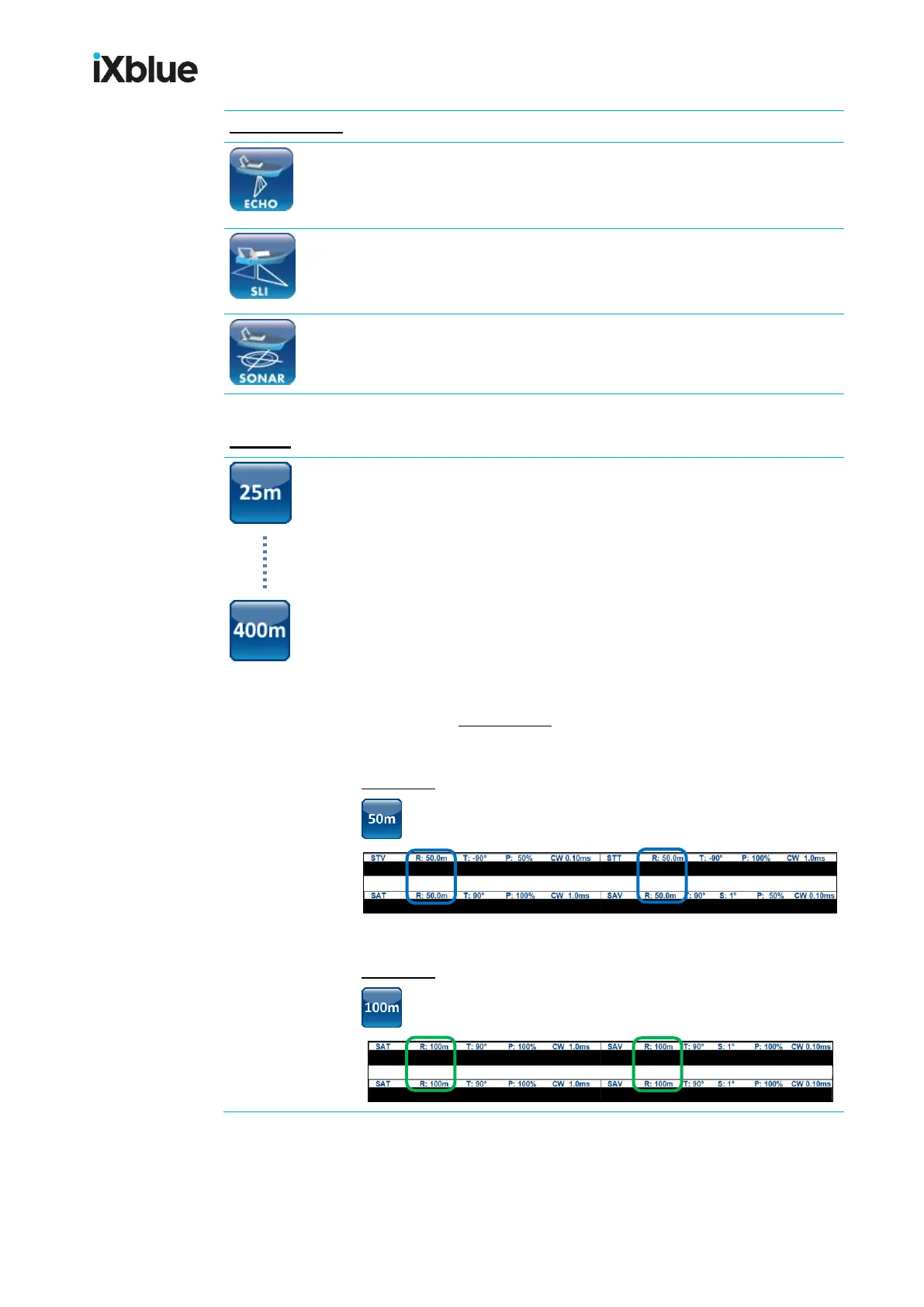
25m (tooltip: PT_025 or BT_025 or PS_025 or TS_025)
50m (tooltip: PT_050 or BT_050 or PS_050 or TS_050)
100m (tooltip: PT_100 or BT_100 or PS_100 or TS_100)
200m (tooltip: PT_200 or BT_200 or PS_200 or TS_200)
300m (tooltip: PT_300 or BT_300 or PS_300 or TS_300)
400m (tooltip: PT_400 or BT_400 or PS_400 or TS_400)
You can edit those preset buttons through SeapiX > Mode Presets >
Manage (see SeapiX menu). You can also create other presets.
Example 1: STV, STT, SAT, SAV acoustic swath view headers for
(with 50m general range)
Example 2: STV, STT, SAT, SAV acoustic swath view headers for
(with 100m general range)



 To Next Page