SeapiX – Operation Manual
SSD-C-1302 Ed. A – 01/2020 38
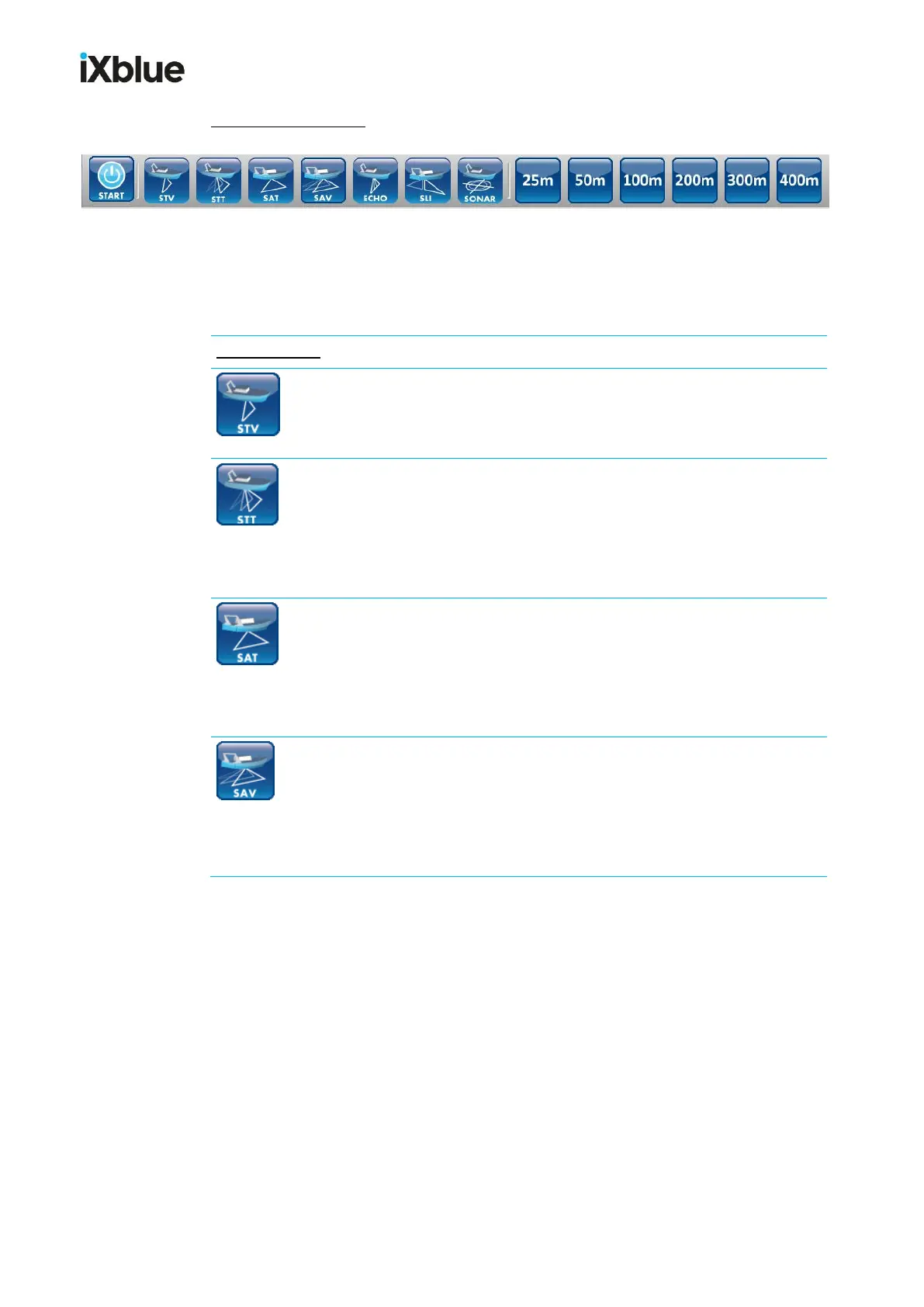
VERTICAL TOOLBAR = Toolbar 2, with 14 buttons:
This toolbar provides mode and user settings selection. You can use it to show / hide
visualization windows and to call user settings.
Toolbar 2
STV (tooltip: STV)
This is the Sonar Transverse Vertical mode.
The STV tilt angle is 90° fixed for a vertical sounding.
STT (tooltip: STT)
This is the Sonar Transverse Tiltable mode.
The transverse swath can be tilted forward and stern. The STT tilt
angle can be selected from the range of 90° (vertical) to
+30° (backward direction) to -30° (forward direction).
SAT (tooltip: SAT)
This is the Sonar Axial Tiltable mode.
The along-track section of a water column is visualized. The SAT tilt
angle can be selected within the range +30° (port under the surface)
to -30° (starboard under the surface), including 90° (vertical).
SAV (tooltip: SAV)
This is the Sonar Axial Volumetric mode.
The volume is scanned under the vessel. The SAV min and max tilt
angle can be selected with the range +30° (port under the surface)
to -30° (starboard under the surface).



 To Next Page