3.4
JAKA’s robot support a three-position enabling function, which can be used in conjunction with external three-
position enable device. The standard product delivery of JAKA’s robot does not include this device. The three-
position enabling safety input interface is available for users and as an option for matching hardware, which the
design meets the certification requirements. For this optional accessory, please contact the authorized supplier
of JAKA.
When you use three-position enabling device and configure the corresponding function in the software, the robot
can only be moved and controlled after the three-position switch is pressed to a middle point. See 9.4.1 Definition
of Front Panel Interfaces, 9.4.3 Safety I/O Interfaces for wiring method.
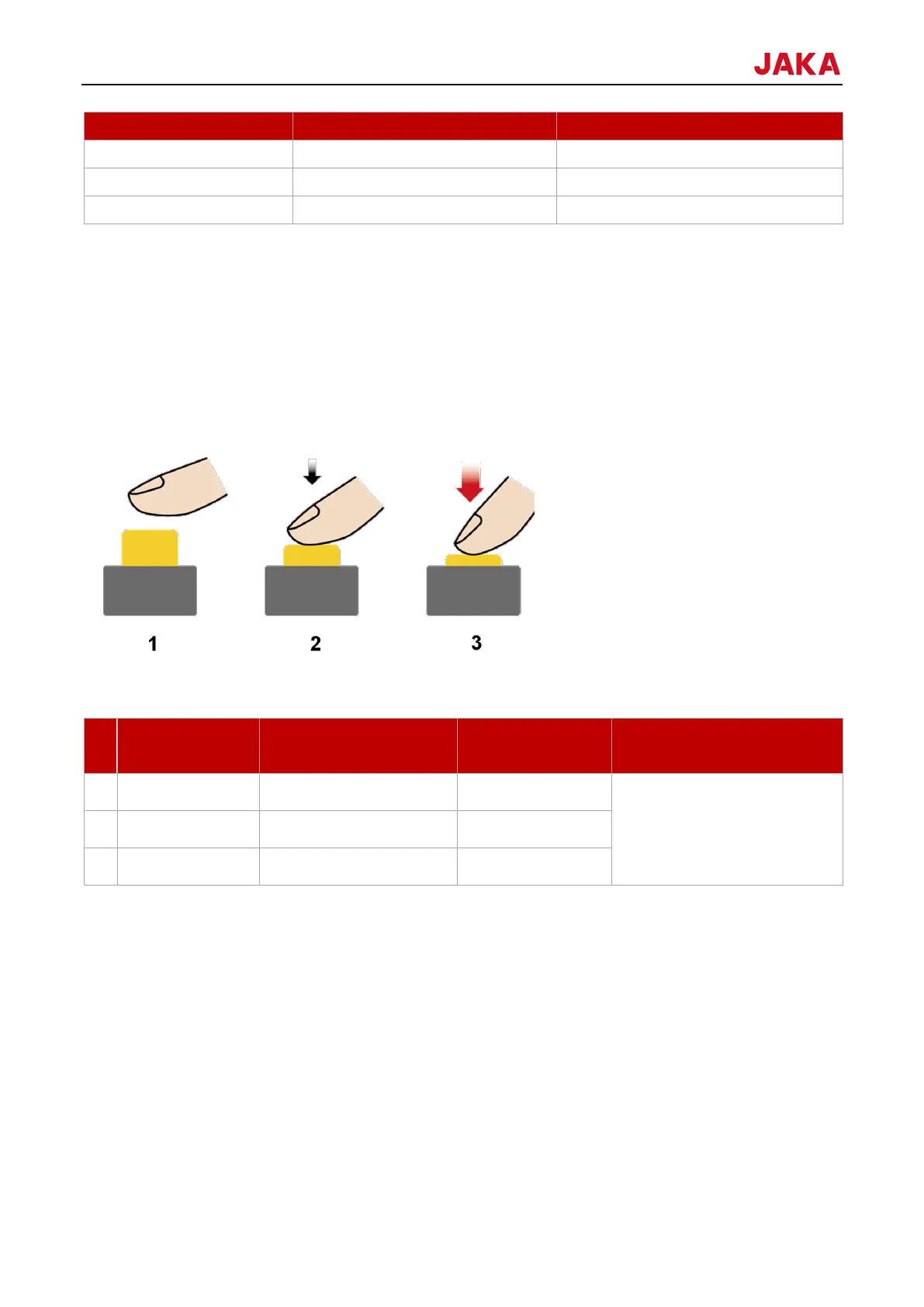
The picture of the three-position enabling switch is as follows:
The corresponding robot control states for different states of the three-position enabling switch are as follows:
When a program is run, the
three-position enabling function
is switched off.
Note:
Manual control contains dragging robot by pressing and holding the free button, dragging robot by pressing and
holding the pause/resume button, JOG robot, and debugging function in programming interface.
JOG refers to manually controlling robot movement in the JAKA Zu App by dragging the slider in the manual
operation interface.



 To Next Page