NT–2000 REF Manual
Control Panel Functions
2-8
2. Control Panel Functions (
continued – 8/10
)
⑭ Message/Station Rejection Key
– 2/2
・ When option “5:MAKE SEL/REJ SETTING” on the SYSTEM MENU is currently
accessed for selection/rejection settings, this key rejects the station or message
type you specify. An example of station rejecting procedure is illustrated below.
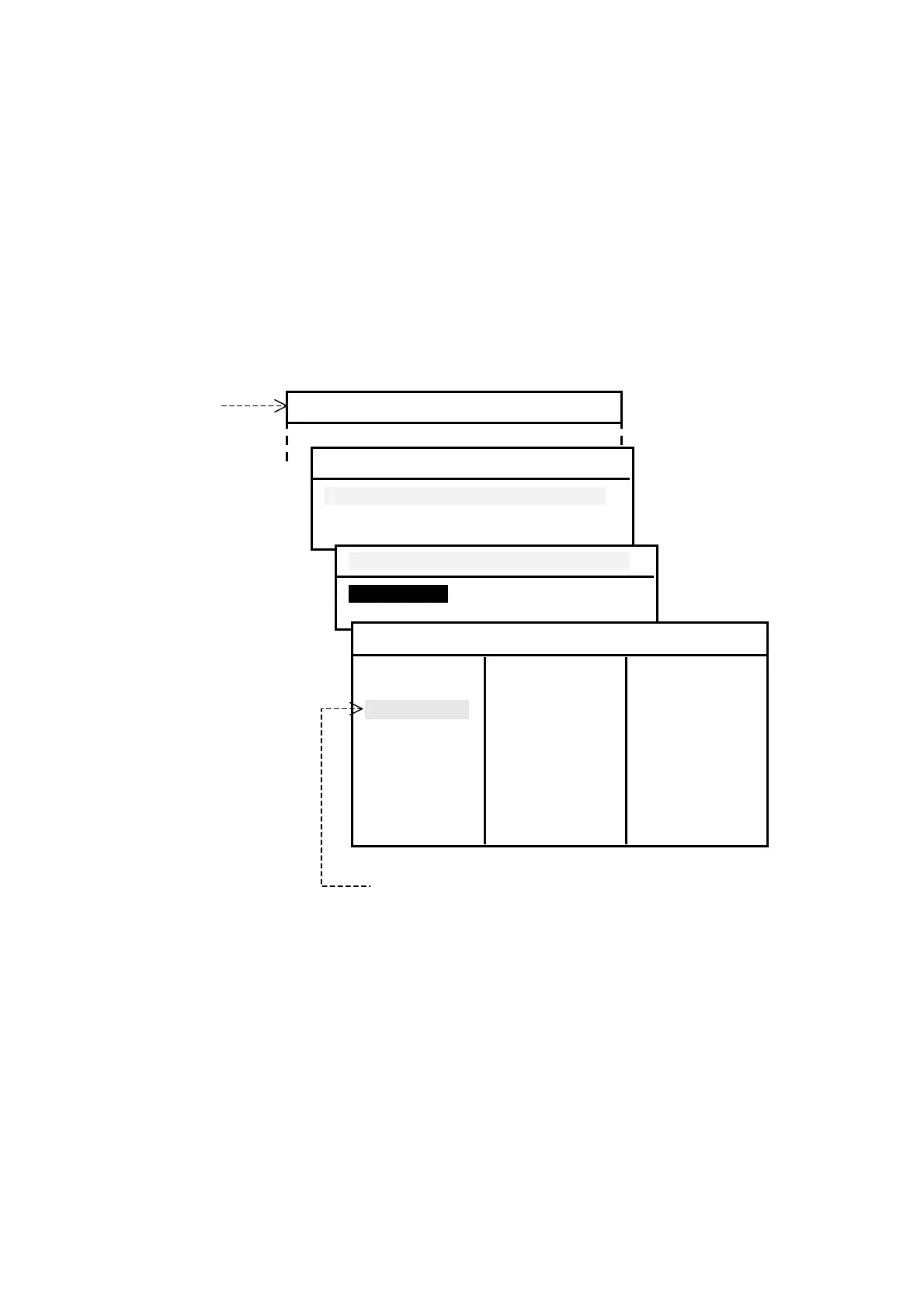
Figure 2-10 Rejecting Stations – Example
Currently selected
stations are shown
in green. Rejected
stations are in red.
Using
/
and
/
, select the station ID in the list you wish to reject,
and then press
.
While other menu is being displayed, pressing this key produces three quick
beeps to indicate an operational error.
*
The functions of
are summarized in paragraph
⑮
on the next page and
described in details in various paragraphs under section 4
.
(
continued on next page
)
SYSTEM MENU
4:MAKE SEL/REJ SETTING
1:SYNCHRONIZE BOTH RECEIVERS
2:FIRST RECEIVER (518KHZ)
3:SECOND RECEIVER
1:SYNCHRONIZE BOTH RECEIVERS
1:STATIONSI
2:MESSAGES
1:STATIONS
A:SELECTED J:SELECTED S:SELECTED
B:SELECTED K:SELECTED T:SELECTED
C:SELECTED L:SELECTED U:SELECTED
D:SELECTED M:SELECTED V:SELECTED
E:SELECTED N:REJECTED W:REJECTED
F:SELECTED O:SELECTED X:SELECTED
G:SELECTED P:SELECTED Y:SELECTED
H:SELECTED Q:SELECTED Z:REJECTED
I:SELECTED R:SELECTED
Station C is currently selected. To reject it, press
.
*



 To Next Page