77
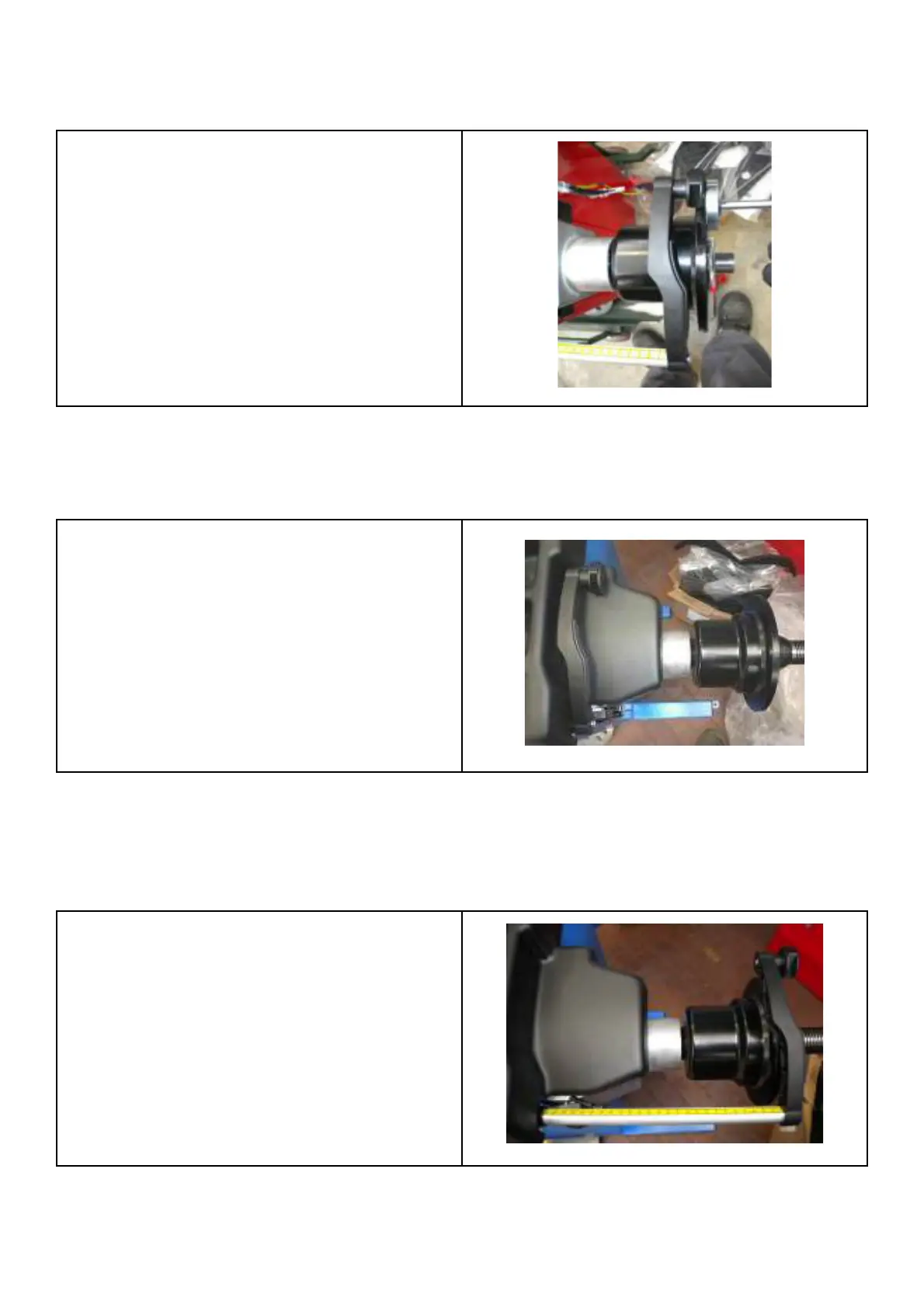
Place the gauge arm to the • ange edge and adjust the diameter potentiometers mechanically:
the voltage of the diameter potentiometer is indicated in the left 3-digit display.
Place the arm to • ange edge. The reading must
be:
2.60 – 2.63V
Move gauge arm to calibration position 1 and adjust extraction potentiometer mechanically. Press acknowledge key to
confi rm step 1.
Gauge arm fully returned to home position.
Step 2: Move gauge arm to calibration position 2. Press acknowledge key to confi rm step 2.
Gauge arm extended to max extension



 To Next Page