78
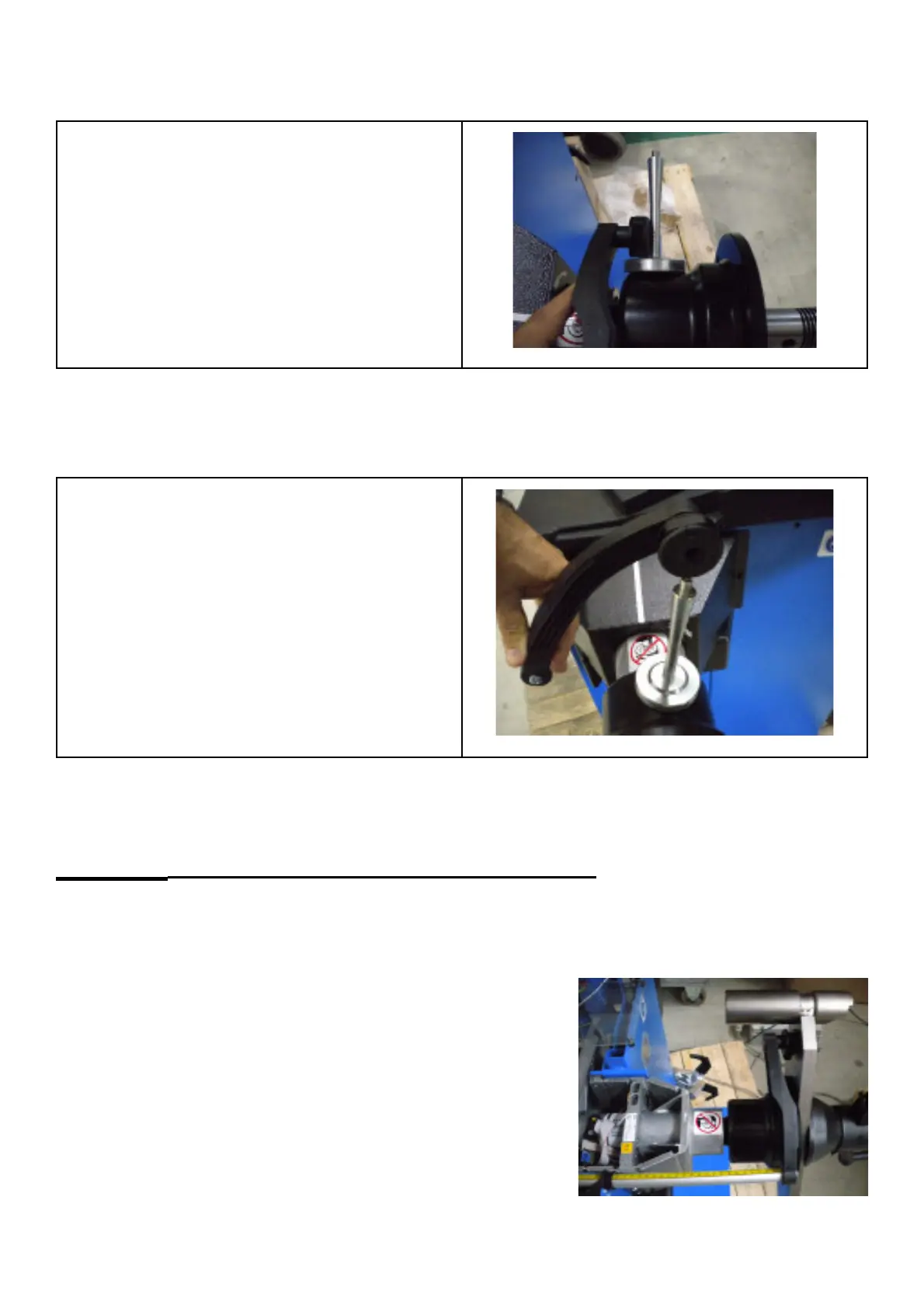
Step 3: Move gauge head to calibration position 3. Press acknowledge key to confi rm step 3.
Position 1 of calibration template, or head of
calibration weight
Step 4: Move gauge head to calibration position 4. Press acknowledge key to confi rm and quit the calibration.
Position 2 of calibration template, or tip
(screw) of calibration weight
Comments: None
C81 Measuring the adaptor fl ange and the zero plane
Options: None
Special function: None
Description:
To keep the machine operative and to allow width measurement in case the
gauge arm is defective, the distance SAPE will be calibrated relative to the
clamping surface of the adaptor on the condition that the gauge arm has
already been calibrated. Having applied the gauge arm to the outer edge
of the adaptor " ange, press the Acknowledgment key to acknowledge the
input. No further inputs are necessary.
Comments: None.



 To Next Page