ACU-5000 Operations Manual
9-4 Interoperability Now
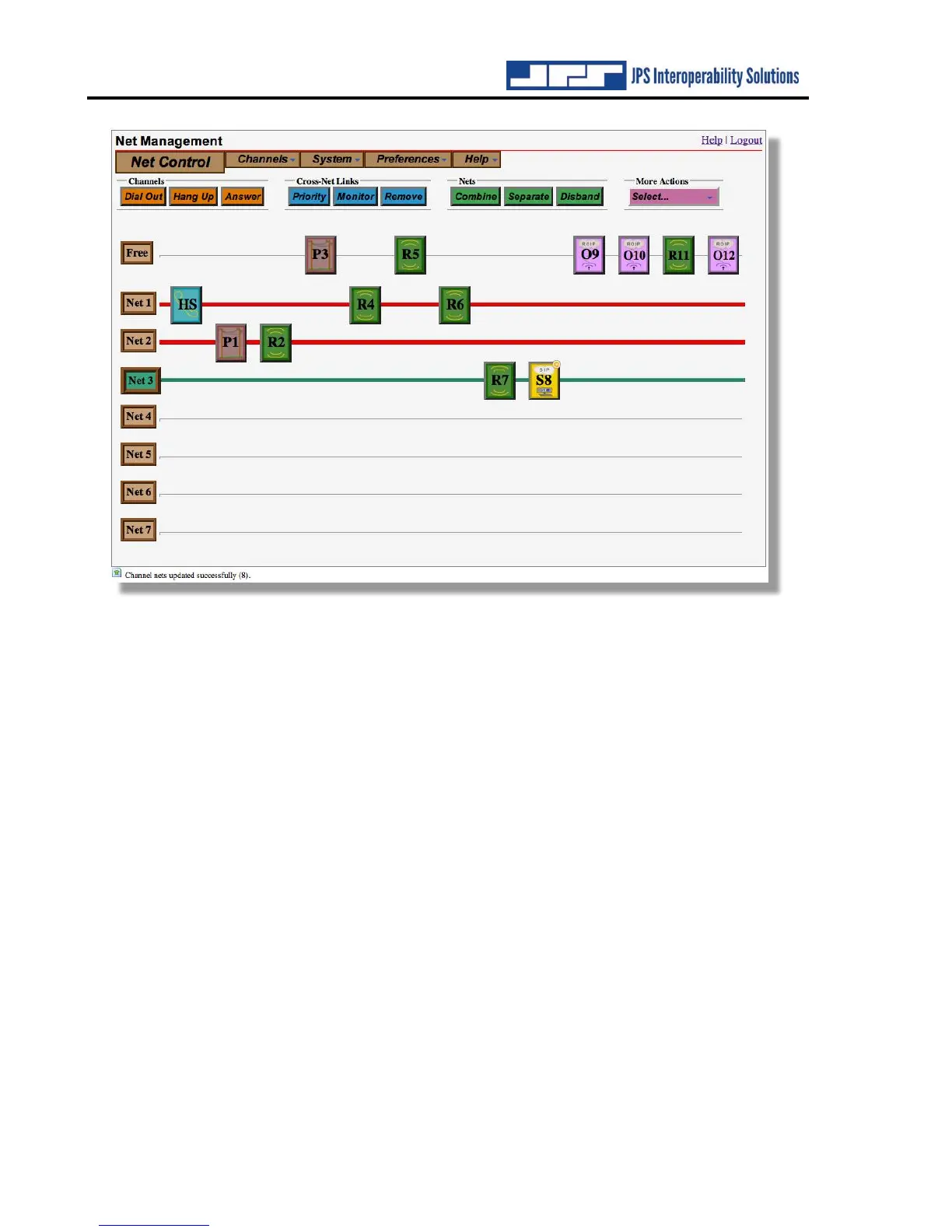
In the previous screen shot, the Net 3 icon and the net line are both still dark green to indicate
that channel building operation is still active and other channels can be quickly added to the
net. After clicking on radio channel number 5 (to add channel 5 to the net), and again on Net 3
(to deselect Net 3 and terminate the net building process), the Net control page has three
operational nets:



 To Next Page