EasyManua.ls Logo

JUKI IT-100D - Page 32

JUKI IT-100D
122 pages
Print Icon
To Next Page IconTo Next Page
To Previous Page IconTo Previous Page
Loading...
– 29 –
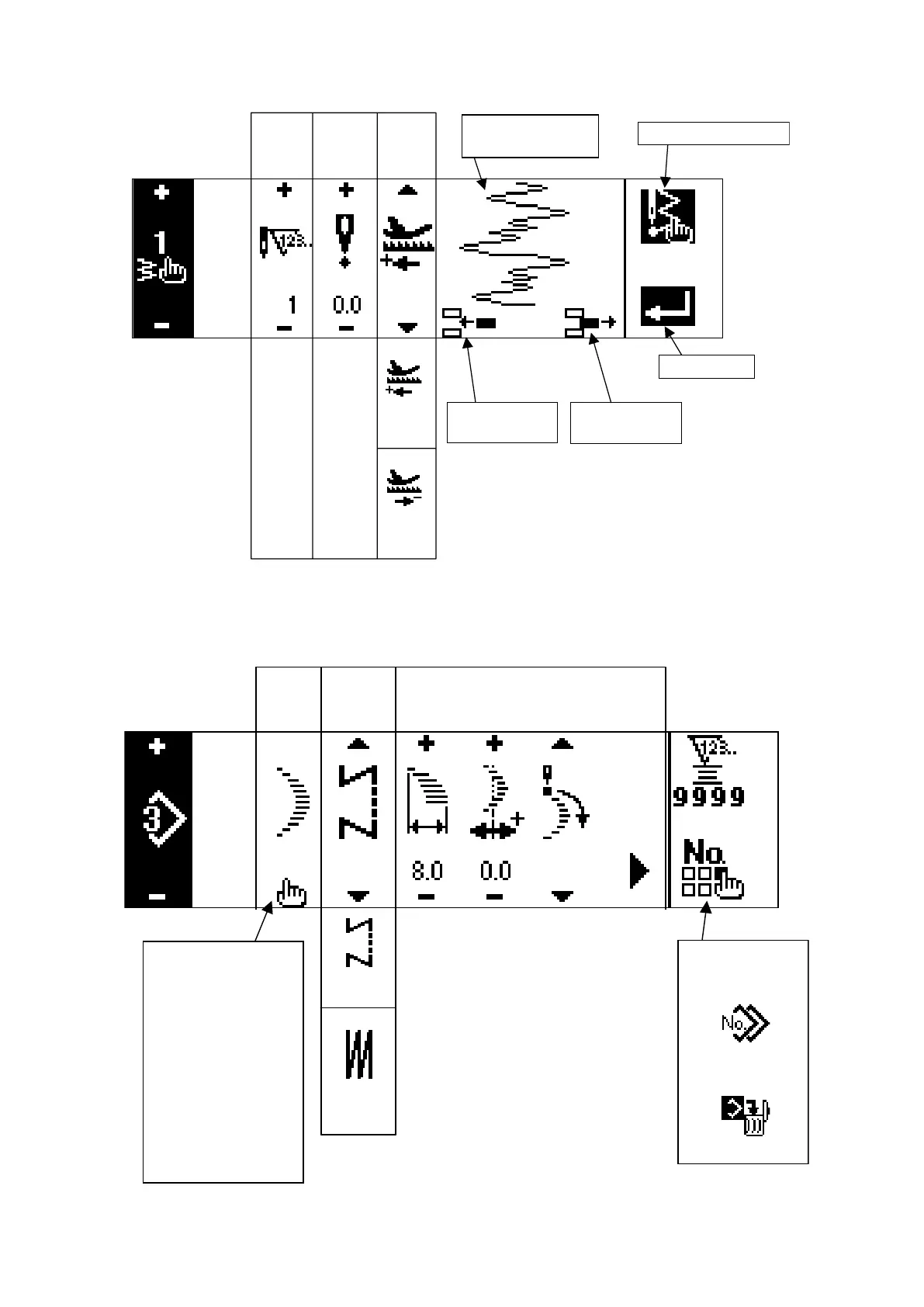
Custom pattern edit screen
Pattern sewing shape setting screen
Needle entry
point insertion
Selection of
sewing shape
Straight stitch
2-step zigzag stitch
3-step zigzag stitch
4-step zigzag stitch
Scallop
(8 kinds)
Blind stitch
(Right and Left)
Custom
(1 to 20)
Free
stitching
Overlapped
stitching
Sewing
shape
Kind of
sewing
Display of contents depends on shape.
Refer to each shape.
Copy and
deletion screen
Copy
Deletion
Step Zigzag
position
input
Feed
direction
Normal •
Reverse
Custom pattern
needle entry image
Needle entry
point insertion
Needle entry
point delection
Determination
Last needle entry input
Normal
Reverse
– 5.0
to
5.0
1
to
500

Table of Contents

Related product manuals