Maintenance Guide
17-2
17-1 Replacing the Sensor
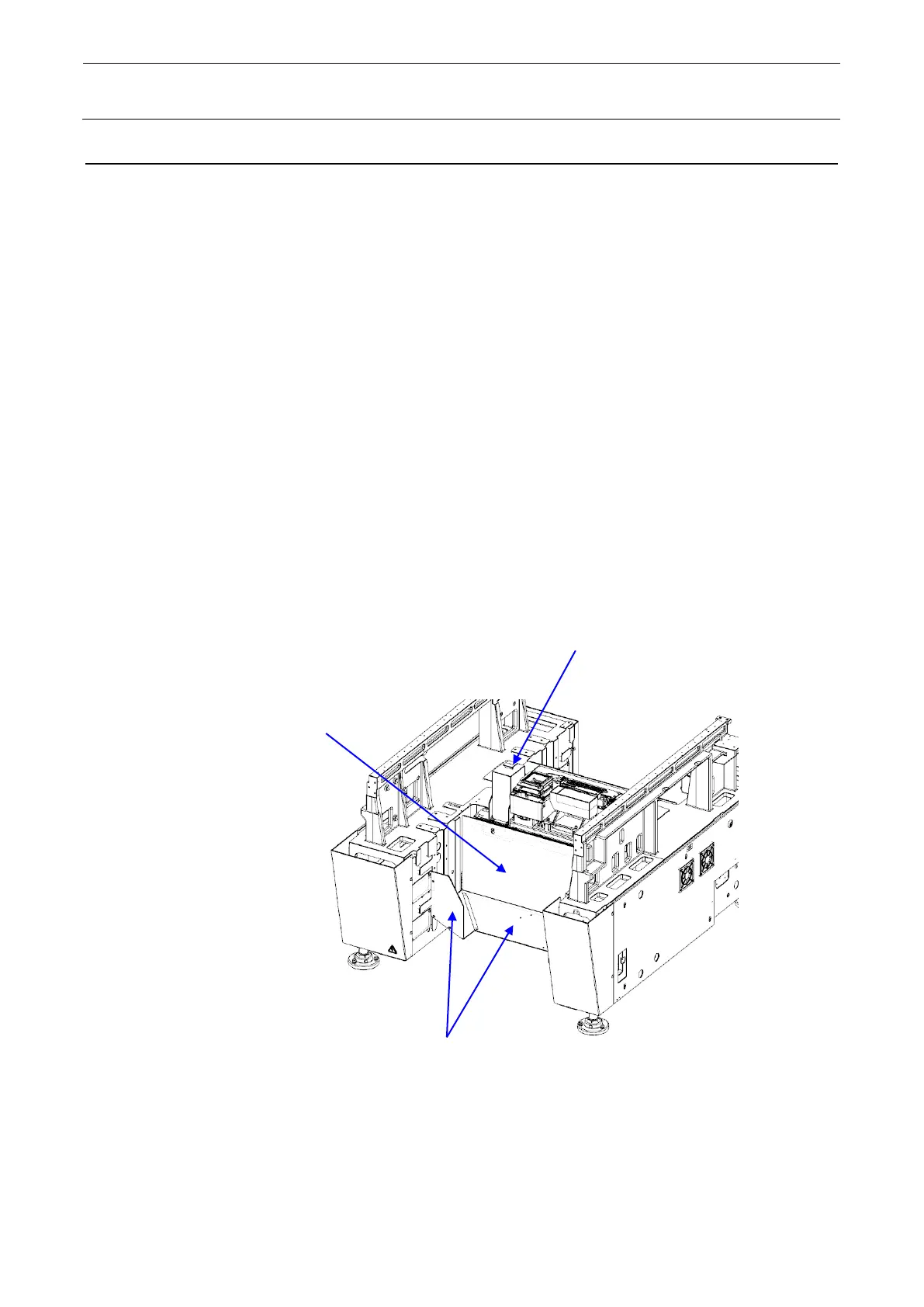
1) Detach the trash guide on the rear and the bottom cover (bank cover C_F).
2) Disconnect each cable from the lower portion of the sensor.
* It is not necessary to disconnect the cables that come from the inside of the sensor.
3) Remove the sensor fixing screws to replace the sensor.
4) Reassemble the components in the reverse order of disassembly.
* When assembling the sensor, assemble the sensor to the sensor base temporarily and
insert the reference pin (jig) into the reference hole to make the positioning. After
positioning, tighten the screws securely and pull out the reference pin.
* When pulling out the reference pin, cover it with a cloth rag and pull it using long nose
pliers.
* Be sure to use the lower reference hole.
5) After assembly, obtain the coplanarity offsets again.
Coplanarity sensor
Bank cover C_F
Trash guide



 To Next Page