Maintenance Guide
18-4
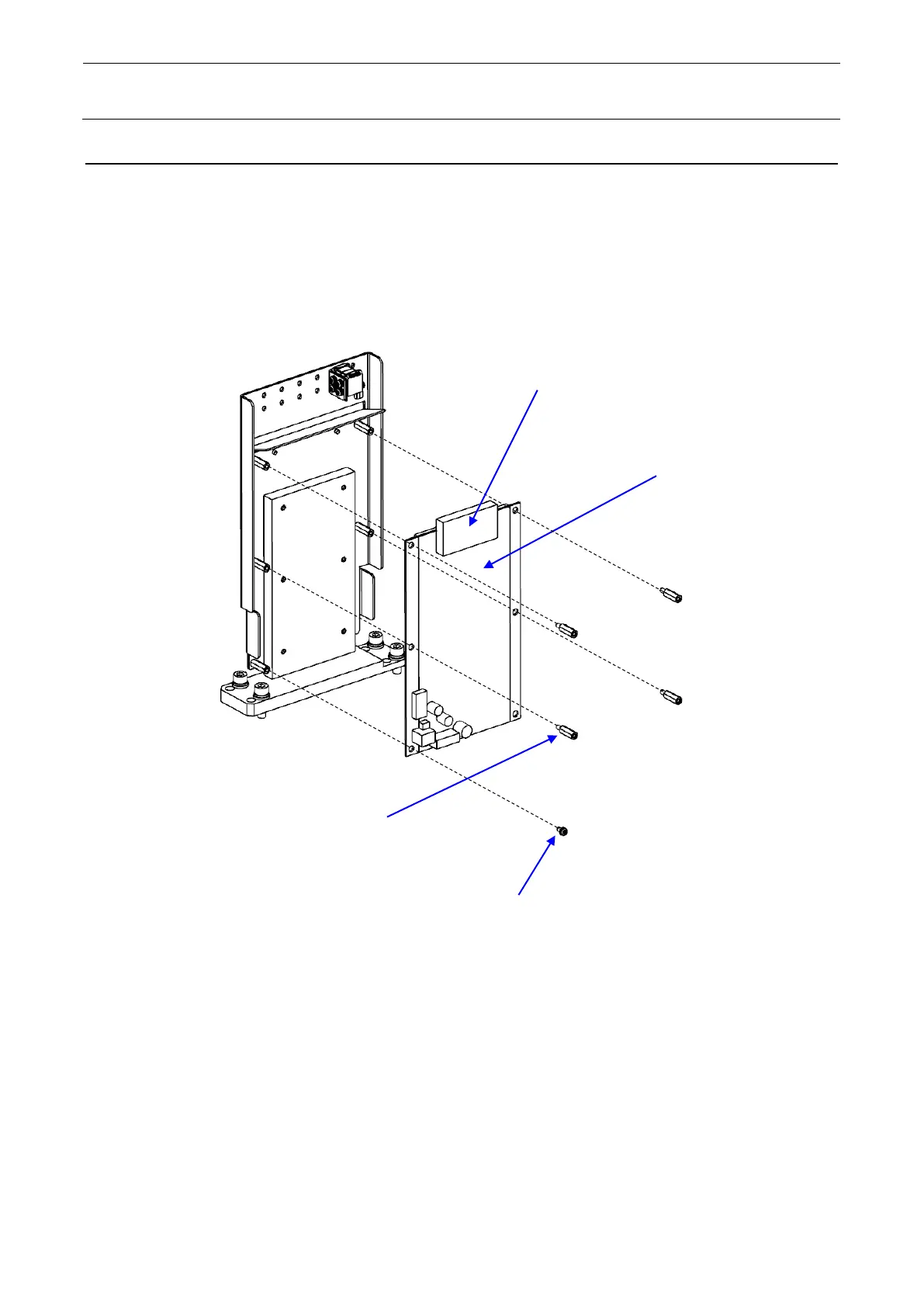
18-2 Changing the CVS Board
1) Detach the CVS cover. For details about how to detach the CVS cover, see section 18-1,
Changing the CONTACT SUB UNIT.
2) Disconnect the connector, remove the spacers and screws, and change the board.
3) Reassemble the components in the reverse order of disassembly.
CVS board
Connector
Washer assembled round
head screw M3, L=6



 To Next Page