1-35
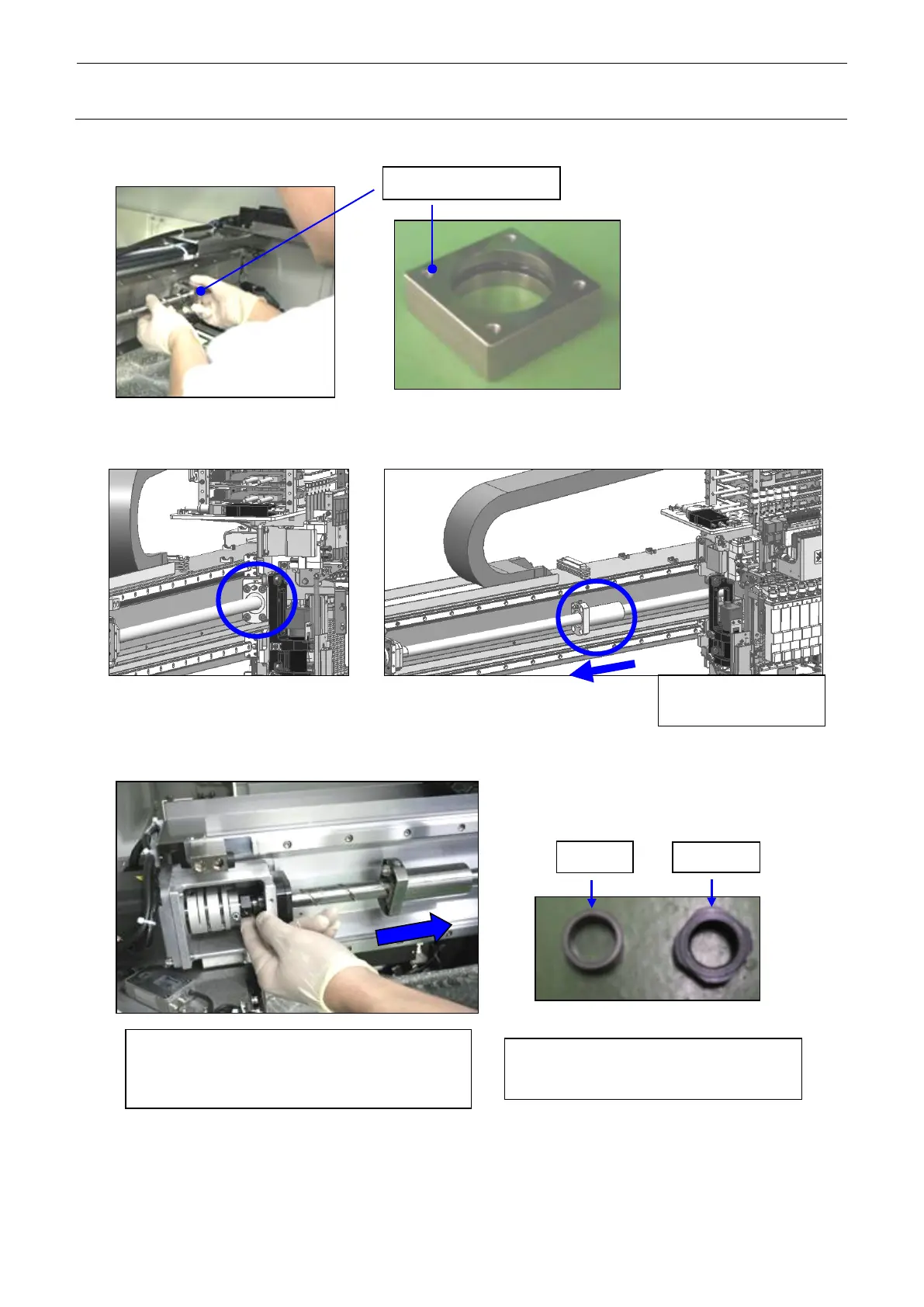
(5) Detach the X ball screw support from the X ball screw.
(6) Remove the screws that secure the X ball screw_nut.
(7) Remove the lock nut and collar.
Move the X_ball
screw nut to the left.
Turn the lock nut to remove it while
stretching the X ball screw rightward.
In the same manner, remove the collar.
collar (Part No.: 40177466)
Lock nut (Part No.: 40093876)



 To Next Page