Industrial Sewing Machine SADE
102
7.1.10 Free sew function
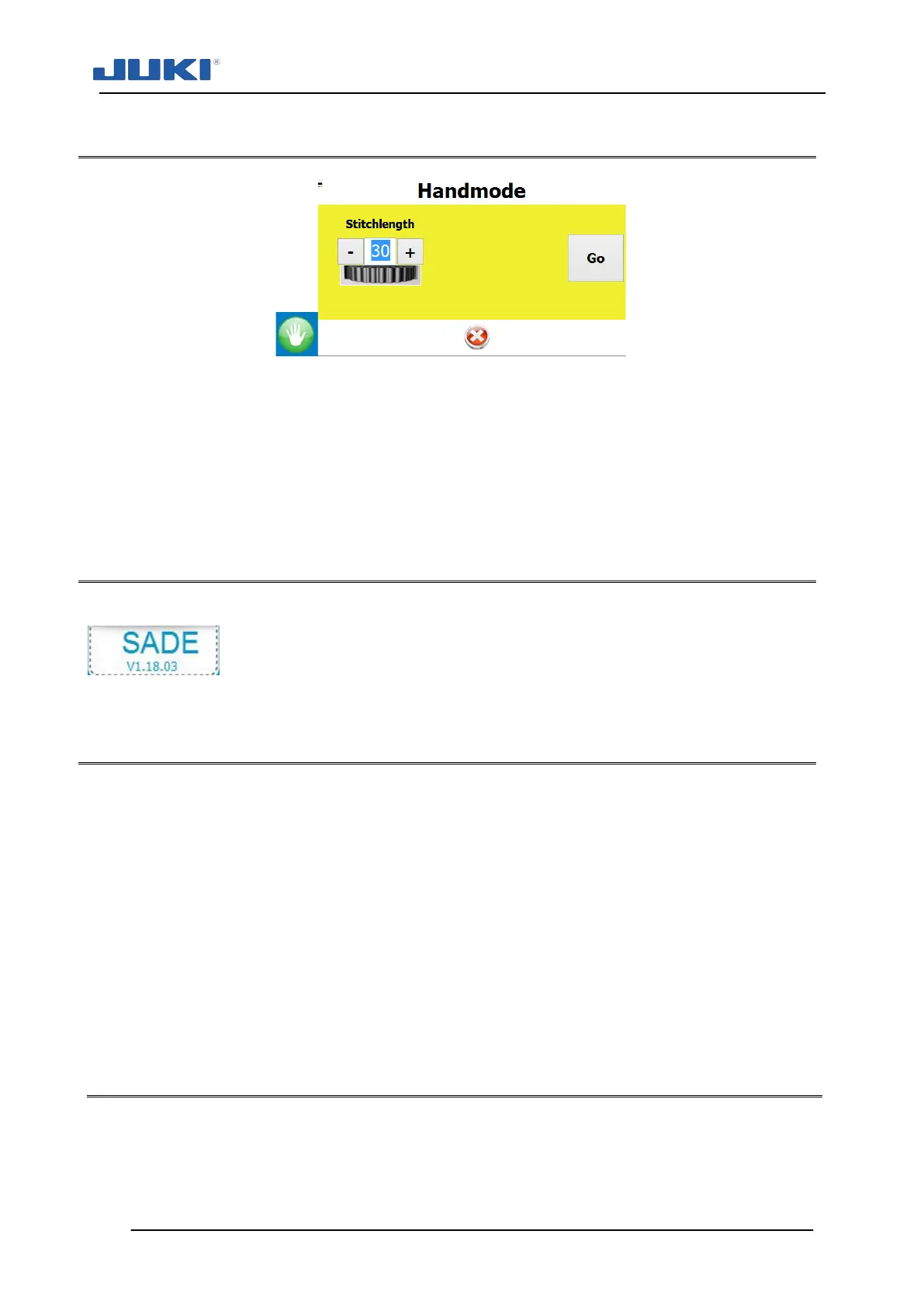
Fig. 73. Free sew function
The free sew button enables users to run the machine freely like a normal sewing ma-
chine. This feature is especially useful for maintenance and mechanical fine tuning of
the machine. If the free sew button is pressed and the user logs off while the machine is
(virtually) inside a seam, the free sew option remains active until the seam is ended. Af-
ter finishing the operation the user has to log on again.
7.1.11 Exiting the SADE software
Exiting the SADE software is done by double clicking on the upper left corner.
7.1.12 Translating Sade modules
Almost all text elements of the Sade user interface and editors can be translated or re-
named. All modules have their own English original wording.
These files can be found in the user documents SADE folder and are called (lan-
guage).lng. It is recommended to make backups before translation is started.
These files cannot be edited. The files can be copied onto other SADE systems for
changing the language.
Keep in mind that space is limited for most on-screen text items. You’ll not find this limi-
tation in the editor, so carefully check the effect of any translation and try to stay within
the same amount of character like the English version. Details – see clause 7.1.1.
7.2 Operating - initialisation
Under normal circumstances when you arrive at the JUKI SADE, the computer is on
stand-by showing the operator identification screen and the sewing control motor is
switched off.


 To Next Page