Industrial Sewing Machine SADE
76
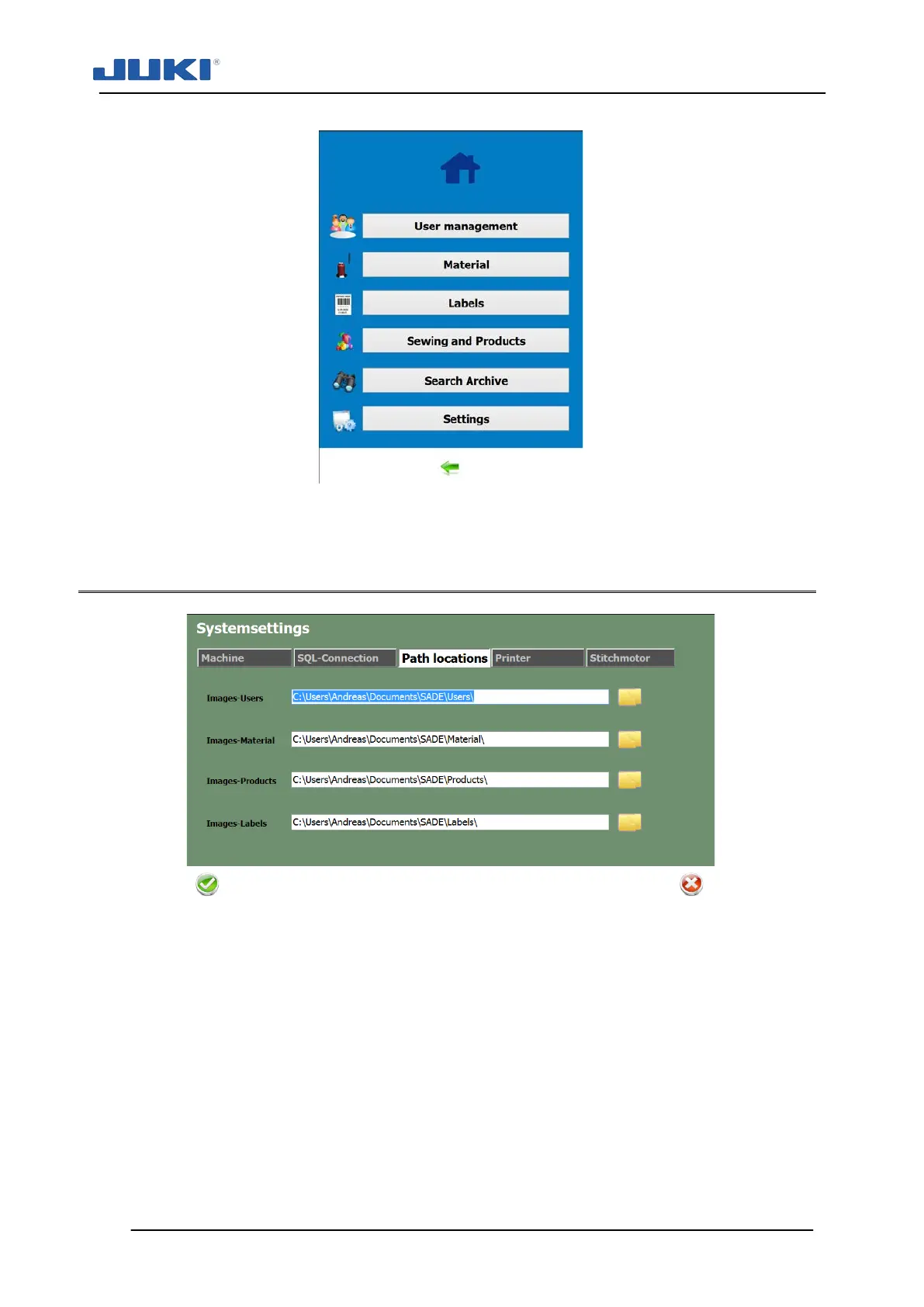
Fig. 40. The Settings Tab
7.1.2.6 Data source and target configuration
Fig. 41. The Path Locations Tab
On the [Path Locations] tab, source and target of data can be set.
Even when used as a stand-alone machine, the JUKI SADE will check for input and
write output to two locations.
To set a desired path, click on the folder pictogram at the right side of the path line.
A folder selection window will appear. Make sure to map network drives in order to
make them selectable.
Remote Product files can be used to point to a location where product files are stored.
Remote User files can be used to point to a location where the user database files can
be found.


 To Next Page