Industrial Sewing Machine SADE
95
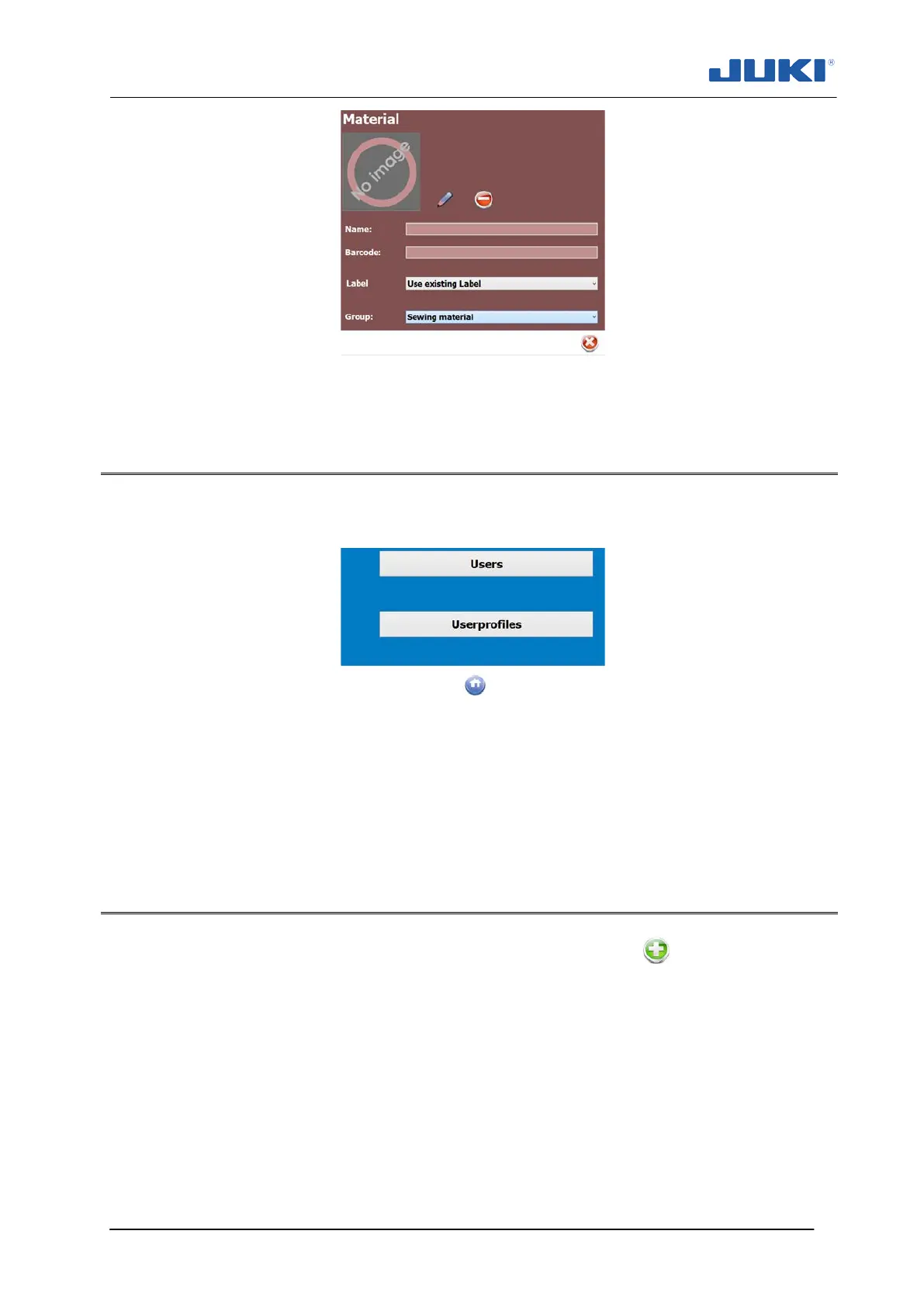
Fig. 67. Material name field
7.1.5 User Management editor
Click on “Users management” (fig. 40, section 7.1.2.5) to access the editor. The follow-
ing screen will appear:
Fig. 68. User Management editor
The editor has two tabs, the first lists the names of the users and, the second tab de-
fines the profiles.
On an empty database it is recommended to start with the definitions of the user
profiles on the second tab.
7.1.5.1 Users
Select the user you want to edit or click on the green + button to add a new user.
When adding the new user you can set the pre defined user profile with its individual
rights.


 To Next Page