45
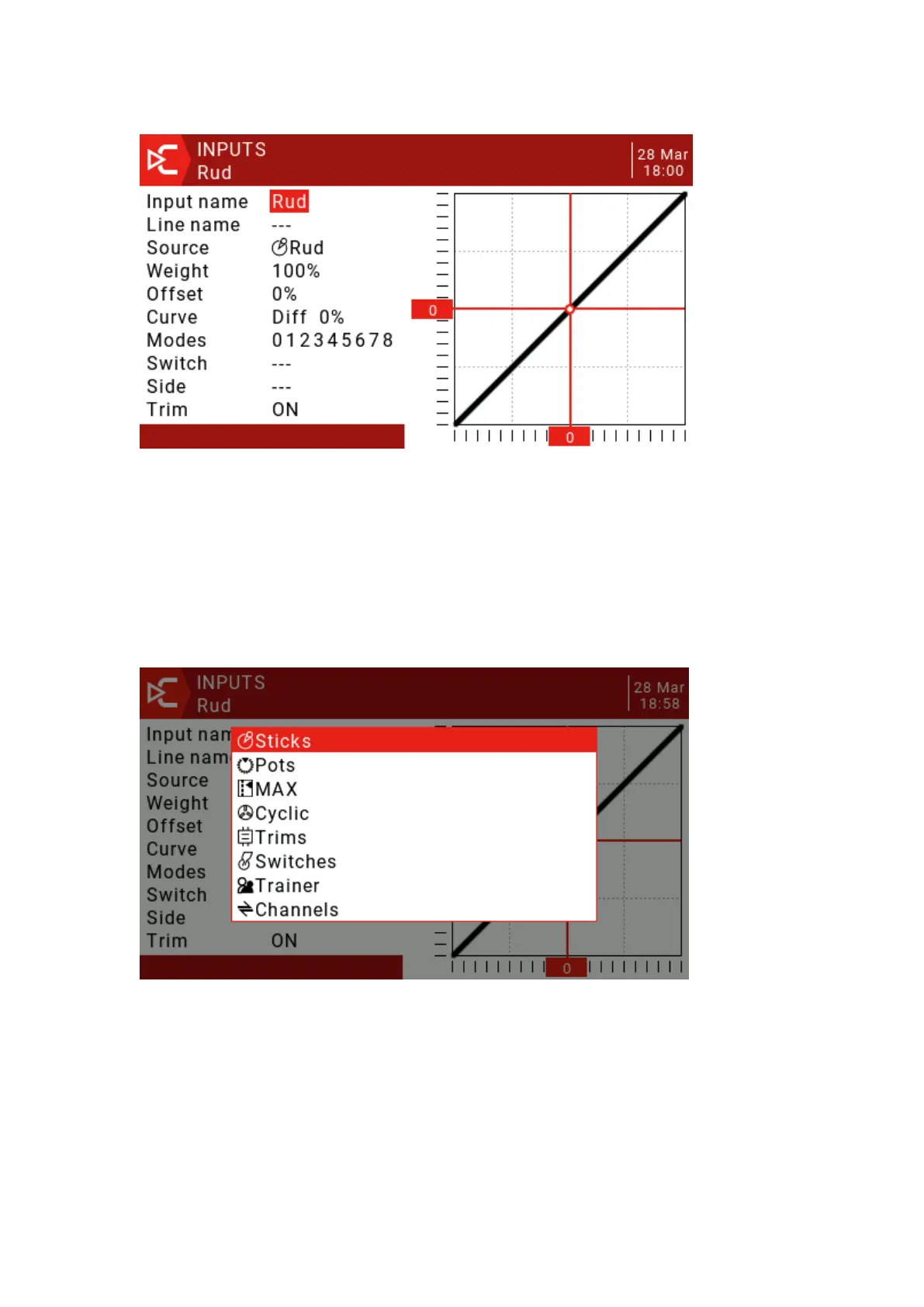
Input name: Use the scroll wheel to select letters or numbers, long press the ENT
key to switch between upper and lower case, short press the ENT key to switch to the
next character.
Line name: Because there can be multiple lines of configuration input, naming
each line provides a label indicating the purpose of the line to avoid confusion.
Source: Press and hold the ENT key to enter the input source selection menu.
Scroll up and down to the desired category and press ENT, it will return to the input page
with the cursor on the first item in the selected category. Then you can scroll up/down
there and press ENT to select the source.
Weight: The normal range is -100 / + The value between 100.0 and 100 will scale
the source signal by the source percentage. A negative value will reverse the response.
Note that servo reversal should not be done with a negative value in the input, and the
reverse channel should be reversed on the Outputs page.
Offset: You can add an offset to the input value, either positive or negative. In the
input, a common use of offsets is to convert the range of -100 / + 100 to a range of 0-100.



 To Next Page