Set Run Times (continued)
® To turn a ZONE OFF, set
both the hours and minutes
to 0, and the display will
flash OFF [m] as shown
L This completes the setup
procedure for PROG No. 1
Set Additional Programs
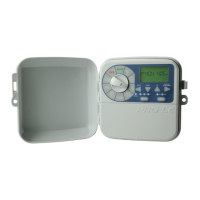
® Set schedules for up to 5
PROGRAMS by pressing
when setting up START
TIMES, WATERINGDAYS
and ZONE RUN TIMES
as previously outlined
L Although the controller will
run automatic programs
with the MAIN DIAL in
any position (with the
exception of OFF), we
recommend to leaving the
main dial on AUTO position
when not programming
or running manually
13 of 40
Programming (continued)



 To Next Page