18 of 40
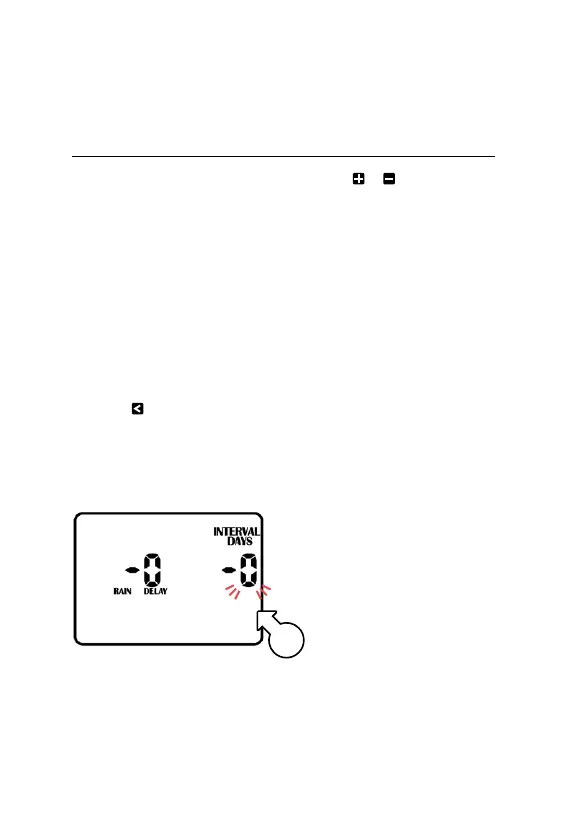
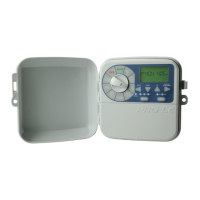
Rain Delay
® To adjust the timing of
your rain sensor, this
controller features a
RAIN DELAY setting
L This allows a specific delay
time to elapse after the rain
sensor has dried out before
the zone will water again.
1. Turn the dial to
RAINSETTINGS
2. Press to access the
RAINDELAY screen
® The INTERVAL DAYS [q]
value will now be flashing
3. Use or to alter the rain
delay time in increments
of 24 hours at a time
® A maximum delay of
9 days can be set
® This halts any watering and
stops all automatic programs
until the rain delay expires
Other Features (continued)
q



 To Next Page