25 of 40
Other Features (continued)
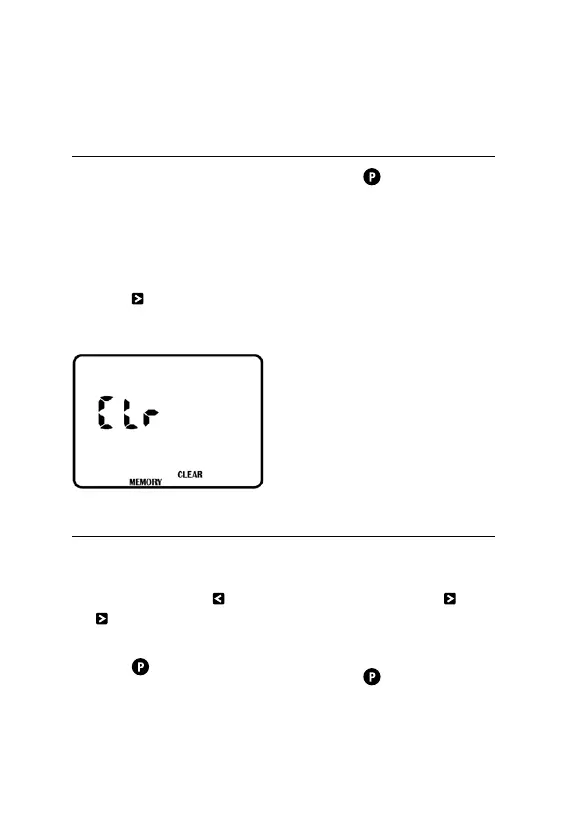
Clearing the Programs
® As this unit has a permanent
memory feature, the
best way to clear the
PROGRAMS is as follows:
1. Turn the dial to ALL OFF
2. Press twice until the
display appears as follows:
3. Press to clear
all PROGRAMS
4. All functions for setting
TIME, START TIMES,
WATERINGDAYS and
RUN TIMES will be
cleared and returned to
the start up settings
® PROGRAMS can also
be cleared by manually
setting START TIMES,
WATERINGDAYS and
RUNTIMES individually
back to their defaults
Program Rescue Feature
1. To upload Program Recall
Feature turn the dial to
ALLOFF and press and
simultaneously–LOAD UP
will appear on the screen
2. Press to complete
the process
3. To re-install Program
Recall Feature turn the dial
ALLOFF and press
® LOAD will appear
on the screen
® Press to return to the
original stored program



 To Next Page