20 of 40
Other Features (continued)
Display Contrast
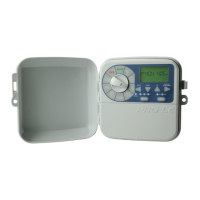
1. To adjust the LCD
contrast, turn the dial
to PUMP SETTINGS
2. Press repeatedly until
the display reads CON
® CON 3 is the default
contrast setting
3. Use or to adjust the
display contrast as desired
4. To save your setting, turn
the dial back to AUTO
Seasonal Adjustment
® Automatic ZONE
RUNTIMES can be
adjusted by percentage
as the seasons change
L Water budgeting saves
valuable water as
RUNTIMES can be
adjusted quickly to reduce
or increase water usage
® For this function, it is
important to set the
calendar correctly–
see Set Current Time,
Day and Date
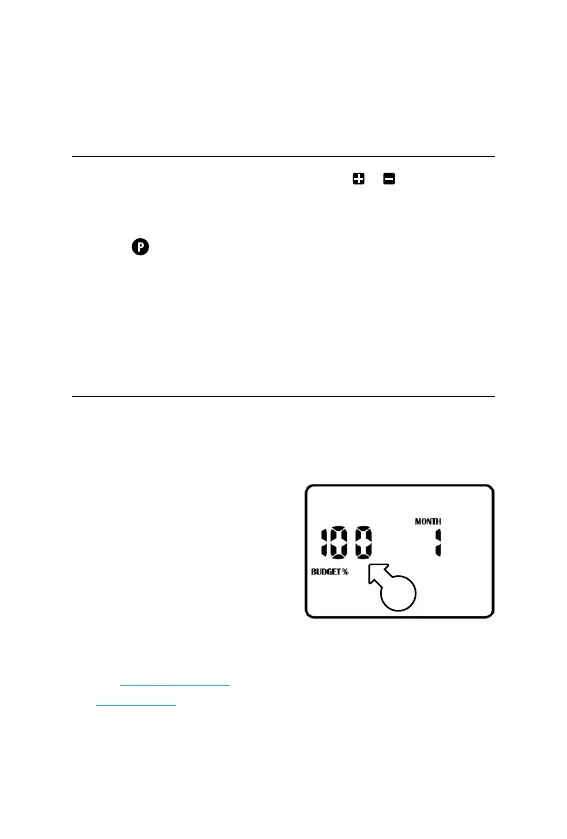
1. Turn dial to SEASONAL
ADJUSTMENT–the display
will appear as follows:
L This means the
RUNTIMES are set to a
BUDGET% of 100% [u]
u



 To Next Page