16 of 40
Other Features
Stop Watering
® To stop an automatic or
manual watering schedule,
turn the dial to ALL OFF
® For automatic watering
remember to turn the dial
back to AUTO, as ALL OFF
will stop any future watering
cycles from occurring
Stacking Start Times
® If the same STARTTIME
is set across multiple
PROGRAMS, they will run
individually in sequential
order, starting from
PROGRAM 1 through to 5
® If a START TIME runs over
another RUNTIME, it will
be delayed accordingly
Upload to Contractor Memory
1. Turn the MAIN DIAL
to ALL OFF
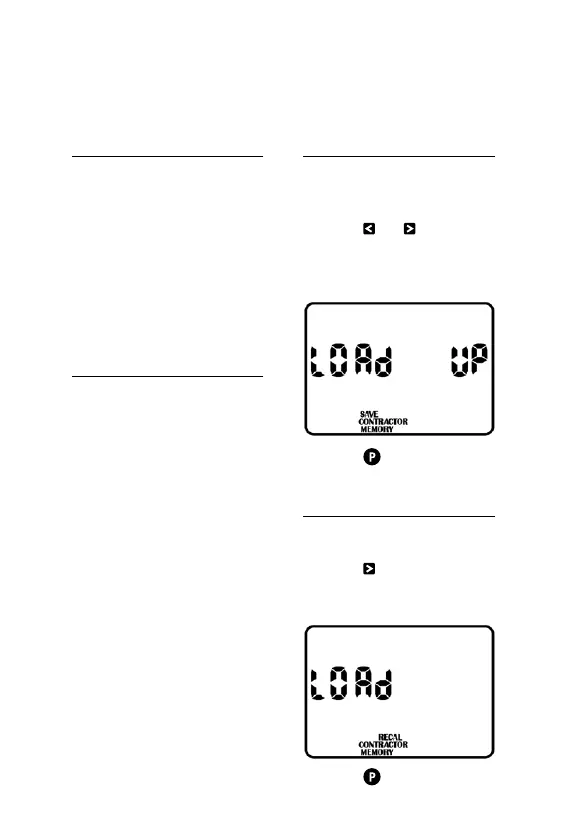
2. Press and at the same
time, and the display will
read LOAD UP and SAVE
CONTRACTOR MEMORY
3. Press to confirm
Download Contractor Memory
1. Turn MAIN DIAL to ALL OFF
2. Press and the display will
read LOAD and RECALL
CONTRACTOR MEMORY
3. Press to confirm



 To Next Page