57
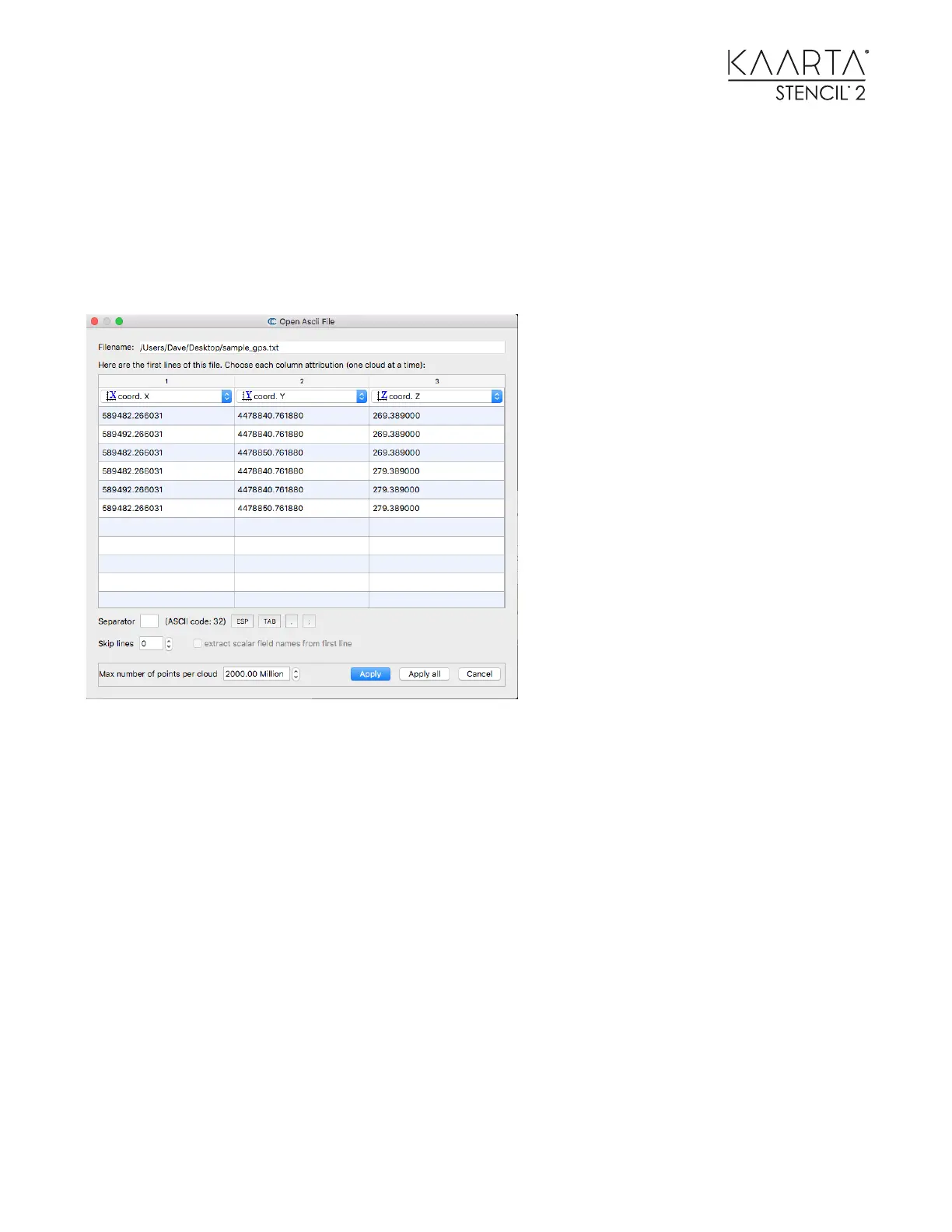
589482.266031 4478840.761880 269.389000
589492.266031 4478840.761880 269.389000
589482.266031 4478850.761880 269.389000
589482.266031 4478840.761880 279.389000
589492.266031 4478840.761880 279.389000
589482.266031 4478850.761880 279.389000
Load the text file into CloudCompare as a point cloud.
Once you have identified the physical features in the point cloud that correspond with the
GCPs in the text file, use CloudCompare to align them as described here:
1. Select both point clouds in the left menu box then use the Align (point pairs picking) tool
under the Registration submenu to associate the GCP with the corresponding point in the
point cloud.



 To Next Page