58
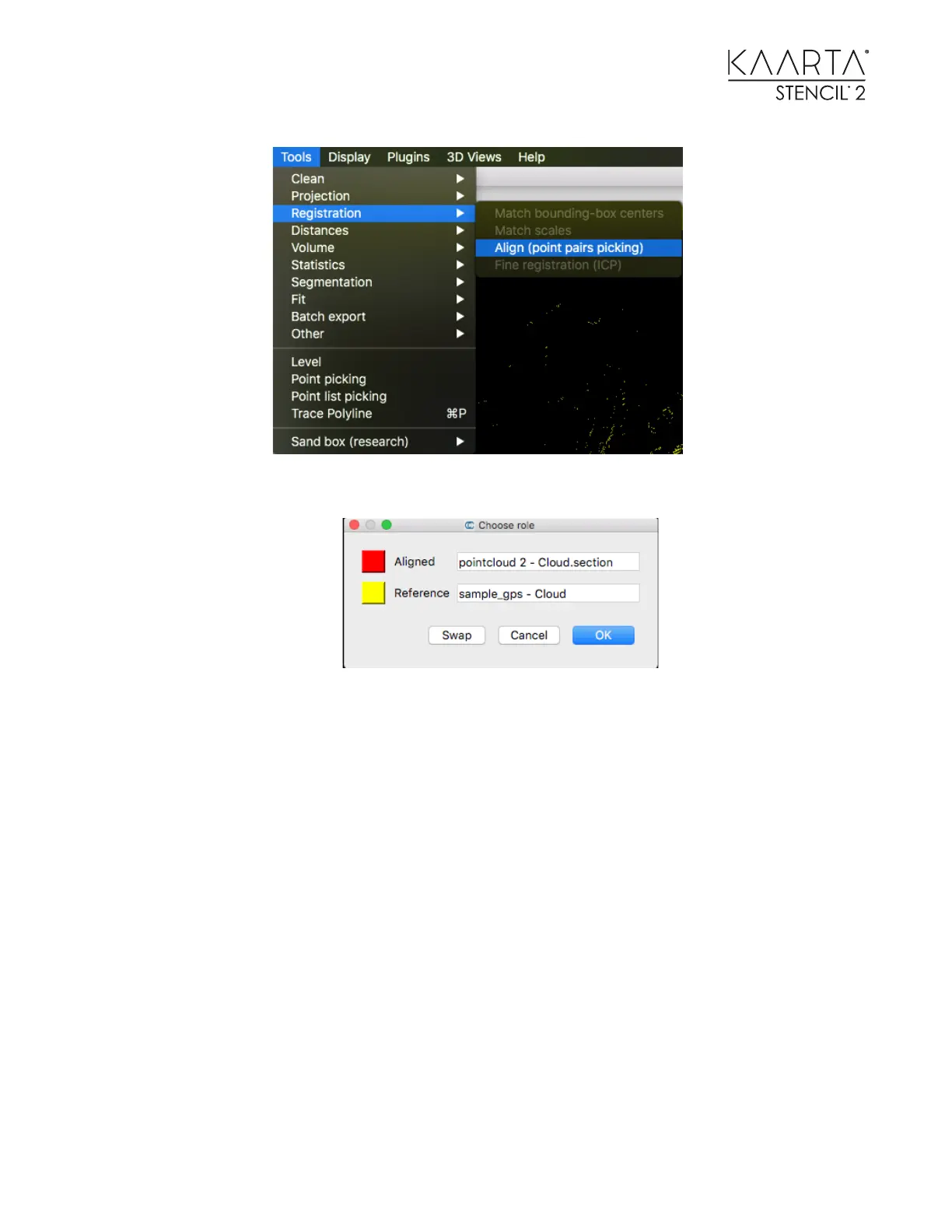
2. Be sure the GCPs are labeled as the Reference.
3. Start picking the corresponding points in each cloud. When you have the
corresponding pairs selected, you can see the effect of scaling on the error terms and
choose to add scaling to the geo-location process. As a rule, do not scale as it distorts
the finished cloud to match the points more closely.
4. You can also set what rotation or translation is allowed when you align the clouds.
When you are finished, be sure to save the geo-registered cloud in your desired
format.



 To Next Page