92
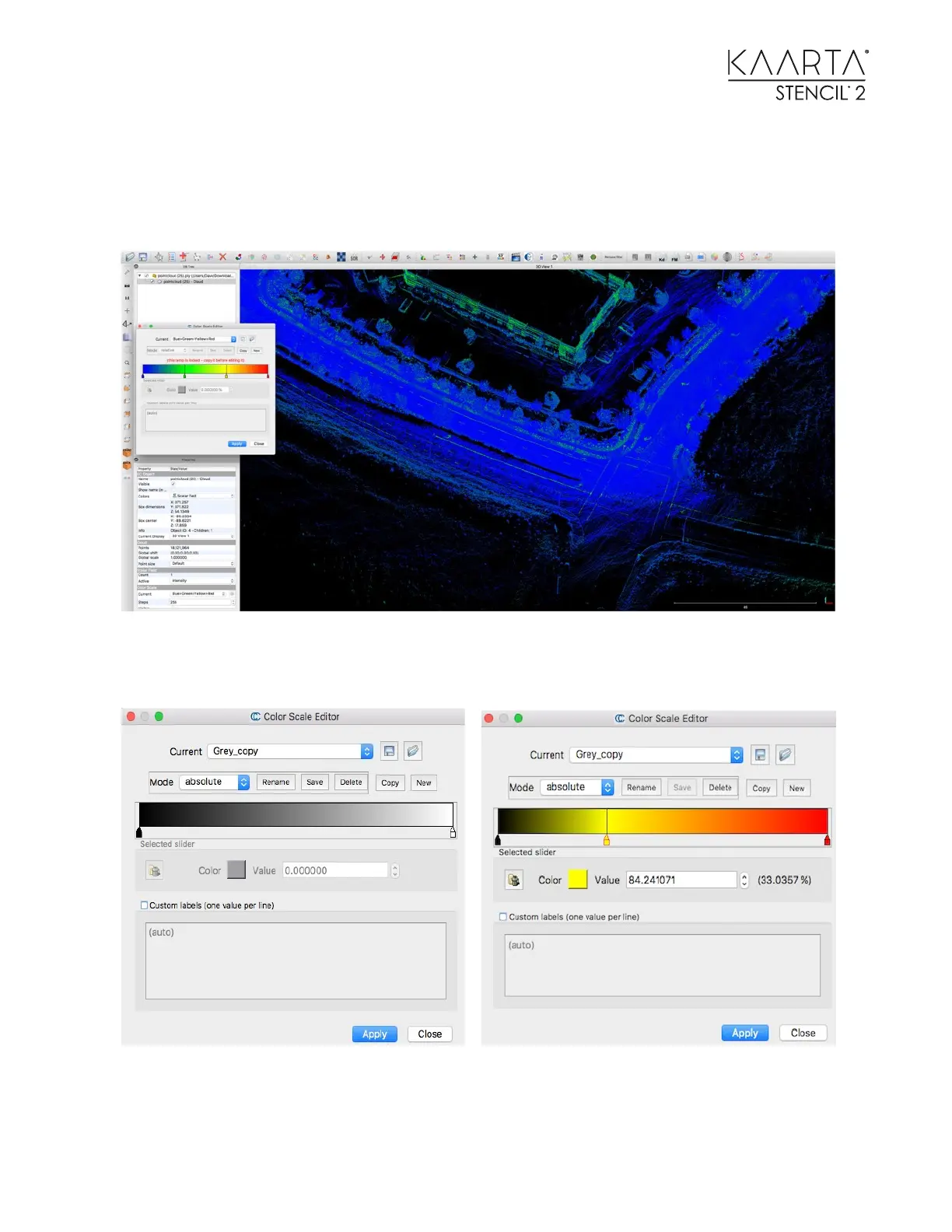
As you can see, the lane markings, crosswalks and turn arrows are illuminated. You can further
highlight these by changing the color scale associated with this scalar. To do this, select the point
cloud in the left side of the DB Tree section, then select the settings gear on the right side of the
Color Scale Current selection in the Parameters section.
The Color Scale Editor pop up box appears. Set the Mode value to absolute and set the Current
Value to Grey. Selecting the Copy button will give you a box that looks like the left.



 To Next Page