98
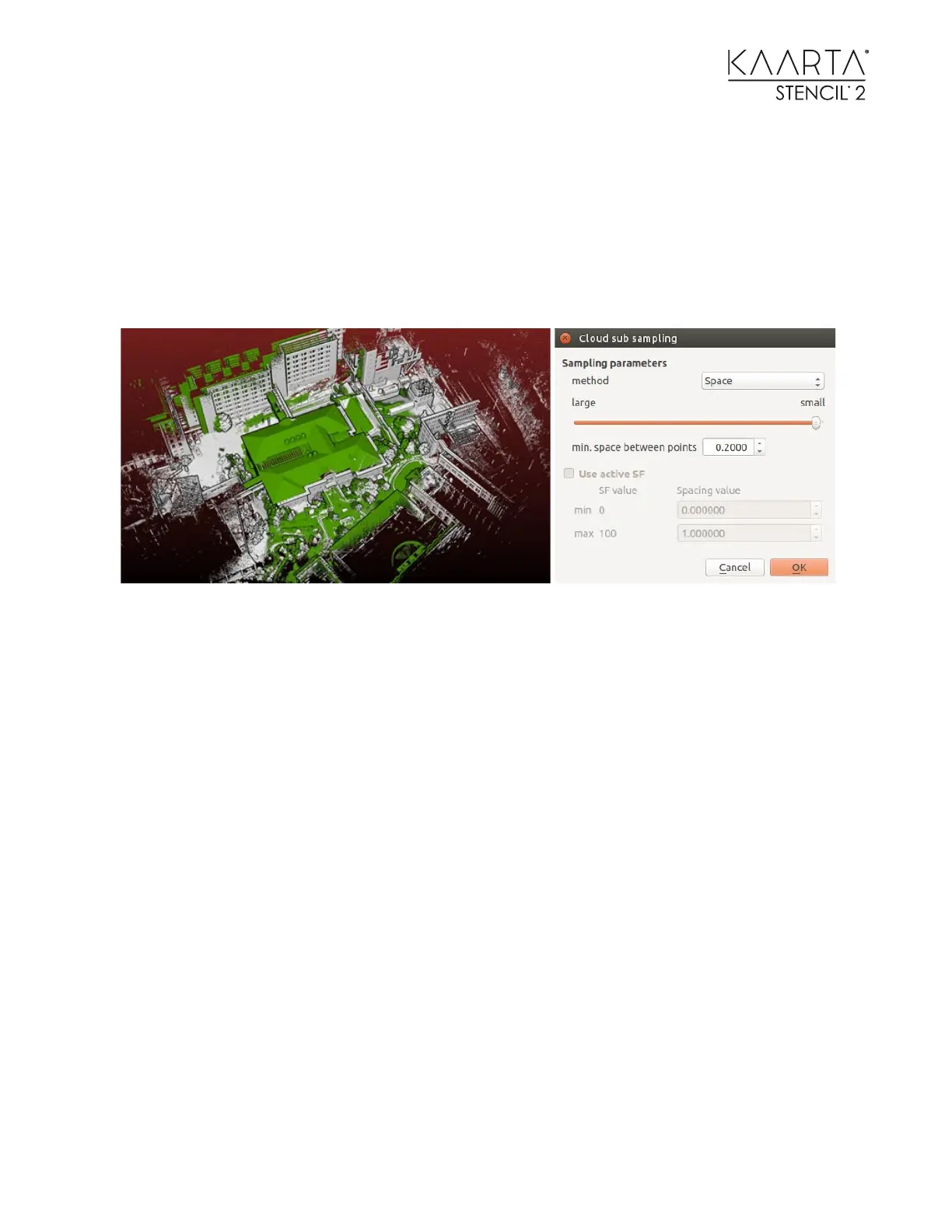
Step 1: Downsize point clouds before ICP matching. Load both the ground map (gray) and
aerial map (green). Manually move the aerial map toward the ground map. Bring both point
clouds close to each other. As you see in the figure, the aerial map is still misaligned with the
ground map a bit.
Downsize both the ground map and the aerial map. Recommended distance is 0.2m outdoors
and 0.1m indoors. For this example, set the minimum space between points to be 0.2m.
Step 2: Trim aerial map to better overlap with the ground map before ICP matching. After
downsizing, trim the aerial map to leave only the part that overlaps with the ground map. This
does not have to be precise. The idea here is to remove the large building roof that does not
exist on the ground map.
If the ground map is significantly larger than the aerial map, trimming the ground map
accelerates the matching, but it is not mandatory.
Another example is matching an indoor map to an outdoor map. The indoor map should contain
some outdoor area to make the match possible. Trim off the entire indoor area and leave only
the outdoor area on the indoor map, then match it to the outdoor map.
The figures below show the ground map and aerial map after downsizing and trimming.



 To Next Page