5554
Water connection
Water connection group
Water connection group.
Initially, the coffee machine is set to use water from the water tank. Therefore, before
connecting to the water supply, switch on the coffee machine for the first time.
1. Fill the water tank with water.
2.
To turn on the coffee machine, press and hold the
switch ON button. Next, you will be asked to go
through several steps to set up the coffee machine's
operating modes.
When switched on for the first time, the self-diagnosis
process starts automatically, the system is filled with
water and flushing starts.
3.
The coffee machine is ready to go. Beverage preparation
touch icons are lit.
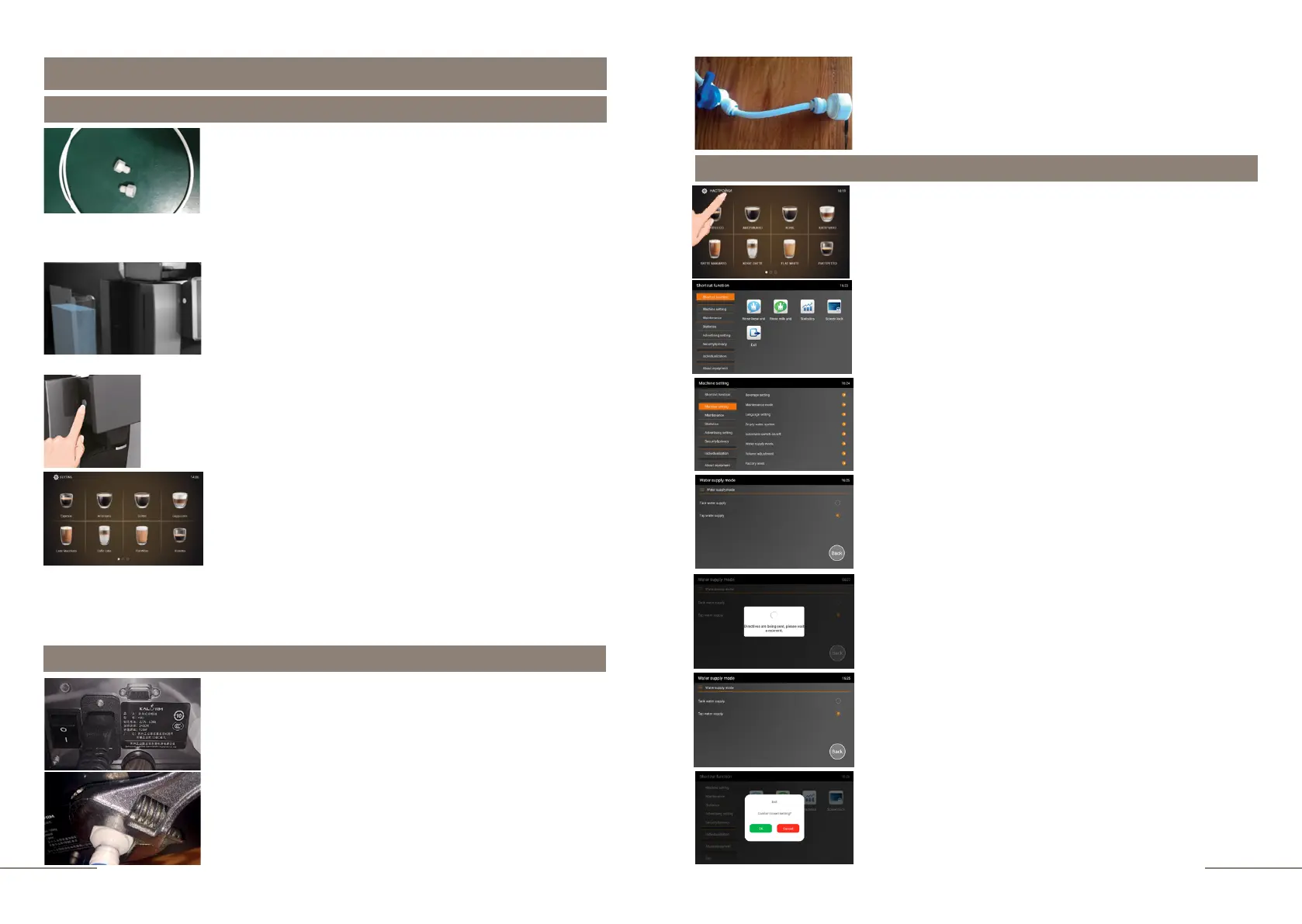
1. Remove the hexagon plug located on the back wall of
the coffee machine.
2.
Firmly connect one end of the hose (connection 1/2) to
the socket in the coffee machine.
Step 1. Technical connection to the water supply
Then follow the following instructions:
To connect the coffee machine to the water supply, contact a qualified technician. Incorrect
connection to the water supply is not covered by the warranty!
3.
Connect the other end of the hose (connection
2/2) to the softener/water filtration system.
Step 2. Service settings for connecting to the water supply
The coffee machine is ready. Beverage preparation touch
icons are lit.
Press and hold the "SETTINGS" button for 2 seconds to
enter the programming menu.
Select the MACHINE SETTING tab.
Choosee the WATER SUPPLY MODE tab.
Select the operating mode you need - TAP WATER SUPPLY.
Display message; DIRECTIVES ARE BEING SENT, PLEASE
WAIT A MOMENT.
To exit the sub-menu press BACK.
To exit the menu, press the EXIT touch icon and confirm
your choice by pressing the OK button.
The SHORTCUT FUNCTION tab is highlighted.
On the right, the shortcut function touch icons are
lit.



 To Next Page