TECHNICAL DESCRIPTION MULTICAL
®
401
5512-091 GB/02.2008/Rev. J1
28
7.3 Display functions
No matter which indication you have selected in the main menu or sub menu, the display will automatically return
to indicate accumulated thermal energy, if the front key has not been activated for 150 sec.
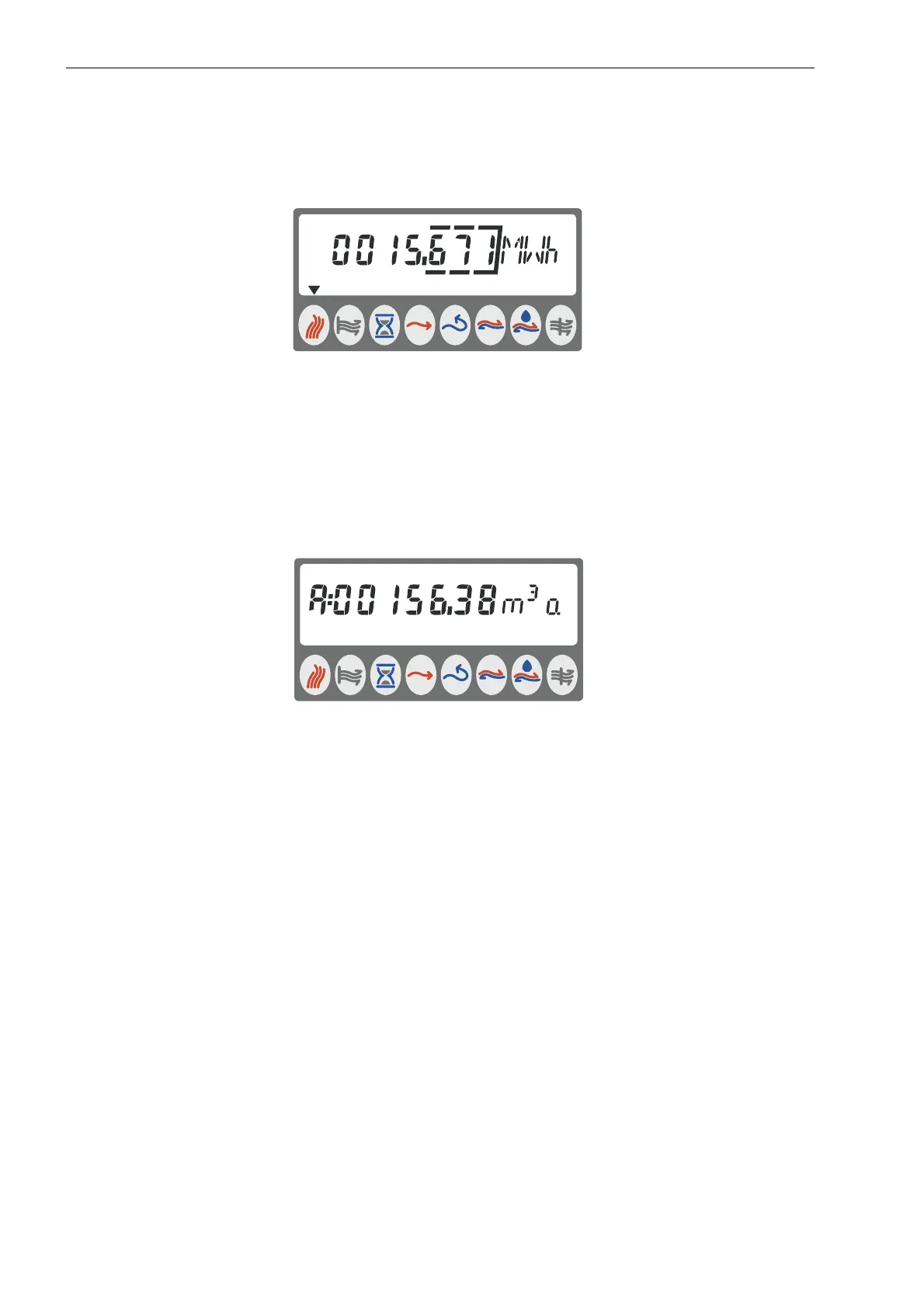
Figure 16
The contents of both main and submenus are determined by the configuration selected for the meter (see section
3.3.1
Configuration of display). The display in MULTICAL
401 includes both a main menu and a submenu. In
addition to accumulated thermal energy and accumulated volume the main menu includes hour counter,
temperature, power and flow readings. When the front key is activated briefly, the display moves through the
readings.
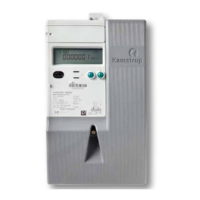
The submenu is activated by pressing the front key for 4 sec. Afterwards the front key can be used to move
through the readings of the submenu. When the submenu has been selected, an ”A” will appear in the left side of
the display.
Figure 17












 To Next Page