TECHNICAL DESCRIPTION MULTICAL
®
401
5512-091 GB/02.2008/Rev. J1
30
7.5 Reset functions
MULTICAL
401 includes a “Power On Reset” circuit which is activated every time the supply voltage is switched
on. This reset function only resets the internal high-resolution registers and therefore does not influence the
display registers. After each “Power On Reset” all registers are loaded from the EEPROM thereby ensuring that the
meter always starts up with hourly data from the EEPROM.
If the “Power On Reset” function is combined with activating the front key or the internal verification button, the
following reset functions are obtained:
Action Function
Reset + front key Reset info
Reset + verification button Reset info and hour counter
Use METERTOOL and data cable
66-99-108
(Under the verification seal)
Total reset:
Reset of info code, hour counter, energy and
volume indication as well as back-up and target
data.
Tablel 7
Do not reset by short-circuiting the battery !
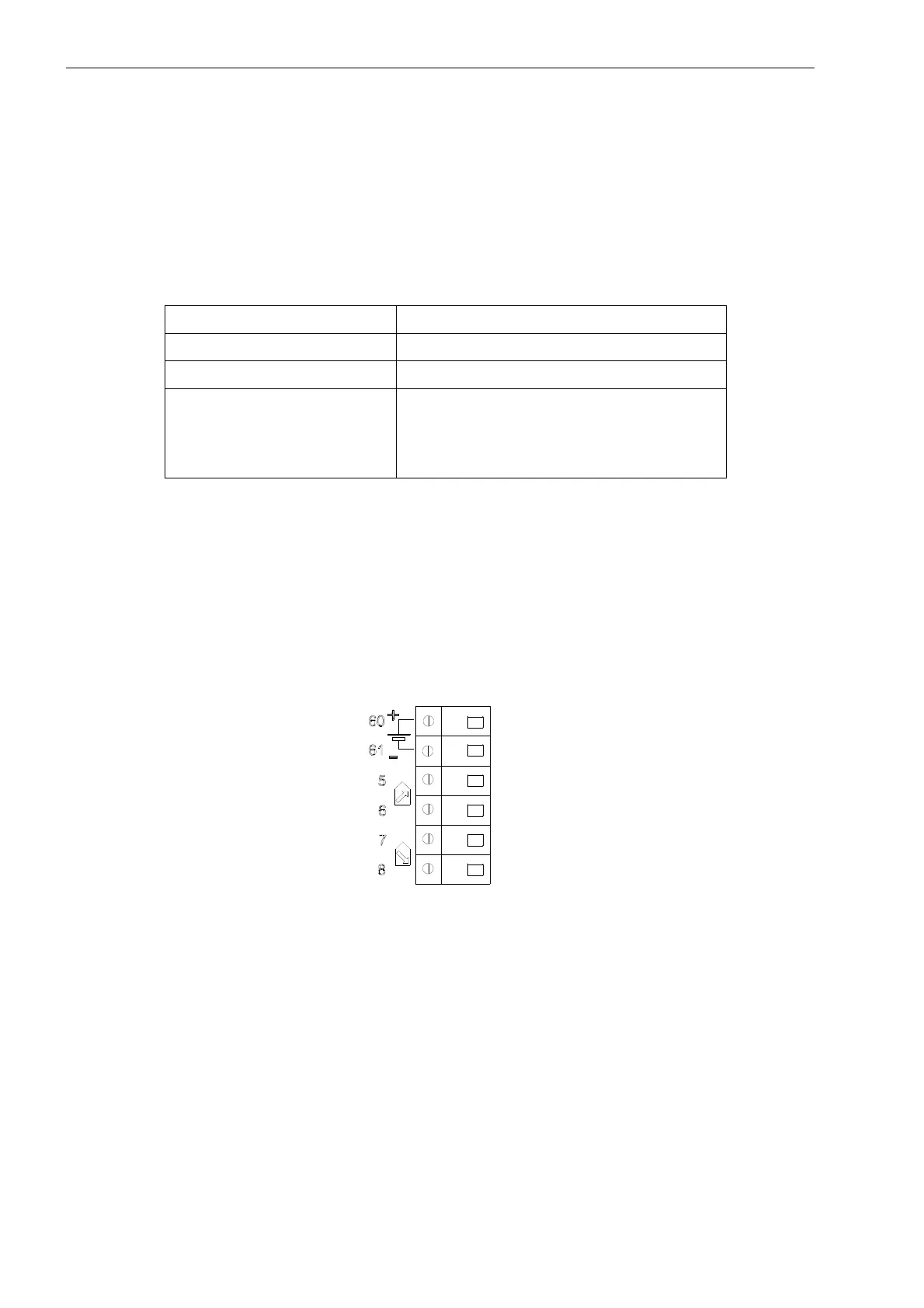
“Power On Reset” is carried out by loosening one of the screw terminals 60(+) or 61(-). When the display goes
out, reestablish the connection and at the same time activate the required push button combination.
Remember to fasten the screw terminals.
Figure 19













 To Next Page