ERGOcom 3
5 Operation | 5.3 Operation, with display interface (comfort/excellence)
▶ Hold down the VIDEO OUT 1 button for < 2 seconds.
The last image source selected is shown in the status display. The status display
returns to operational mode after 5 seconds.
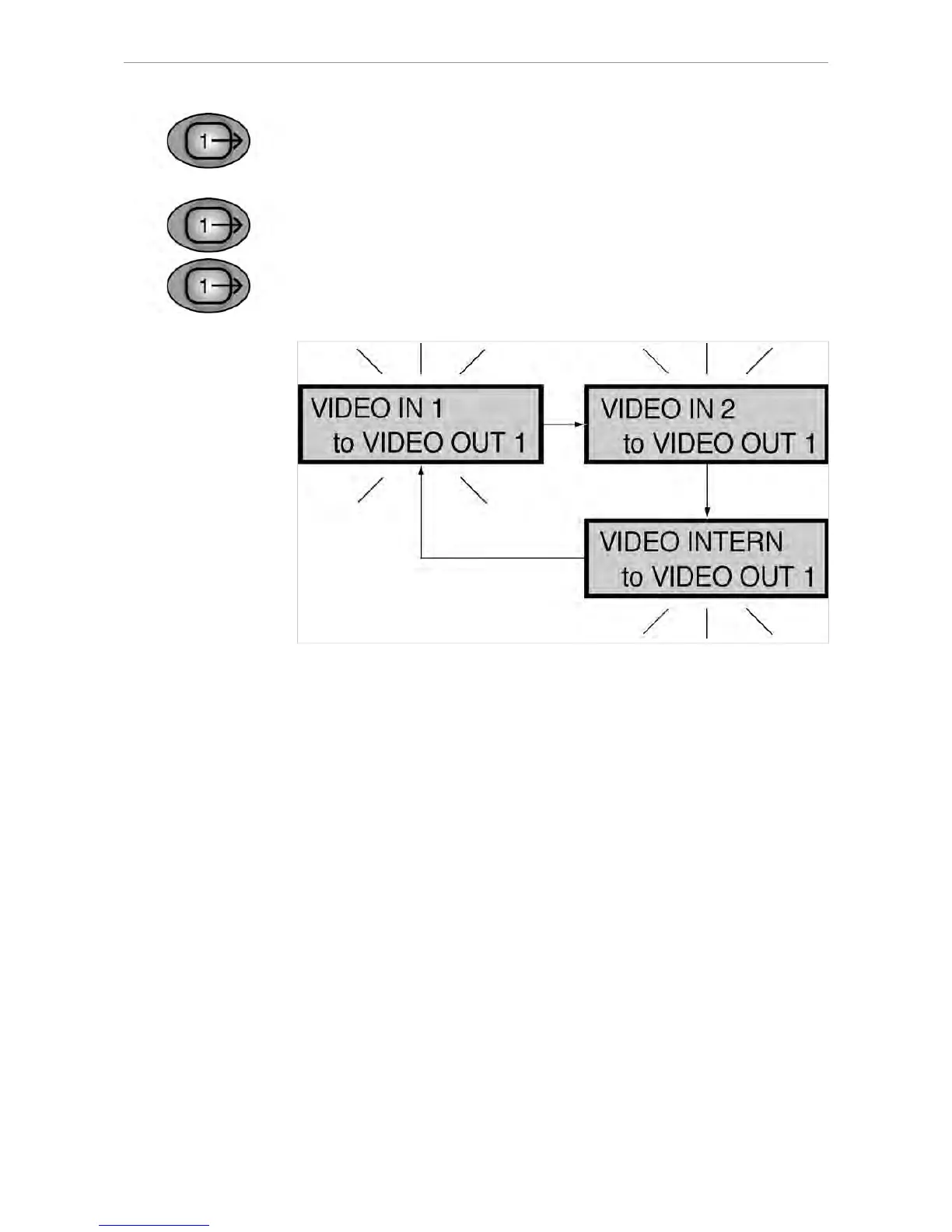
▶ Hold down VIDEO OUT 1 for > 2 seconds.
The status display flashes and setting mode is activated.
▶ Select the required VIDEO input by pressing the VIDEO OUT 1 button.
39/56















 To Next Page