ERGOcom 3
5 Operation | 5.1 Operation, general
▪ System camera
▪ Camera holder
▪ USBpict.store
▪ Store format
▪ Mouse Z-Axis
▪ Firmware version
▪ Factory reset?
Note
The last 6 menu points are reserved for engineers.
▶ Press the OSD menu button once again in order to return to operationalmode.
5.1.4 OSD menu, operate ERGOcom 3
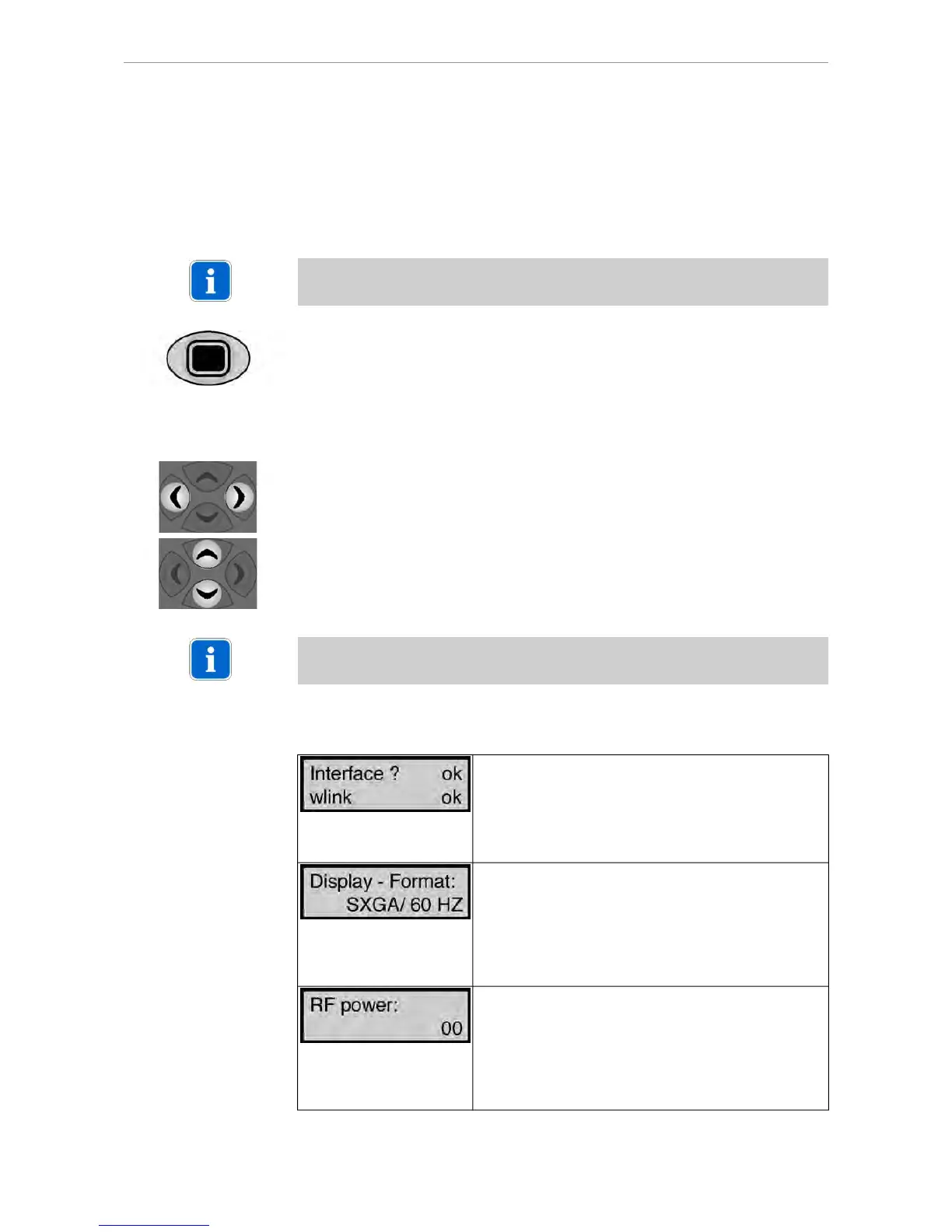
▶ Select the required menu point using navigation.
When you leave a menu point, its status display will be saved automatically.
▶ Select the required setting using navigation.
Note
If there are no options available for a menu point, this navigation offers no functions.
5.1.5 Menu points
Interface? Represents component display interface
Material number 1.002.9482.
wlink represents component radio master
Material number 1.003.1318.
OK represents the installation of the relevant option.
Missing components can be added at any time.
Setting of resolution and image frequency for the dis-
play.
SXGA/50 Hz or SXGA/60 Hz is 19" (1280 x 1024 dpi)
XGA/50 Hz or XGA/60 Hz is 15" (1024 x 768 dpi)
To ensure optimum image display quality, the same
display size (15" or 19") is to be used both in the cabinet
area and on the treatment device.
00 is the default setting for 0 dBm transmitting power.
At the same time, this is the maximum permitted trans-
mitting power in the USA.
01 represents 6 dBm transmitting power. This is the
maximum permitted transmitting power in Europe. If
the transmitting power is not reliably sufficient, the
transmitting power can be increased using this.
25/56















 To Next Page