ERGOcom 3
5 Operation | 5.3 Operation, with display interface (comfort/excellence)
5.3 Operation, with display interface (comfort/excellence)
Equivalent to ERGOcom 3 , comfort or excellence level.
In addition to excellence level, instructions for operation for the radio master
(ERGOremote) can be found in the separate UI.
See also: UIERGOremote
In all subsequent descriptions, please note the following: to view the selected option
on Display 1, the relevant source must be active.
5.3.1 Operational mode
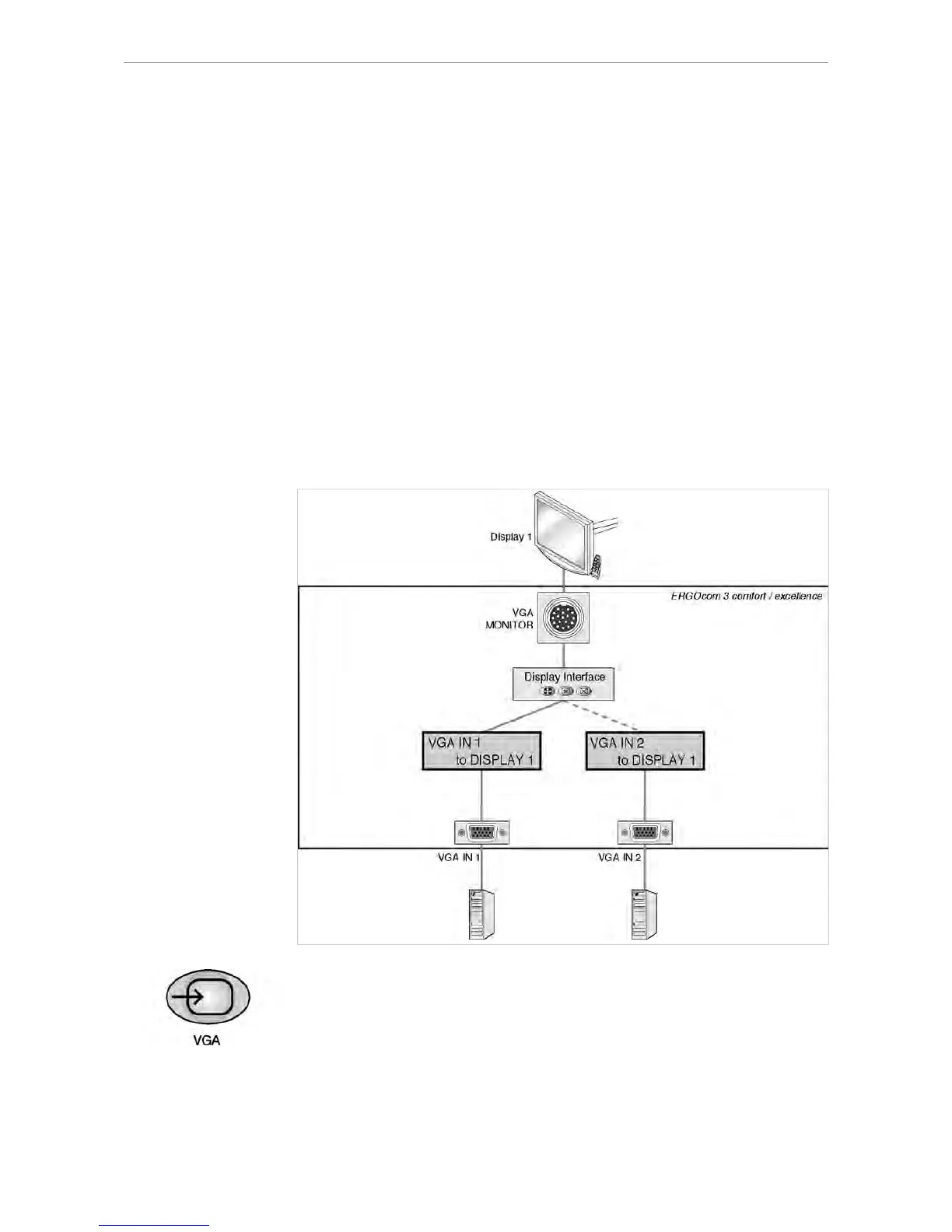
In operational mode, it is possible to switch between VGA or VIDEO image sources,
including audio, shown on KaVo Display 1.
VGA IN - set image source
▶ Press the VGA IN button.
If a VIDEO image source was selected before, the last VGA IN image source
selected will be shown in the status display.
35/56















 To Next Page