ERGOcom 3
5 Operation | 5.3 Operation, with display interface (comfort/excellence)
5.3.11 Change image source
Prerequisite
A still has to be generated.
See also: 5.3.6 Generate still, Page 41
▶ Put the camera in the holder.
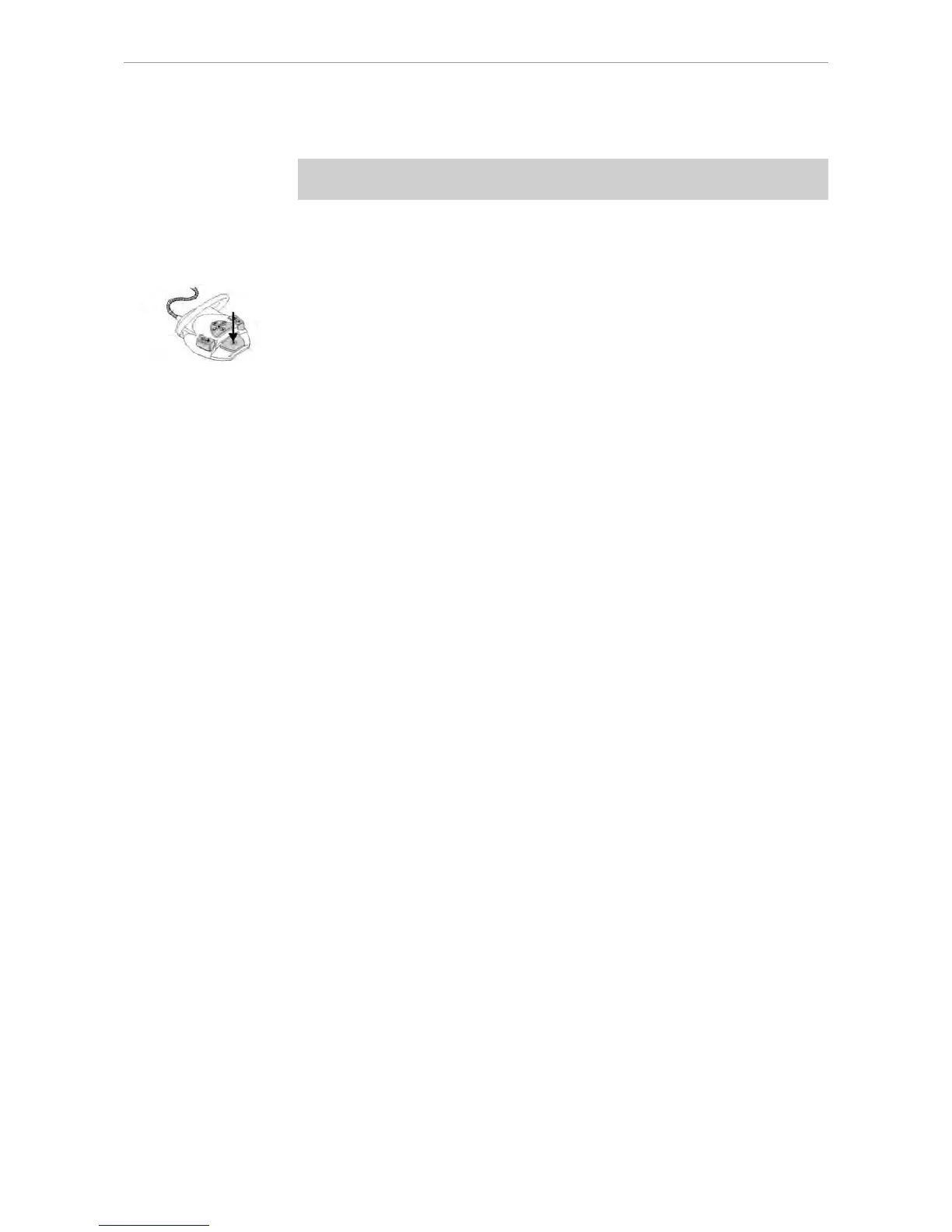
▶ Press the footswitch.
TheERGOcom 3 switches to the image source selected before the camera was
removed.
45/56















 To Next Page