ERGOcom 3
5 Operation | 5.1 Operation, general
5 Operation
5.1 Operation, general
5.1.1 Switch on
▶ Switch on main switch.
These indicator lamps appear on the status display after open-shop testing:
Note
If the device is ready for operation, the current monitor image source is shown in
the display.
5.1.2 Standby
▶ Press the standby button.
The standby LED lights up (blue).
The status display and display are switched off and all device settings are retai-
ned.
▶ Press the standby button once again to leave Standby mode.
Note
This energy saving mode extends the service life of the status display and display.
5.1.3 OSD menu, call ERGOcom 3
In this menu, all settings can be defined for operation of the product.
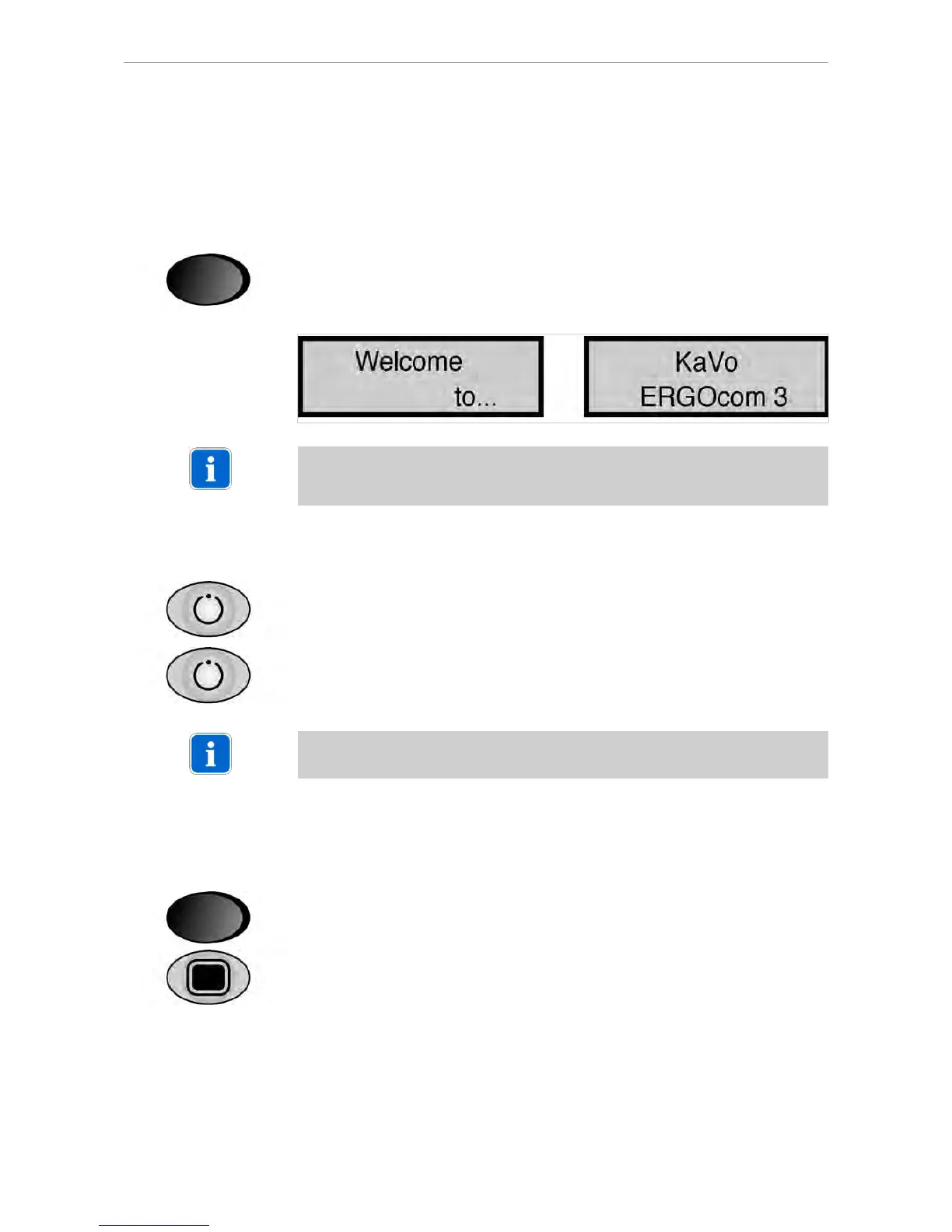
▶ Switch on main switch.
▶
While the status display shows "ERGOcom 3", activate the OSD menu until the
first menu point appears.
The OSD menu ERGOcom 3 is divided into 7 menu points:
▪ Interface/wlink
▪ Display-Format
▪ RFpower
24/56















 To Next Page