ERGOcom 3
5 Operation | 5.4 Operation, OSD menu display interface
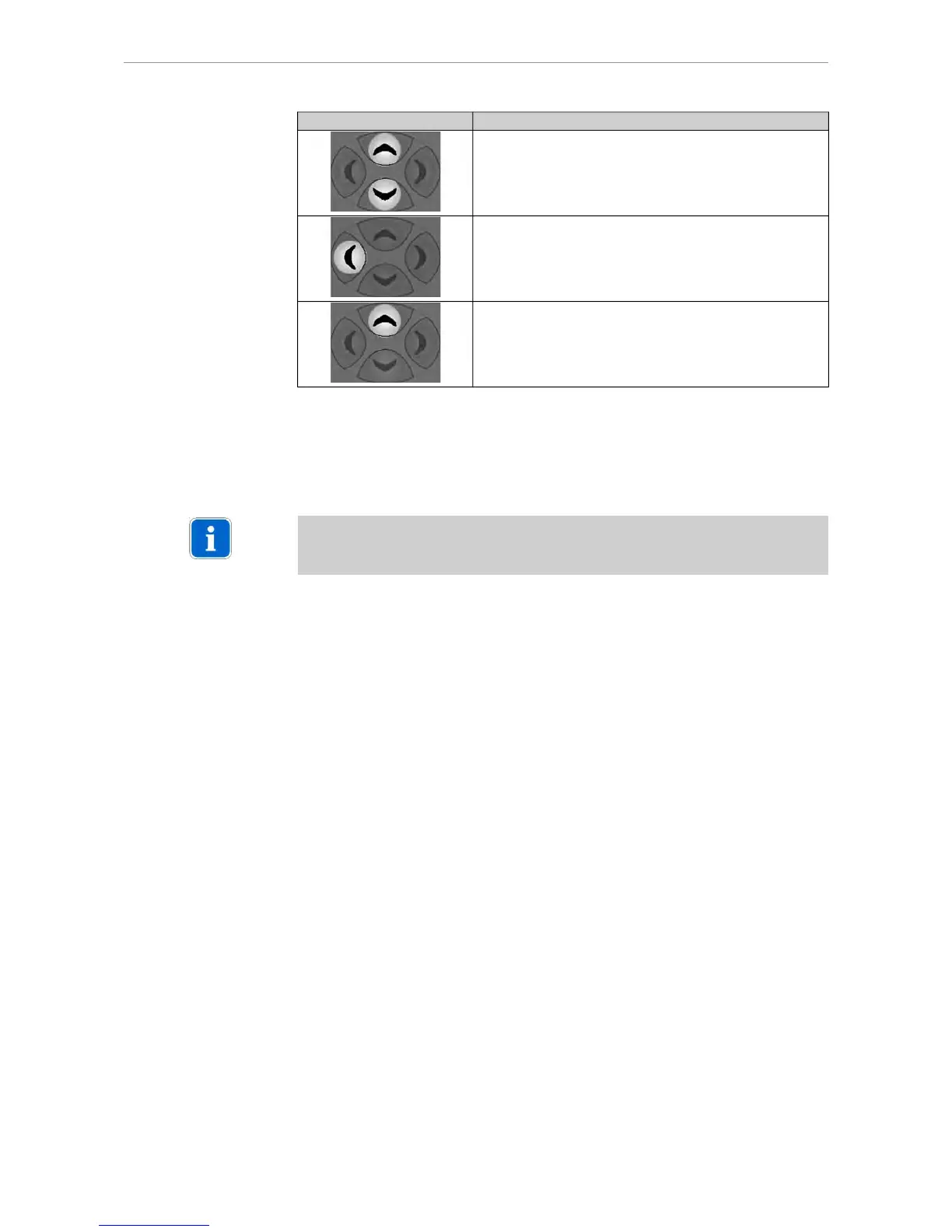
Navigation Function
Change settings.
Save changed setting.
Reset the selected menu point.
5.4.3 VGA main menu
There is a separate main menu for every VGA IN image source. This allows the
settings on Display 1 to be defined and saved for every image source.
Note
The requisite explanations of the individual menu points or settings are inserted
directly on Display 1.
47/56















 To Next Page