ERGOcom 3
5 Operation | 5.3 Operation, with display interface (comfort/excellence)
Note
If there is no input for 8 seconds, the ERGOcom 3 switches back to operational
mode.
This saves the last setting on the status display.
5.3.5 Audio signals
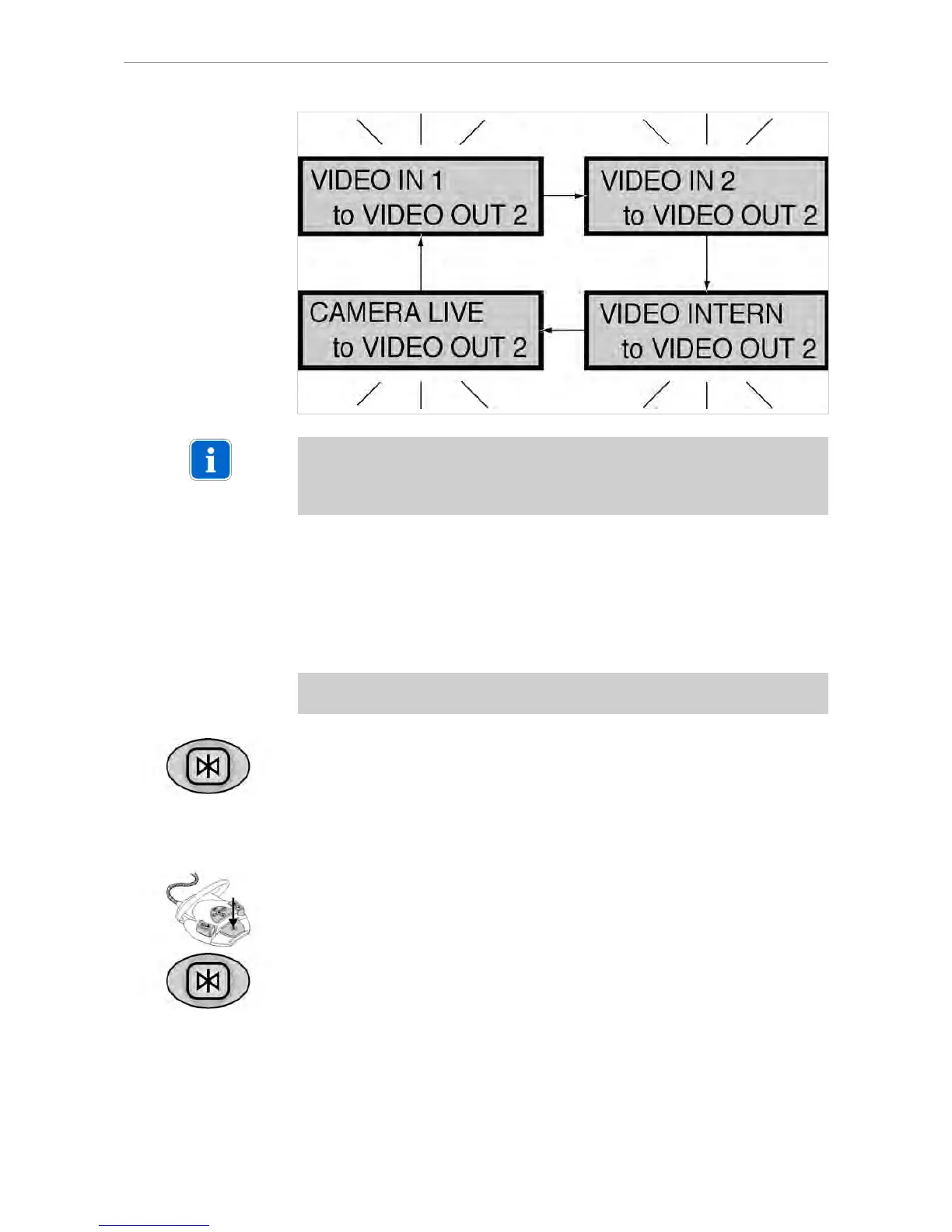
The audio signals will be linked synchronously to the relevant image signals.
5.3.6 Generate still
Prerequisite
A video signal is shown on Display 1.
▶ Hold down the Freeze button for < 2 seconds.
A still is generated on Display 1 from the current video image.
or
▶ Hold down the footswitch for < 2 seconds.
A still is generated on Display 1 from the current video image.
▶ Press the Freeze button again to return to live image display and activate the
next image (1-4) as a live image.
41/56















 To Next Page