User instructions ERGOremote
5 Operation | 5.1 Controls/displays
5 Operation
5.1 Controls/displays
5.1.1 Synchronise the ERGOremote to ERGOcom 3
Note
Channel 1 is set as a default. If there are a number of different ERGOremote
and ERGOcom 3 instruments in use at the practice, a different channel must be
set and the associated learning procedure completed in every room of the practice.
▶ Switch on Learn mode on ERGOcom 3 .
See also:
4.2 Learn channel, Page 16
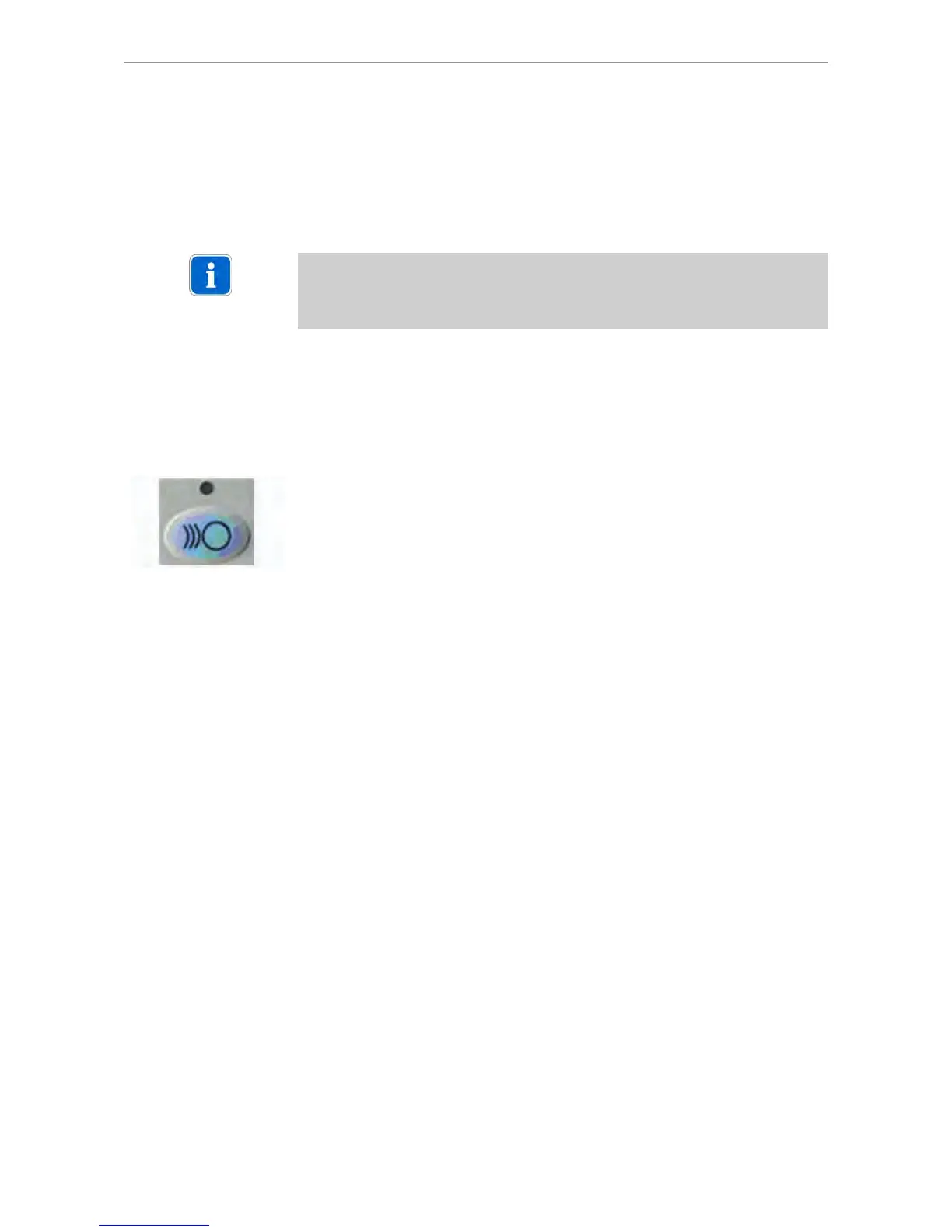
5.1.2 Wake Up
▶ Before using the ERGOremote, press the Wake Up button or any other function
button (apart from the joystick.)
The LED is lit up for approx. 3 seconds.
An internal calibration is run during this period. The joystick must not be moved
about. All the other functions are available immediately.
5.1.3 Sleep mode
Once the buttons or joystick have been operated, ERGOremote remains in an ope‐
rative state for approx. 30 seconds. Once this 30 seconds is up, ERGOremote
automatically returns to sleep mode.
5.1.4 Send and receive status
The green LED acknowledges every active send and receive operation.
5.1.5 Reset
If the green LED is constantly flashing, this indicates a disruption in the radio link.
To remedy the disruption, reset the instrument.
17/25















 To Next Page