User instructions ERGOremote
4 Start-up | 4.2 Learn channel
4.2 Learn channel
The ERGOremote 's radio code is synchronised with the channel configured
onERGOcom 3 .
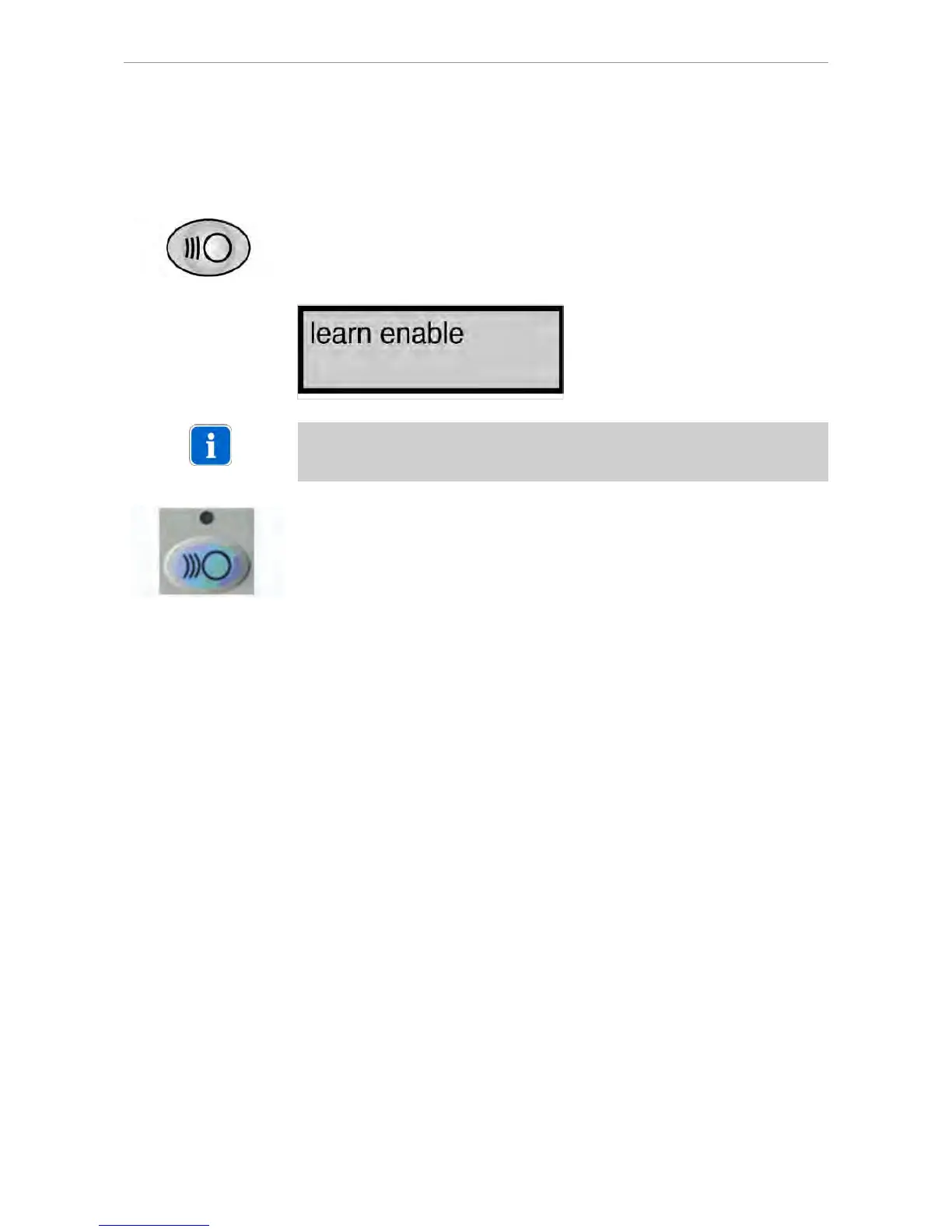
▶ Hold down the Channel Selection button on ERGOcom 3 for more than 2 se‐
conds.
Learn Channel Mode appears on the status display.
Note
If the channels do not synchronise within approx. 30 seconds, ERGOcom 3 swit‐
ches back to operational mode.
▶ Hold down the Wake Up/Learn button on the ERGOremote for more than 3 se‐
conds.
The green LED will be lit for 3 seconds to show that synchronisation is complete.
The green LED will flash to indicate that radio communication has not been set up.
16/25















 To Next Page