41
Basic Operation
Music Menu
Concert Magic song settings
List of setting items
Concert Magic setting Default setting Description
Tempo - Set the tempo.
Mode Normal Normal Steady Beat
Concert Magic songs will be performed
according to their arrangement type.
All Concert Magic songs will be per-
formed by tapping the key with a con-
stant beat.
Balance 9-9 Adjust the volume balance between the melody and accompaniment parts.
▋ Concert Magic song arrangement types
Type Description Example
Easy Beat (EB) Tap out a constant, steady beat on any key of
the keyboard.
“Für Elise”
Melody Play (MP) Tap out the rhythm of the melody on any key of
the keyboard.
“Twinkle, Twinkle, Little Star”
Skillful (SK) Tap out the rhythm of both the melody and the
accompaniment notes on any key of the key-
board.
“Waltz of the Flowers”
▋ Concert Magic song settings
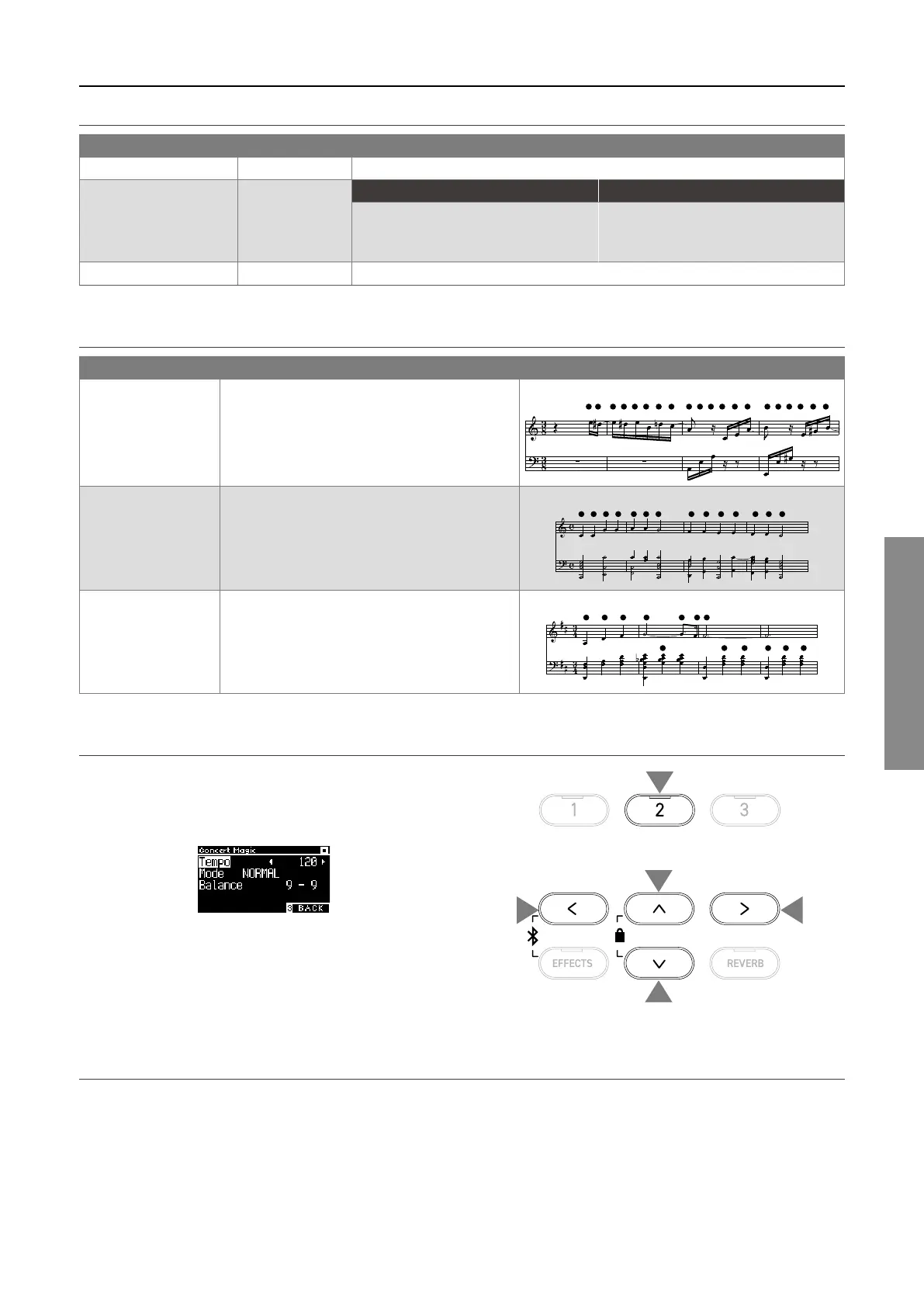
1. On the Concert Magic screen, press the [2] button to enter
the Concert Magic Edit screen.
2. Press the [UP]/[DOWN] button to select the settings menu.
3. Press the [LEFT]/[RIGHT] button to set the value or type.
Concert Magic Edit screen
• Pressing the [LEFT]/[RIGHT] buttons simultaneously will re-
store the default setting.
• Pressing the [3] button twice will return to the Home screen.
▋ Steady Beat mode
Steady Beat mode allows all Concert Magic songs to be played by simply tapping any key with a constant steady beat, regardless of
the song arrangement type.
1
2
2
3
3



 To Next Page