79
Appendix
Troubleshooting
Troubleshooting
Power (Settings)
Problem Possible Cause and Solution Page
The instrument does not turn
on.
Check to see if the main connector of this instrument, AC adaptor, and power outlet
are properly connected.
P13
The instrument turned itself
o all of a sudden.
The instrument turned o by
itself.
Check to see if the “Auto Power O” function is not enabled. P50
The display turned o all of a
sudden.
When the time to turn o the display is specied in the “Auto Display O” function,
the display will automatically turn o after the preset time. Pressing any of the control
buttons will turn on the display again.
P50
▋ Sound/Performance
Problem Possible Cause and Solution Page
No sound is coming out. • Check to see whether the volume has been set to the lowest level.
• Check to see whether a pair of headphones or a headphone conversion plug have
been connected to the [PHONES] jacks.
• Check to see whether “Local Control” has been turned o.
P14
web manual
Sounds get distorted in certain
performances or at specic
ranges.
For some performances, increasing the volume may cause the sound to be distorted.
If this happens, reduce the volume.
P14
The pitch or sound quality of
certain piano tones is odd.
The built-in piano tones are designed to reproduce the tones created by an acoustic
grand piano as accurately as possible. Since the pianos produce a rich variety of res-
onance, the way the sound is perceived changes depending on the location or envi-
ronment. The way the sound is perceived also changes when a single key is pressed
and when the same key is pressed in the ow of a song. For this reason, strong over-
tones may be heard in some ranges, or the pitch and sound quality may seem odd.
But this is normal.
The volume is dierent for
each key.
Adjust the volume of keys as needed in the Key Volume setting. P60
Some keys are out of tune. Adjust these keys using User Tuning. P59
There is a noise or metallic
sound.
Adjust using Tone Control, Fall-back Noise, and/or Damper Noise. P48
P56
P55
Sound is mued, or piercing. Adjust using Topboard Simulation, Tone Control, Touch Curve, and/or Voicing. P48
P53
P54
There is a noise when releasing
keys.
Adjust Fall-back Noise and/or Key-o Eect. P56
P56
The high frequency notes
sustain longer even when the
damper pedal is not pressed.
This is normal.
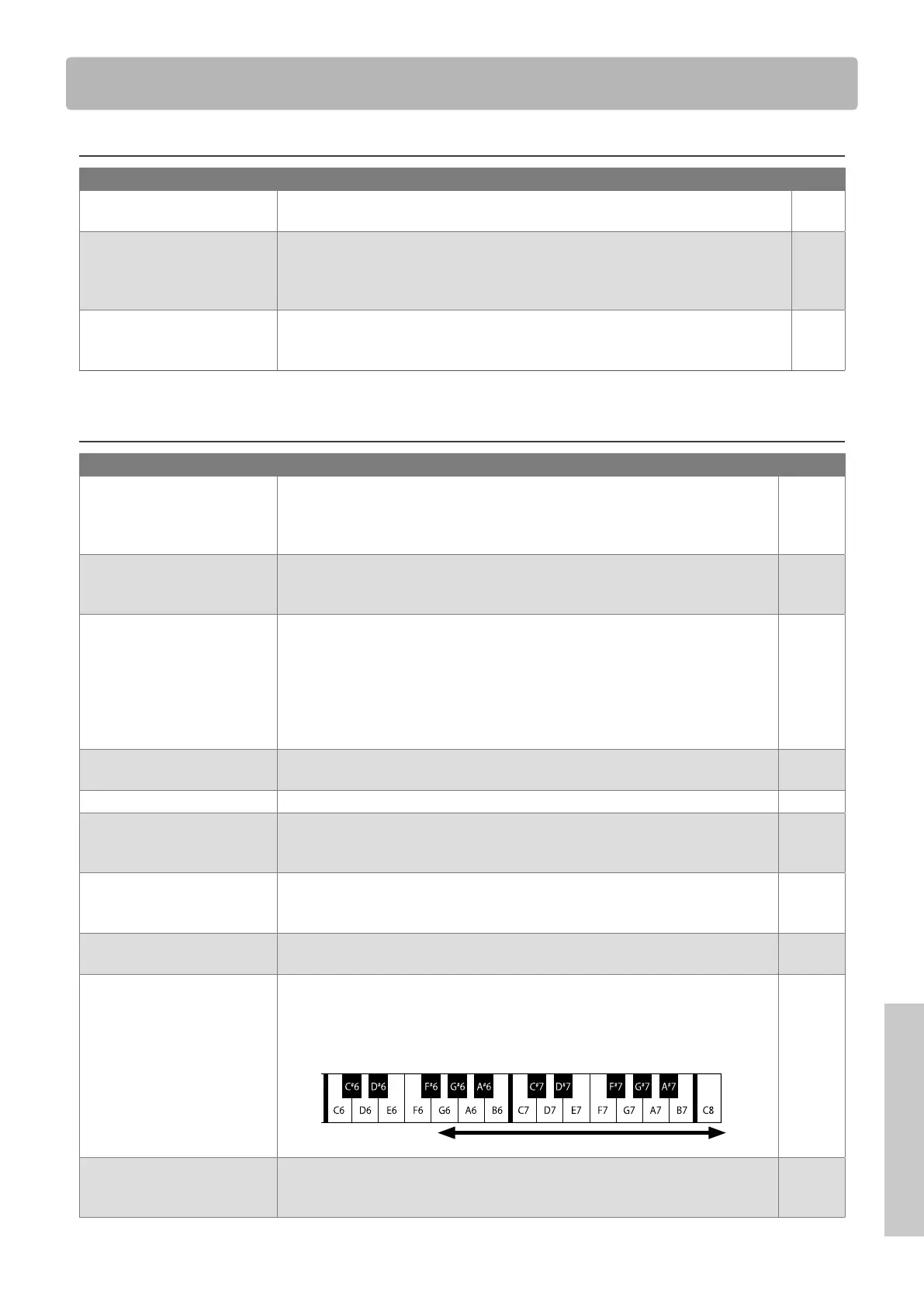
The highest keys on an acoustic piano (shown below) are not equipped with the
sound suppressor dampers.
This instrument replicates this behaviour precisely and allows the sound of the keys
without dampers to sustain longer even when the damper pedal is not pressed.
No damper is attached
The pedal does not work at
all, or it does not produce the
same eect each time.
Check to see if the pedal cable is properly connected to the instrument. Even when
they are connected, try unplugging the cable and inserting it again to make sure.



 To Next Page