50
Adjustments & Settings
Settings Menu
10 Startup Settings
The Startup Settings function allows preferred settings to be stored in memory, and automatically re-
called as the default settings every time the instrument is turned on.
Settings stored in Startup Settings
• Basic Settings
• Virtual Technician settings
• Phones Settings
• MIDI Settings
• Dual settings, Split settings, and Four Hands settings
• Metronome tempo, beat, and volume settings
• Sound selected when Startup Settings are stored
• Sounds selected for each SOUND button when Startup Set-
tings are stored
• Eects and Reverb settings for each sound when Startup Set-
tings are stored
▋ Executing the Startup Settings
With “Startup Settings” selected, press the [REC] button.
When the Startup Settings have been stored, the display will return to the Basic Settings screen.
11 Factory Reset
Factory Reset is a function that restores the instrument back to its factory default conguration.
Executing the Factory Reset
With “Factory Reset” selected, press the [REC] button.
When the Factory Reset is complete, the display will return to the Home screen.
Internal Recorder and Registration memories are not reset.
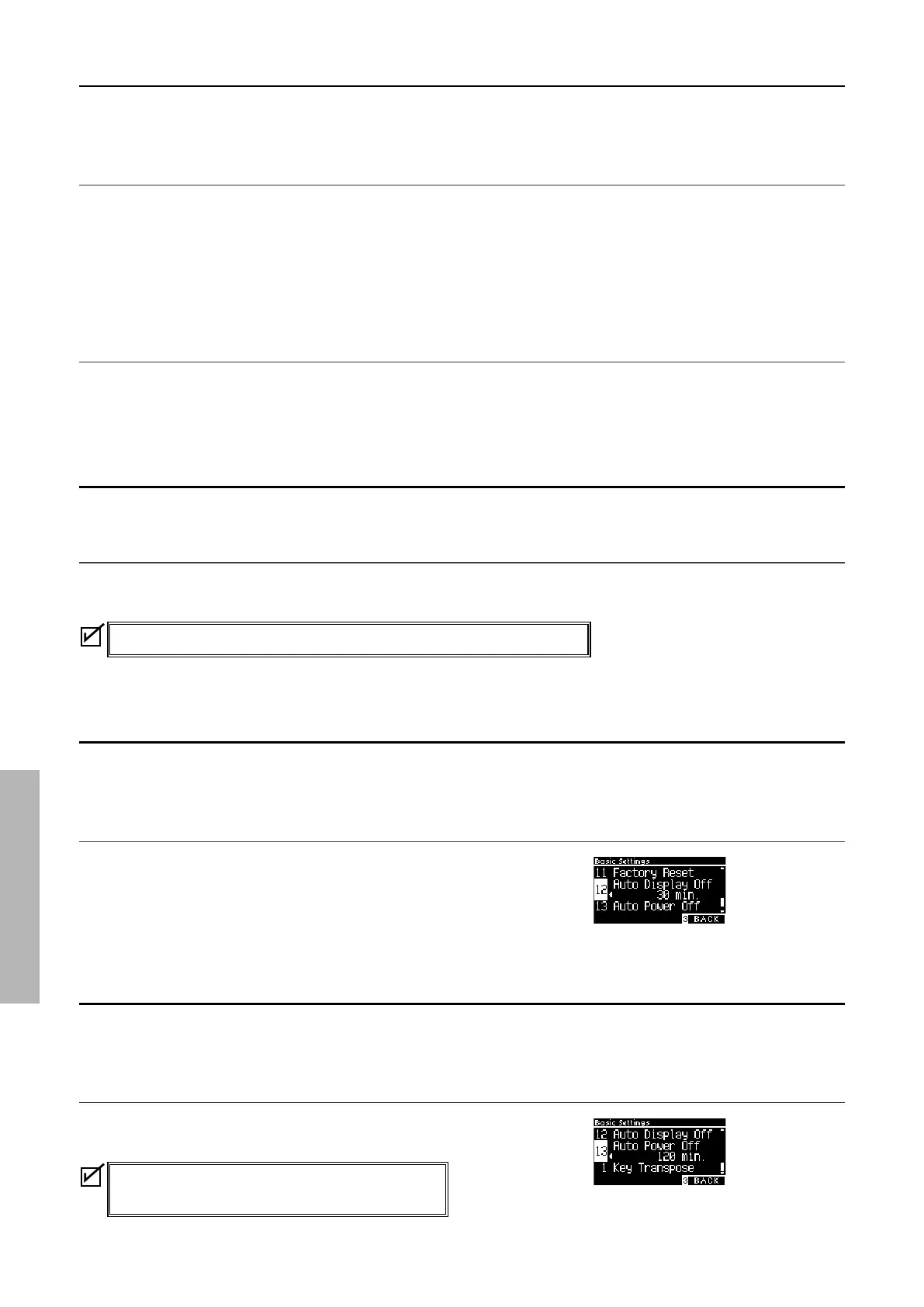
12 Auto Display O
The Auto Display O function can be used to automatically turn o the display after a specied time has
elapsed.
Auto Display O setting
The Auto Display O setting can be set to 15 seconds, 5 minutes,
or 30 minutes.
After the display has turned o, pressing any of the control but-
tons will turn on the display again.
13 Auto Power O
The Auto Power O function can be used to automatically turn o the power after a specied period of
inactivity.
Auto Power O setting
The Auto Power O setting can be set to O, 15 minutes, 60 min-
utes or 120 minutes.
The default Auto Power O setting varies depending
on market location.



 To Next Page