52
Adjustments & Settings
Settings Menu
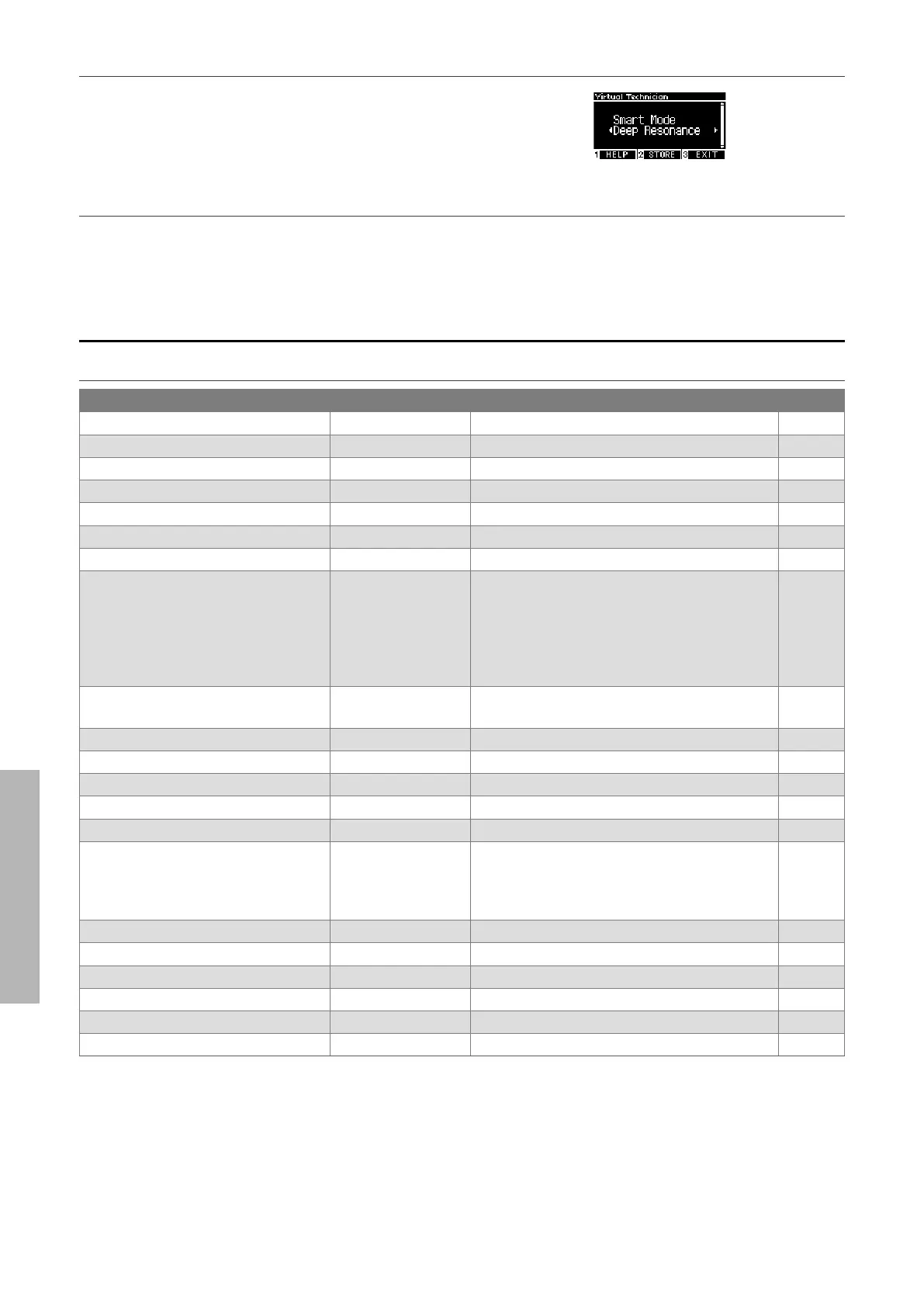
▋ Showing the Smart Mode Help screen
In Smart Mode, press the [1] button to display descriptions of
each Smart Mode preset.
▋ Saving Smart Mode
In Smart Mode, press the [2] button to save the selected Smart Mode to the sound.
The saved settings will be reapplied to the sound even after restarting the instrument.
Advanced Mode
Advanced Mode items, eective sounds, and default settings
Setting Default Eective sound Page
1. Touch Curve Normal All sounds P53
2. Voicing Normal All sounds P54
3. Damper Resonance 5 Piano sound only P55
4. Damper Noise 5 Piano sound only P55
5. String Resonance 5 Piano sound only P55
6. Undamped Str. Res. 5 Piano sound only P56
7. Cabinet Resonance 1 Piano sound only P56
8. Key-o Eect 5 Piano sound
Tine Electric Piano
Reed Electric Piano
Tine Electric Piano 2
Clavi
Wood Bass
P56
9. Fall-back Noise 5 Piano sound
Harpsichord
P56
10. Hammer Noise 5 Piano sound only P57
11. Hammer Delay O Piano sound only P57
12. Topboard Simulation Open 2 Piano sound only P57
13. Decay Time 5 All sounds P57
14. Release Time 5 All sounds P58
15. Minimum Touch 1 Piano sound
Tine Electric Piano
Reed Electric Piano
Tine Electric Piano 2
P58
16. Stretch Tuning/User Tuning (Varies by the sound) All sounds P58
17. Temperament Equal Temp. All sounds P59
18. Temperament Key C All sounds P60
19. Key Volume Normal All sounds P60
20. Half-Pedal Adjust 5 All sounds P61
21. Soft Pedal Depth 5 All sounds P61



 To Next Page