58
Adjustments & Settings
Settings Menu
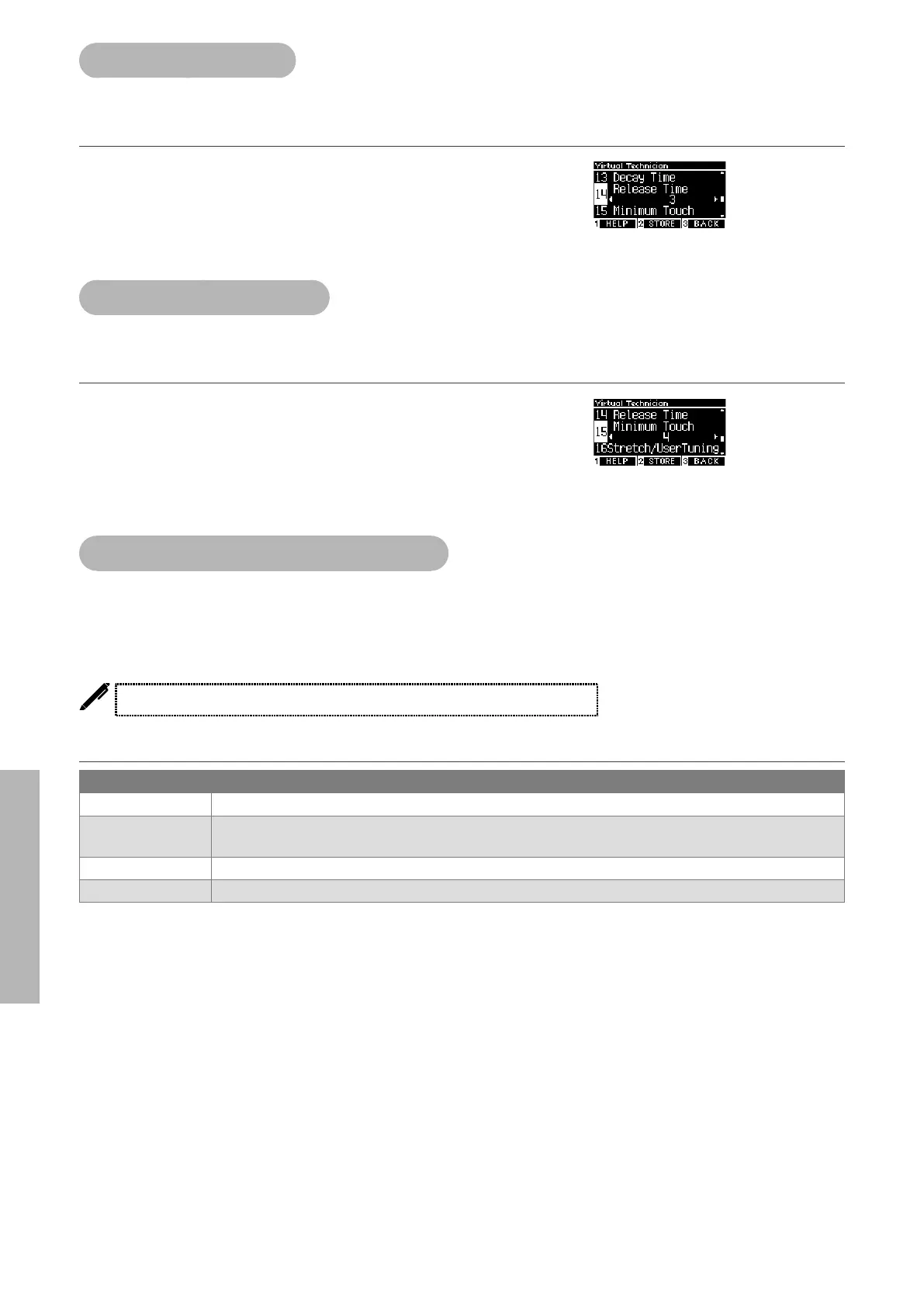
14 Release Time
The Release Time function allows to adjust the duration of the sound decay after keys are released.
Adjusting the Release Time volume
The value can be specied in the range from 1 to 10.
“1” is the shortest decay and “10” is the longest decay.
15 Minimum Touch
The Minimum Touch function allows to set the touch sensitivity for the quietest sound.
Adjusting the Minimum Touch value
The value can be specied in the range from 1 to 20.
When set to “1”, a sound is produced even by an extremely soft
touch.
When set to “20”, no sound is produced for an extremely soft
touch.
16 Stretch Tuning/User Tuning
The Stretch Tuning function allows a piano-specic tuning which makes lower octaves slightly atter and
upper octaves slightly sharper than the normal equal temperament. This function is available only when
equal temperament is selected for the temperament type. In addition, User Tuning allows individual tun-
ing for each of the 88 keys.
The display shows “Stretch/UserTuning”.
Stretch Tuning types
Stretch Tuning Description
O Normal equal temperament tuning.
Normal Lower octaves are slightly atter and upper octaves are slightly sharper than the normal equal tempera-
ment.
Wide Lower octaves are atter and upper octaves are sharper than the normal equal temperament.
User Tuning range between -50 and +50 can be set on each key.



 To Next Page