63
Adjustments & Settings
Settings Menu
2 Phones Type
Phones type settings
Type Description
Normal Disables the headphone optimisation.
Open Optimises the sound for open-type headphones.
Semi-Open Optimises the sound for semi-open type headphones.
Closed Optimises the sound for closed-type headphones.
Inner-ear Optimises the sound for inner-ear type headphones.
Canal Optimises the sound for canal-type headphones.
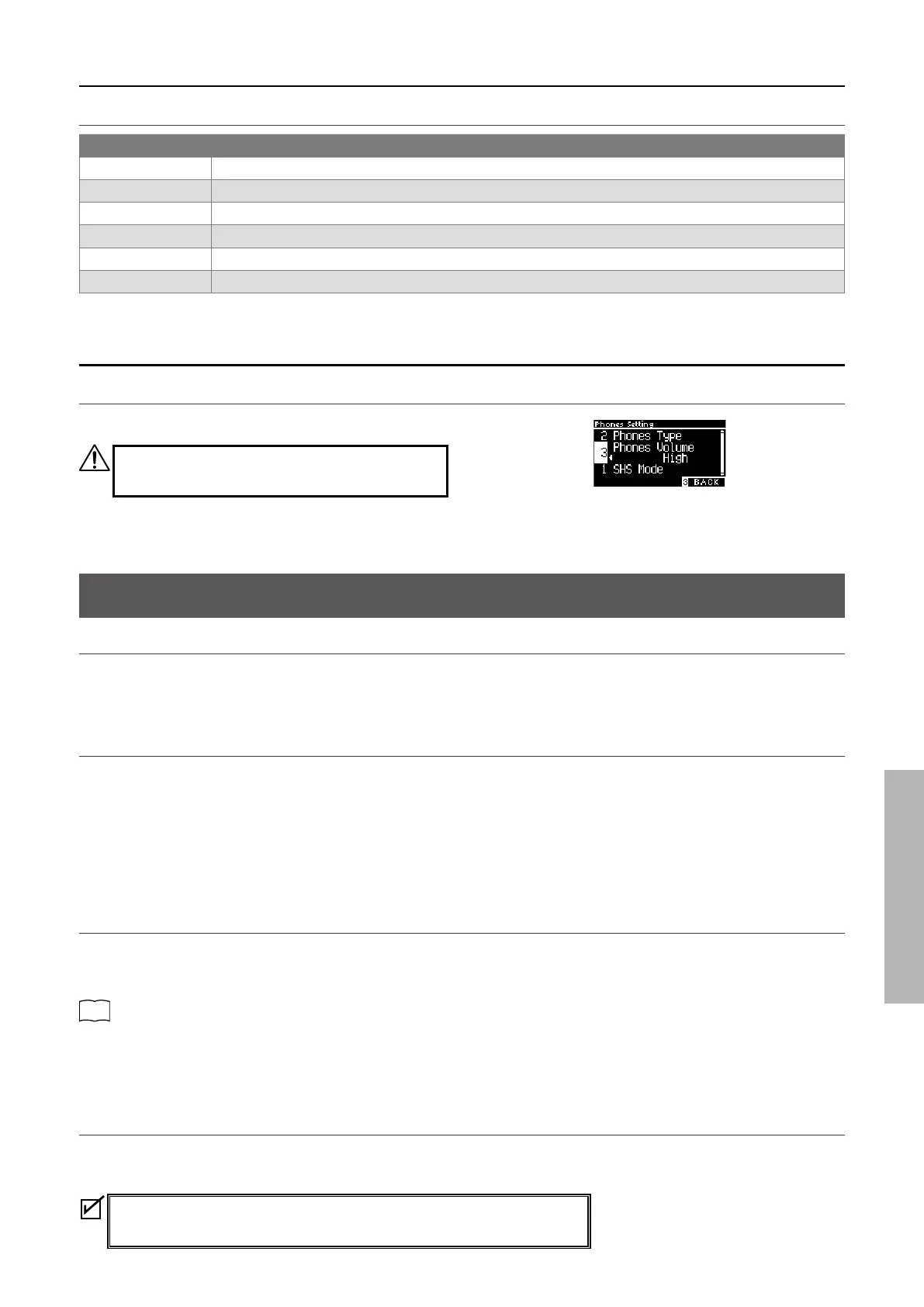
3 Phones Volume
Changing the Phones Volume type
“Normal” or “High” can be specied.
Using headphones at high volume levels for extended
periods of time may result in hearing loss.
USB Menu
Compatible USB devices
Flash memory with USB support (USB memory devices) can be used.
Any other USB devices (mouse, keyboard, hub, etc.) cannot be used even if they are connected.
▋ Connecting a USB memory device
Insert the plug compatible to the [USB to DEVICE] port in the correct way taking care it is not upside down.
Connect the USB memory device directly without using a USB extension cable.
The “USB to Device” functionality of this instrument conforms to USB2.0 Hi-Speed standards. Older USB devices can still be used,
however data transfer speed will be limited to the maximum transfer speed of the device.
Connecting a USB memory device allows saving data created on this instrument into the USB memory and playing back the data in
the USB memory on this instrument.
▋ Formatting a USB memory device
Some USB memory devices require formatting before they can be used with this instrument. If a message appears to prompt for for-
matting the device after connecting the USB memory device to the [USB to DEVICE] port, check that the USB memory device does not
contain any necessary data, and format the device.
P76
Format USB
Contents of the USB memory device are erased after formatting.
The USB memory device may contain data used by other devices which is not displayed on this instrument. Take care when formatting
a device.
▋ Inserting and removing a USB memory device
Check that the USB memory device is not being accessed such as data being saved, copied, or deleted, or the device being formatted
before removing the USB memory device.
If a USB memory device is inserted while the instrument is turned on, some
devices may take a while before they can be played; however, this is not a fault.



 To Next Page