76
Adjustments & Settings
Settings Menu
11 Delete File
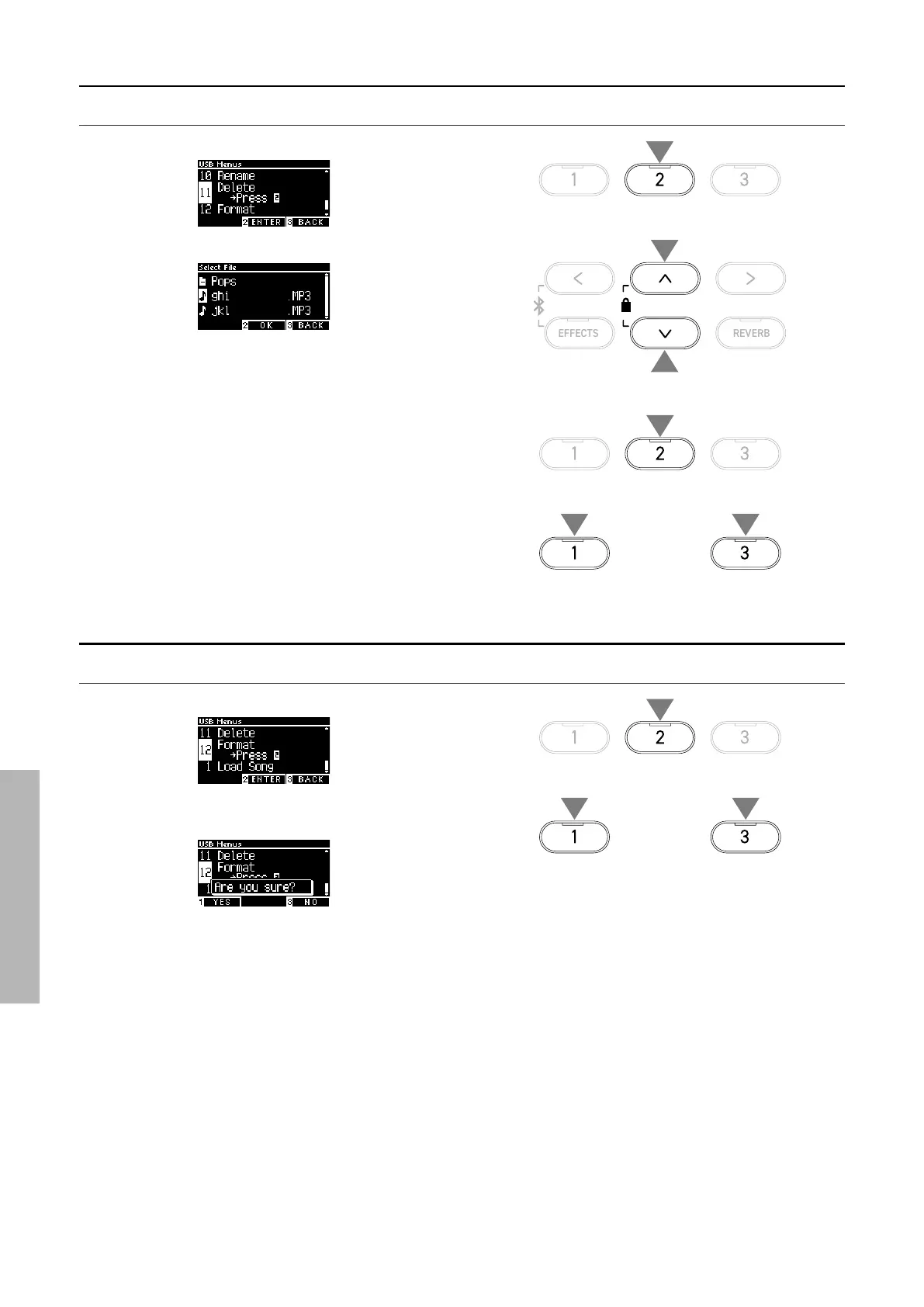
Deleting a le
1. With “Delete” selected, press the [2] button.
2. Press the [UP]/[DOWN] button to select the le to be deleted.
3. Press the [2] button.
4. Press the [1] button to delete, or press the [3] button to can-
cel.
12 Format USB
Formatting
1. With “Format” selected, press the [2] button.
2. Press the [1] button to format, or press the [3] button to can-
cel.
1
3
or
44
2
2
1
or
22



 To Next Page