45
Basic Operation
Panel Lock
Panel Lock
This function locks the control panel.
▋ Activating the Panel Lock
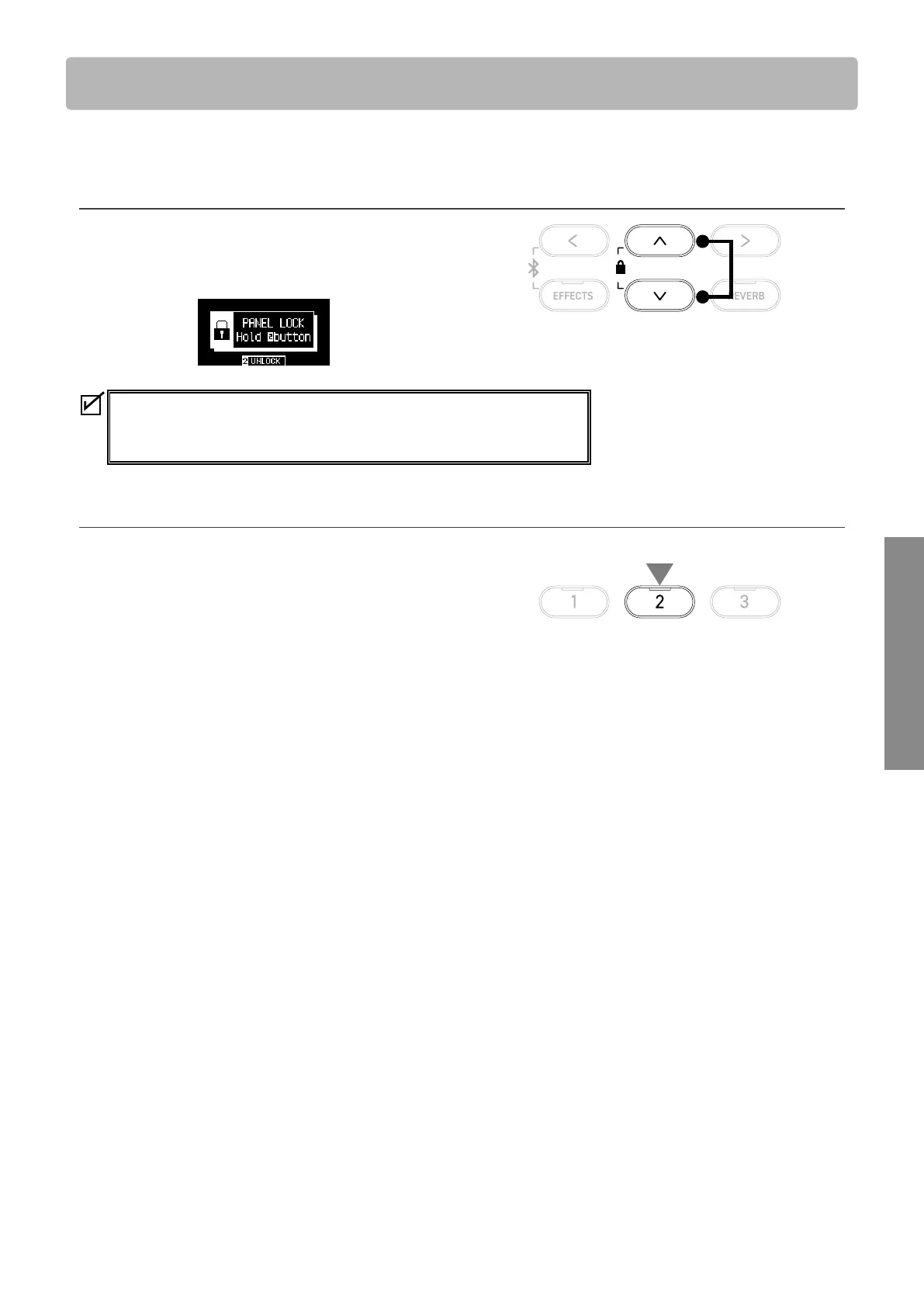
On the Home screen, press the [UP] and [DOWN] buttons simul-
taneously to enable the Panel Lock function.
The LED indicator for the [2] button starts ashing and panel
lock will be activated.
• Panel lock can be activated only in the Home screen (where the sound name is
displayed). Panel lock cannot be activated in any other screen.
• Panel lock is not deactivated by turning o the power.
▋ Deactivating the Panel Lock
Press and hold the [2] button.
This unlocks the panel operations.
Press
simultaneously
hold



 To Next Page