44
Registration Memories
Basic Operation
▋ Checking and editing the selected registration
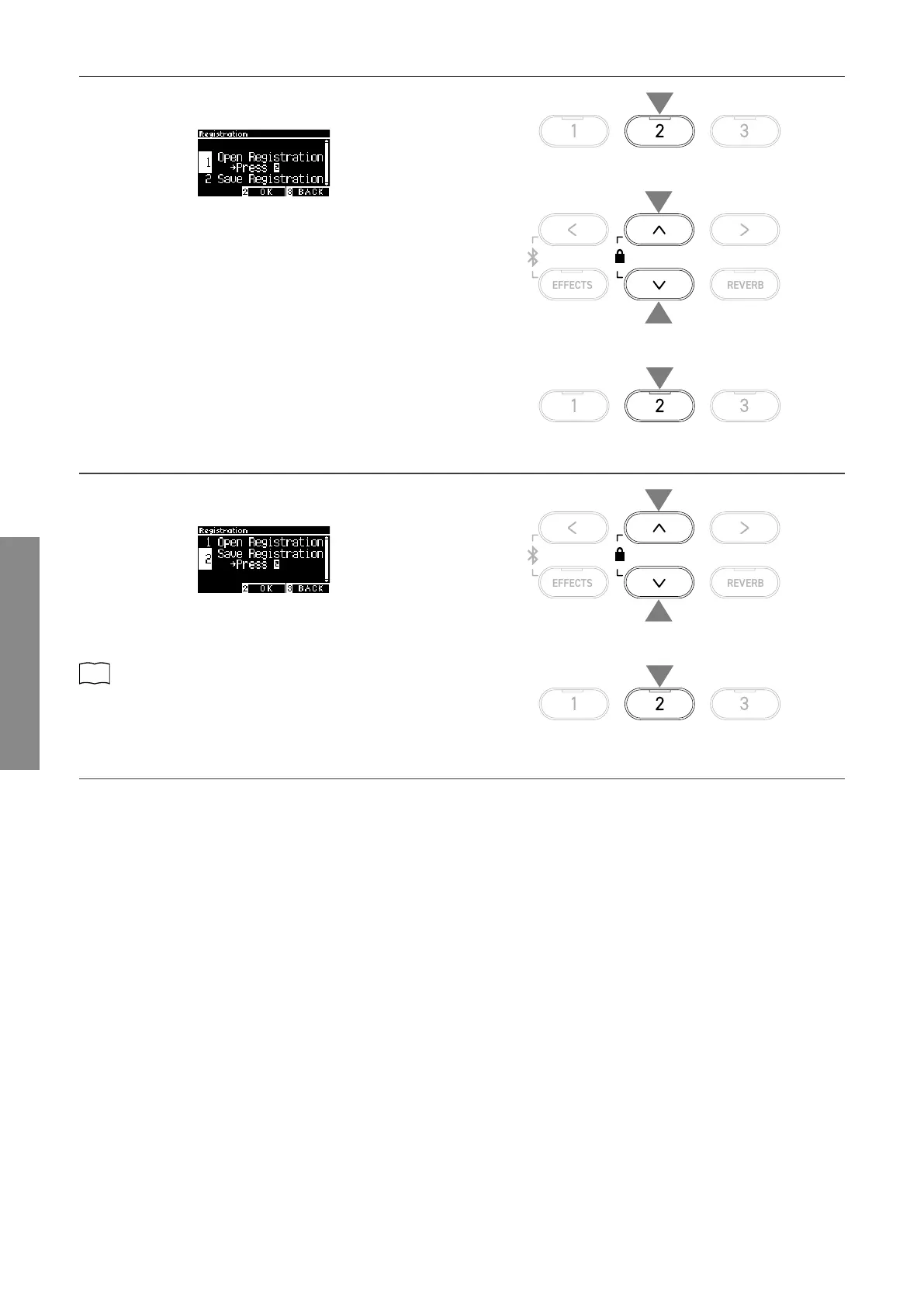
1. On the Registration screen, press the [2] button to enter the
Registration Edit screen.
Registration Edit screen
2. Press the [UP]/[DOWN] button to select the “Open Registra-
tion” function.
3. Press the [2] button.
• The instrument returns to the normal performance status
while retaining the registration settings. This allows checking
and editing of settings such as the sound and reverb.
▋ Saving the selected registration in a USB memory device
1. On the Registration Edit screen, press the [UP]/[DOWN] but-
ton to select “Save Registration”.
2. Press the [2] button to enter the screen to save the registra-
tion to a USB memory device.
P73
Save Registration Single
▋ Resetting all Registration memories
Press and hold the [REGISTRATION] button and [REC] button while turning the instrument’s power on to reset the registration settings
to factory settings.
2
2
1
3
1
1
2



 To Next Page