57
Adjustments & Settings
Settings Menu
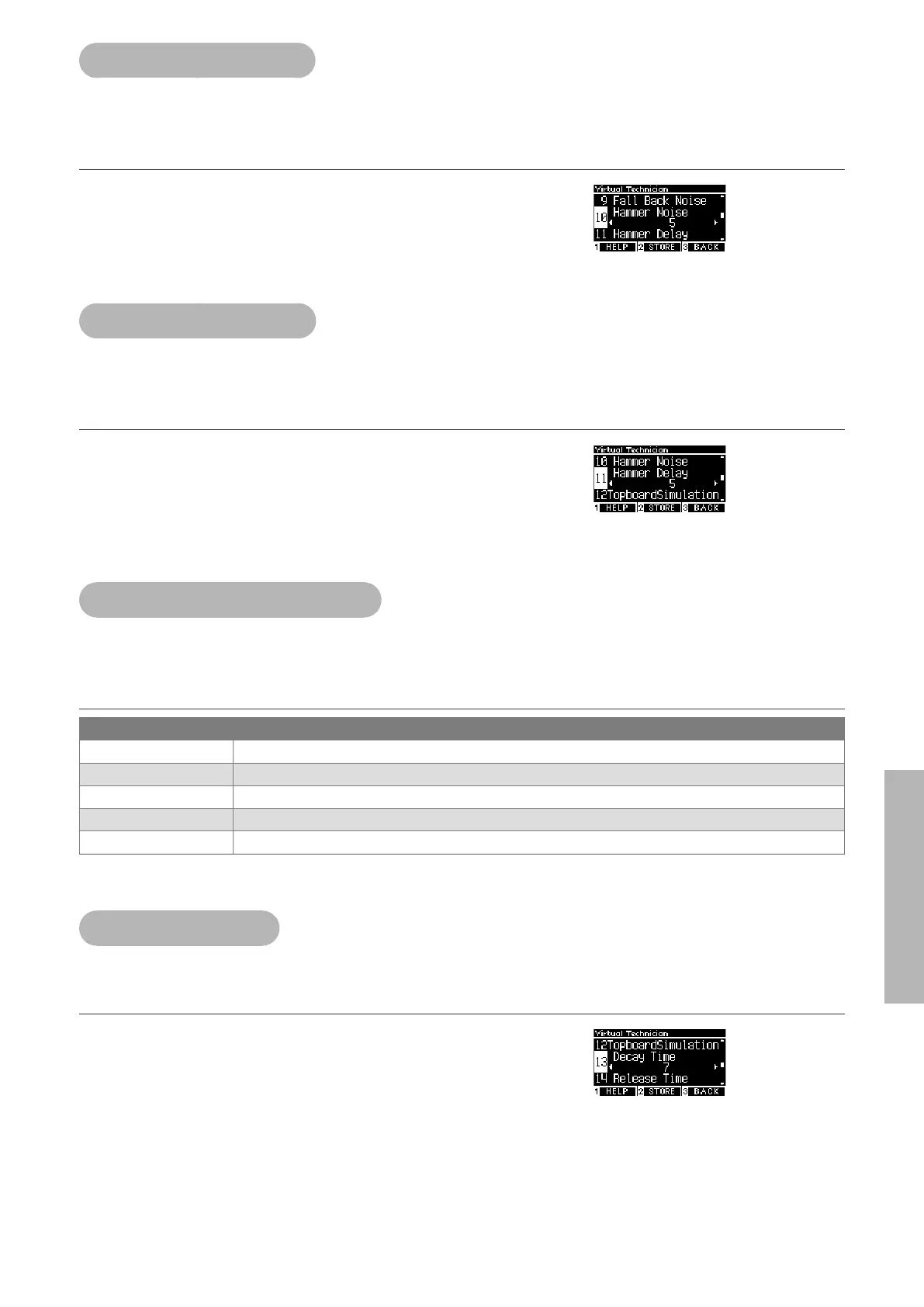
10 Hammer Noise
The Hammer Noise function allows to adjust the sound of the hammers’ hitting strings and the keys’ hit-
ting the key bed when acoustic pianos are played.
Adjusting the Hammer Noise volume
The value can be specied in the range from 1 to 10, or can be set
t o “ O ”.
“1” is the smallest and “10” is the greatest.
When set to “O”, Hammer Noise will not be produced.
11 Hammer Delay
Hammer Delay simulates the slight delay of the hammers’ hitting strings when acoustic pianos are played
in pianissimo.
Adjusting the Hammer Delay value
The value can be specied in the range from 1 to 10, or can be set
t o “ O ”.
“1” is the smallest hammer delay and “10” is the greatest hammer
delay.
When set to “O”, Hammer Delay will not be produced.
12 Topboard Simulation
Topboard Simulation simulates the dierence in the sound produced by the opening of the topboard of
grand pianos.
Topboard Simulation types
Topboard position Description
Open3 Reproduce the status where the topboard is completely open.
Open2 Reproduce the status where the topboard is half open.
Open1 Reproduce the status where the topboard is slightly open.
Closed1 Reproduce the status where the topboard is closed except the front lid.
Closed2 Reproduce the status where the topboard is completely closed.
13 Decay Time
The Decay Time function allows to adjust the duration of the sound decay after keys are pressed.
Adjusting the Decay Time volume
The value can be specied in the range from 1 to 10.
“1” is the shortest decay and “10” is the longest decay.


 To Next Page