56
Adjustments & Settings
Settings Menu
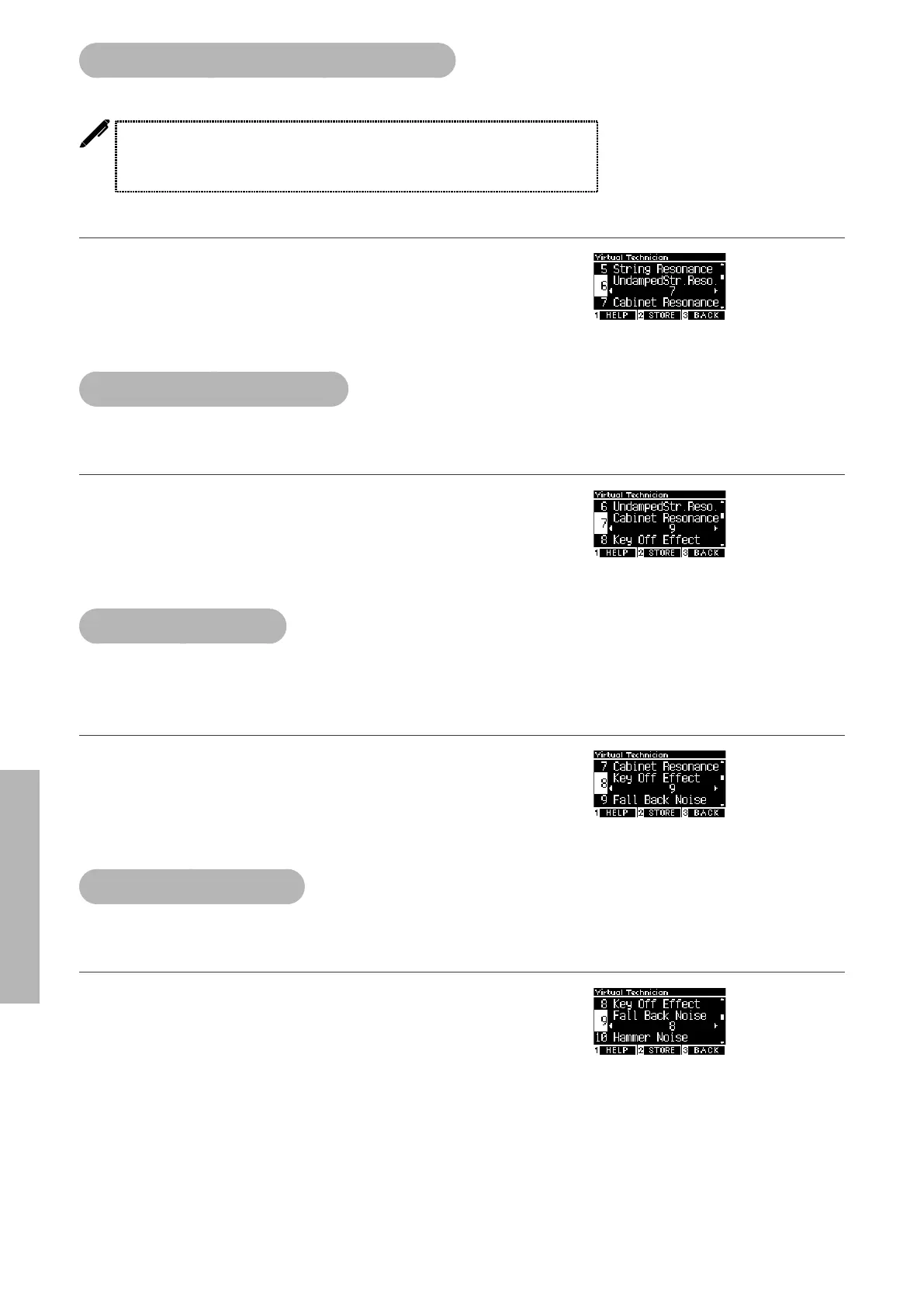
6 Undamped String Resonance
Undamped String Resonance simulates the string resonance in the undamped topmost keys.
• The display shows “UndampedStr.Reso.”.
• Topmost keys of grand pianos are undamped; therefore, they are always free to
vibrate regardless of whether the damper pedal is pressed or not.
Adjusting the Undamped String Resonance volume
The value can be specied in the range from 1 to 10, or can be set
t o “ O ”.
“1” is the lightest and “10” is the deepest.
When set to “O”, resonance will not be produced.
7 Cabinet Resonance
Cabinet Resonance simulates the cabinet resonance of grand pianos.
Adjusting the Cabinet Resonance volume
The value can be specied in the range from 1 to 10, or can be set
t o “ O ”.
“1” is the lightest and “10” is the deepest.
When set to “O”, Cabinet Resonance will not be produced.
8 Key-o Eect
Key-o Eect simulates the sound of the damper’s touching the string immediately before the sound
stops.
Adjusting the Key-o Eect volume
The value can be specied in the range from 1 to 10, or can be set
t o “ O ”.
“1” is the lightest and “10” is the deepest.
When set to “O”, Key-o Eect will not be produced.
9 Fall-back Noise
Fall-back Noise simulates the noise from the key action when keys are released.
Adjusting the Fall-back Noise volume
The value can be specied in the range from 1 to 10, or can be set
t o “ O ”.
“1” is the smallest and “10” is the greatest.
When set to “O”, Fall-Back Noise will not be produced.



 To Next Page