86
Recorder
Audio Record/Playback (USB memory)
Moving the playback position (seek)
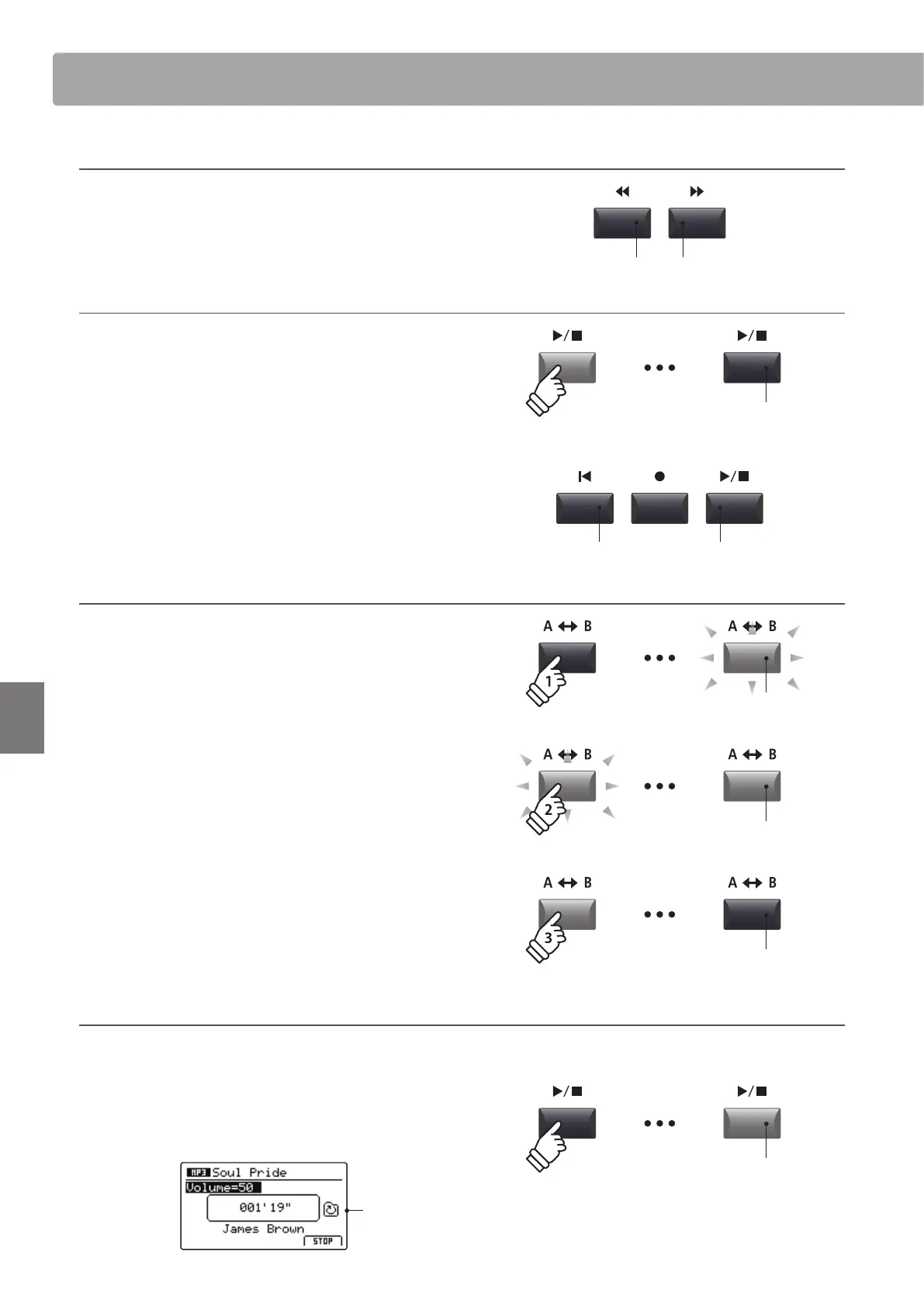
Press the or recorder control buttons to rewind or fast-
forward the playing position of the audio le .
* The playback position can be moved both before and during playback.
6. Stopping audio le playback
While an audio le is playing:
Press the / recorder control
button.
The LED indicator for the / button will turn OFF, and audio le
playback will stop.
Press the /
button again to continue playback from the stopped
position, or the
button to reset the playback position to the
beginning of the audio le.
* The F4 function button (STOP) can also be used to reset audio playback.
A-B Repeat function
The A-B Repeat function allows one section of an audio le to be
repeated continuously (looped). This function can be activated
both before and during audio le playback.
Press the A B recorder control button once to set the start
point of the loop.
The LED indicator for the A B button will start to ash.
Press the A B button again to set the end point of the loop.
The LED indicator for the A B button will turn ON and the
specied section will repeat continuously.
Press the A B button once again to cancel the loop.
The LED indicator for the A B button will turn OFF and normal
playback will resume.
Chain Play mode
Chain Play mode allows all audio les stored in a folder to be played continuously, in sequence.
Press and hold the / recorder control button.
The Chain Play icon will be shown in the LCD display, and the
audio les will start to play continuously, in sequence.
Chain Play
activated
LED indicator ON:
Playback is in progress
button:
Fast-Forward
button:
Rewind
button:
Reset position
/ button:
Resume playback
LED indicator OFF:
Playback has stopped
LED indicator ashing:
Start point of the loop set
LED indicator ON:
End point of the loop set, loop activated
LED indicator OFF:
Loop deactivated, normal playback resumes
hold



 To Next Page