34
Keyline S.p.A. NINJA Man. cod. B409286FG Copyright by Keyline - Italy
ITALIANO / ENGLISH
SET UP SET UP
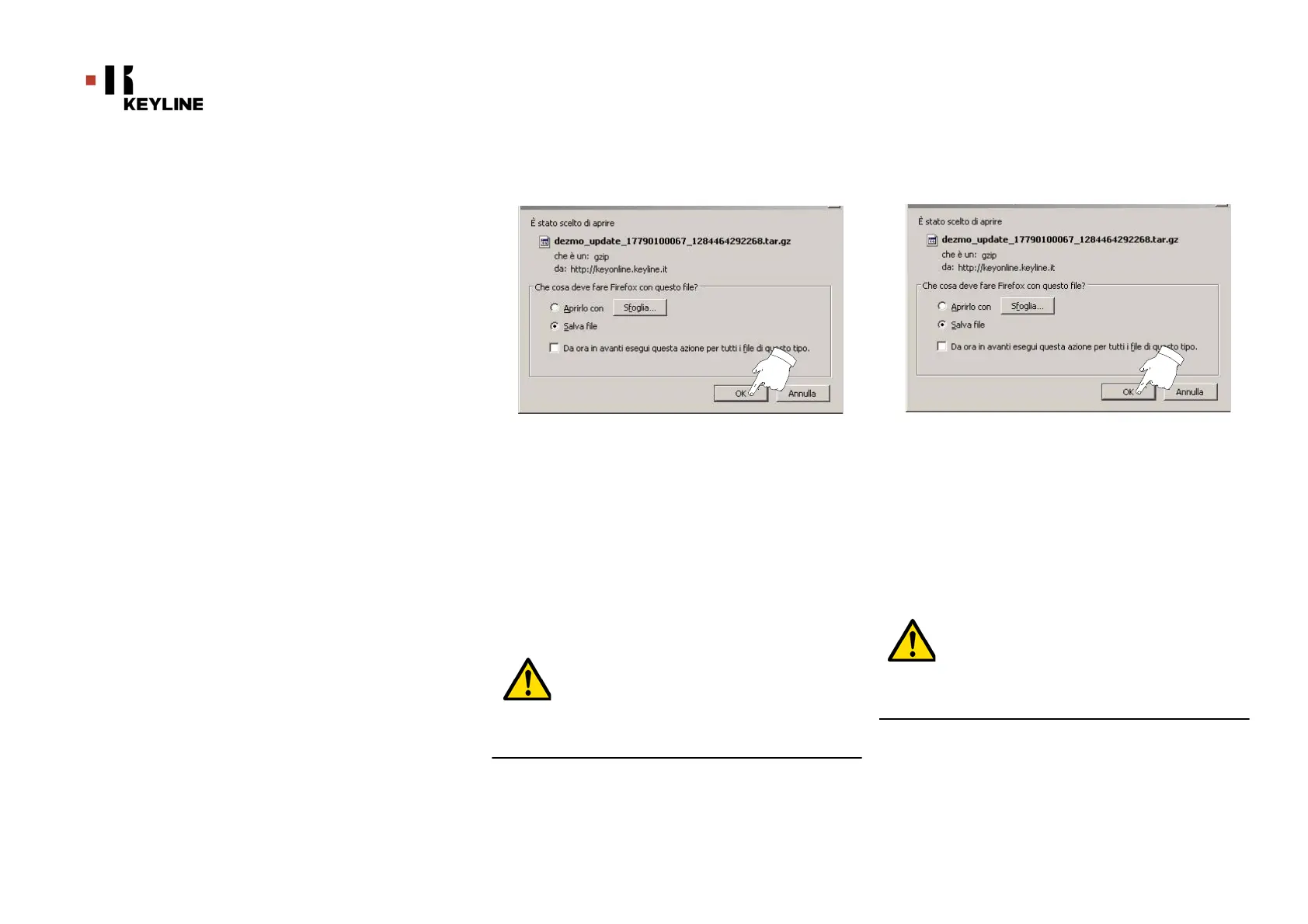
Nota: Il download potrebbe richiedere qualche minuto, è
necessario attendere il completamento del processo.
8. Al termine, rimuovere la chiavetta e collegarla
nuovamente alla macchina.
Nota: Il pacchetto scaricato può essere utilizzato solo dalla
macchina con la quale si è iniziata la procedura di
aggiornamento.
9. Dopo aver collegato la chiavetta USB alla macchina,
premere il pulsante "CONTINUA". Gli aggiornamenti
verranno analizzati e caricati nella memoria della
macchina.
Durante questa fase potrebbero apparire messaggi
che segnalano la presenza di errori all'interno del
pacchetto, l’assenza o invalidità della licenza. In
questi casi assicurarsi di aver usato la stessa chia-
vetta USB collegata inizialmente alla macchina per il
processo di aggiornamento. Contattare il Servizio
Assistenza KeyLine per eventuali problematiche.
Note: The download may require some minutes, it is necessary
to wait for the process to end.
8. At the end, remove the flash drive and connect it again to
the machine.
Note: The downloaded package can be used only by the ma-
chine with which the update procedure was started.
9. After connecting the USB flash drive to the machine,
press NEXT. The updates shall be analysed and loaded in
the machine's memory.
During this phase, messages may appear stating the
presence of errors in the package, the absence or in-
validity of the licence. In these cases, check that you
have used the same USB flash drive that you con-
nected to the machine at the beginning of the update
process. Contact the KeyLine Service Centre to solve
any problems.



 To Next Page