COMPACT AHU WITH HEAT RECOVERY EVO-T +
OPERATION AND MAINTENANCE MANUAL
94
At the settings listed above the system will operate as fol-
lows: From 00:00 to 08:00 -> system stop,
From 08:00 to 10:00 -> system operating at max output in
order to heat up the room,
From 10:00 a.m. to 2:00 p.m. – > System operation in econo-
my mode, From 2:00 p.m. to 6:00 p.m. – > System operation
in economy mode, From 6:00 p.m. to midnight – > System
stop.
„K5+2” type calendar programming method
The „K5+2” calendar has got separate settings for workdays
(Pn-Pt, Monday-Friday) and separate settings for weekends
(Sob-Nd, Saturday-Sunday)
and it is set in similar way as the „K1” calendar
„K7” type calendar programming method
„K7” calendar has got separate settings for each weekday
You can set the date and time of the real time clock in the
calendar settings. When the operation mode is set to
„Calendar” the control will be carried out according to the
stored programmes. The calendar contains daily programs
and exceptions.
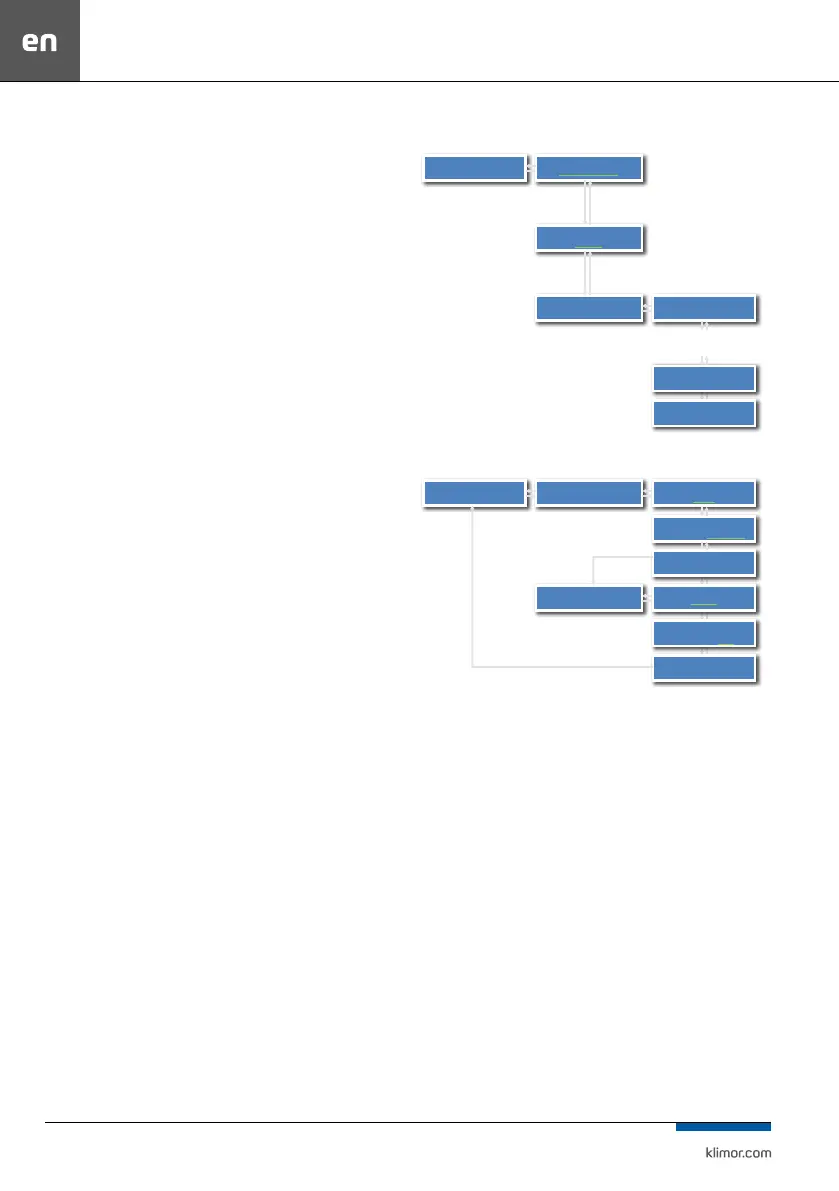
Calendar menu
…
EXCEPTIONS
SUNDAY
MONDAY ->
CALENDAR ->
SET DATE:
Fr 06-03-15
SET TIME:
13:43
K7:PONND ->
OK
OK
C
C
Setting the operating mode for Monday
SAVE
SAVE
TIME FROM:
10:00
Select the mode of
operation
Eco
Select the mode of
operation
Komfort
TIME FROM:
8:00
MONDAY -> NEW >
NEW ->
OK
OK OK
C
C C
OK – Saving the
program
Press C button to move back to higher level menu
without saving the program.
Press C button to move back to higher level menu without
saving the program.



 To Next Page